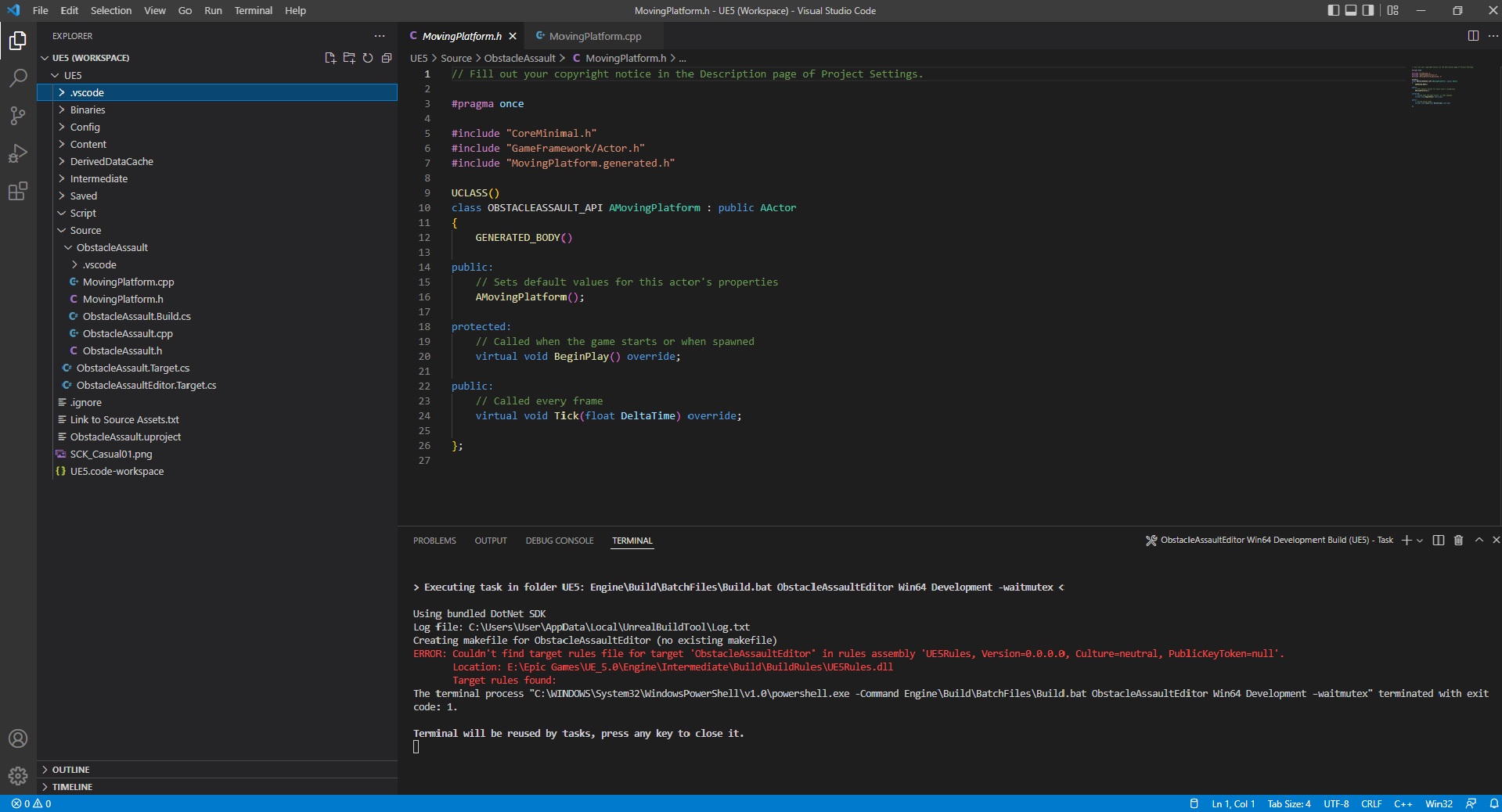
This is the error message I get when I try to run the build task:
Using bundled DotNet SDK
Log file: C:\Users\User\AppData\Local\UnrealBuildTool\Log.txt
Creating makefile for ObstacleAssaultEditor (no existing makefile)
ERROR: Couldn’t find target rules file for target ‘ObstacleAssaultEditor’ in rules assembly ‘UE5Rules, Version=0.0.0.0, Culture=neutral, PublicKeyToken=null’.
** Location: E:\Epic Games\UE_5.0\Engine\Intermediate\Build\BuildRules\UE5Rules.dll**
** Target rules found:**
The terminal process “C:\WINDOWS\System32\WindowsPowerShell\v1.0\powershell.exe -Command Engine\Build\BatchFiles\Build.bat ObstacleAssaultEditor Win64 Development -waitmutex” terminated with exit code: 1.
Terminal will be reused by tasks, press any key to close it.
Screenshot: