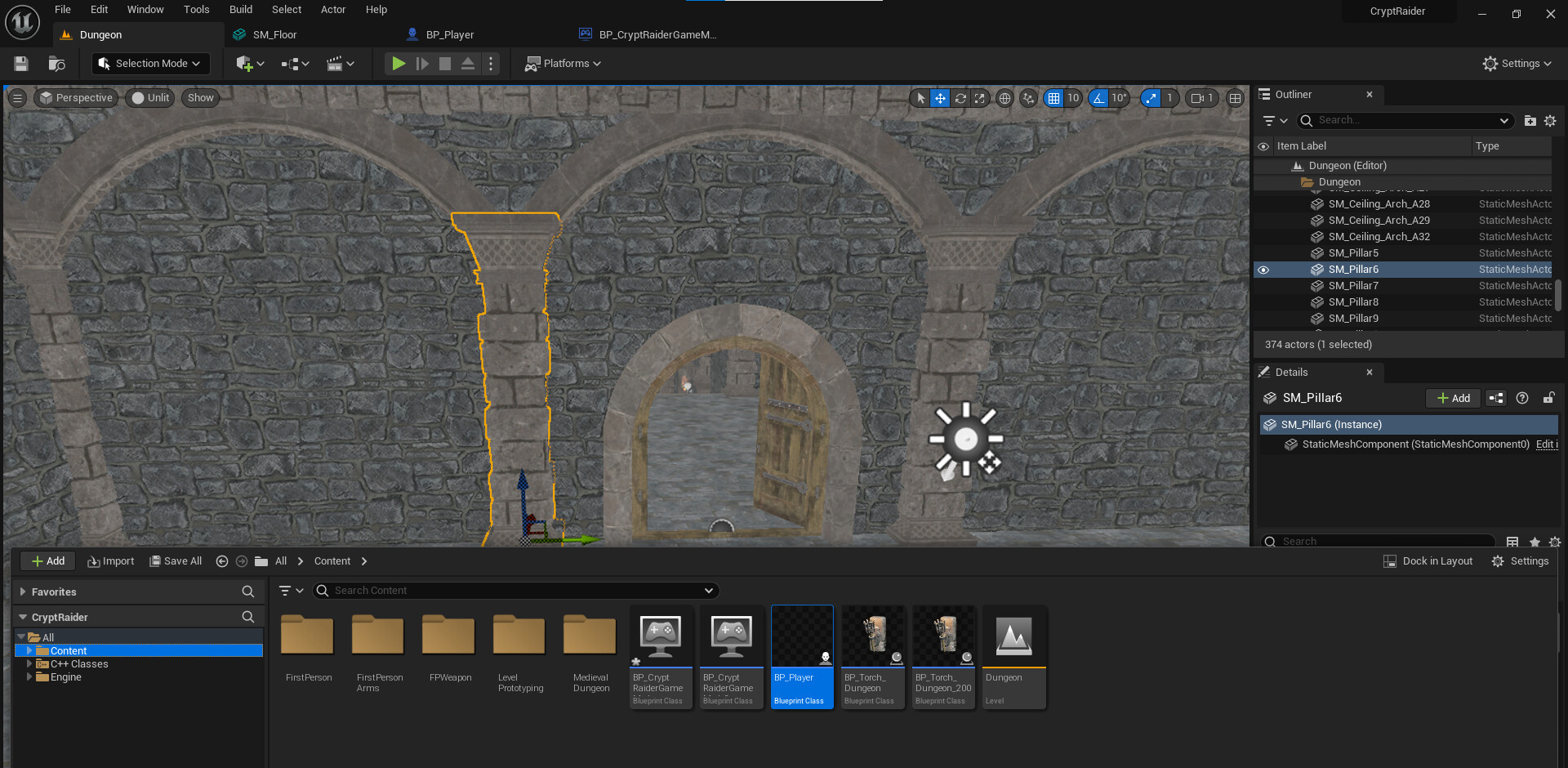
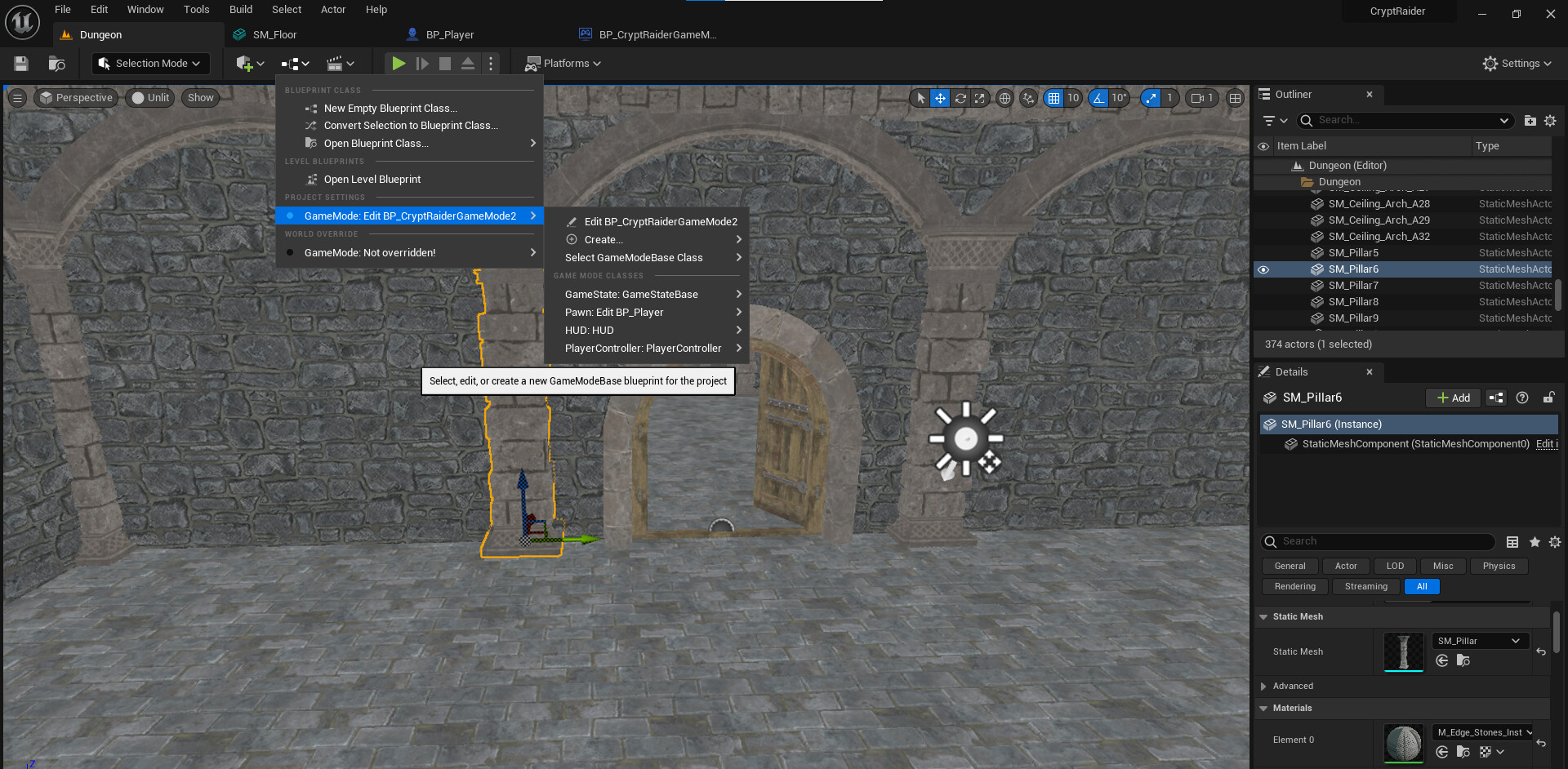
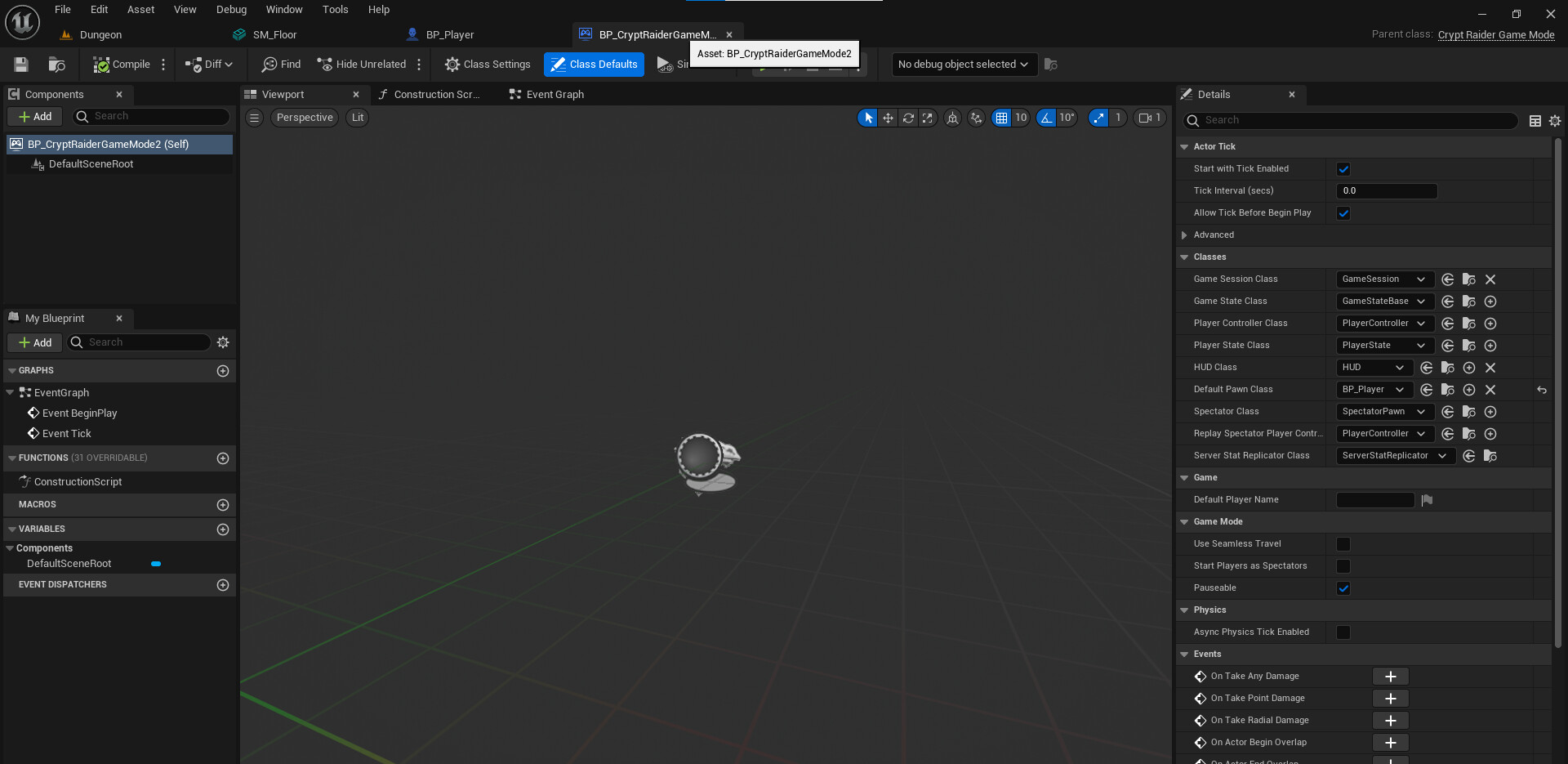
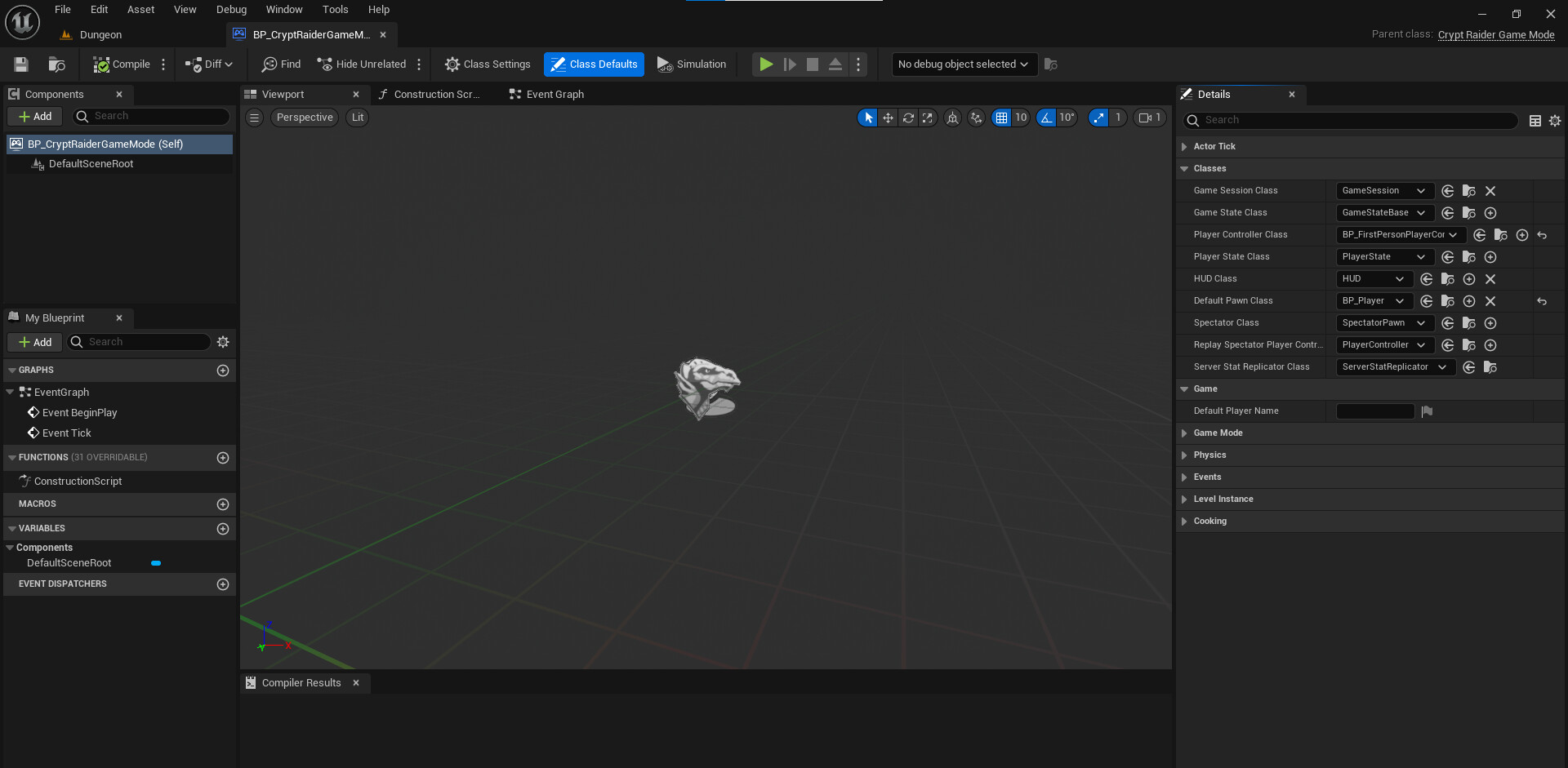
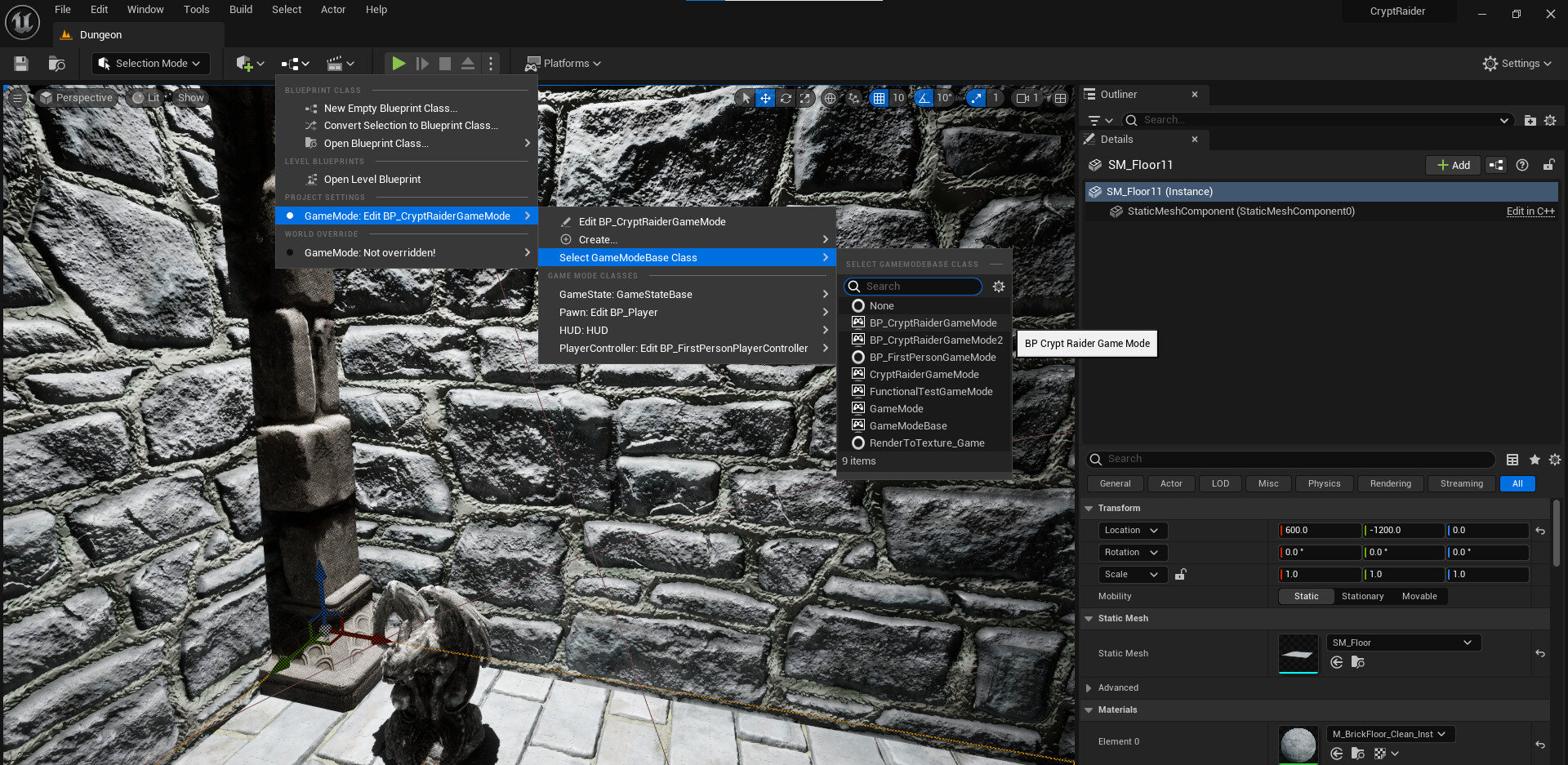
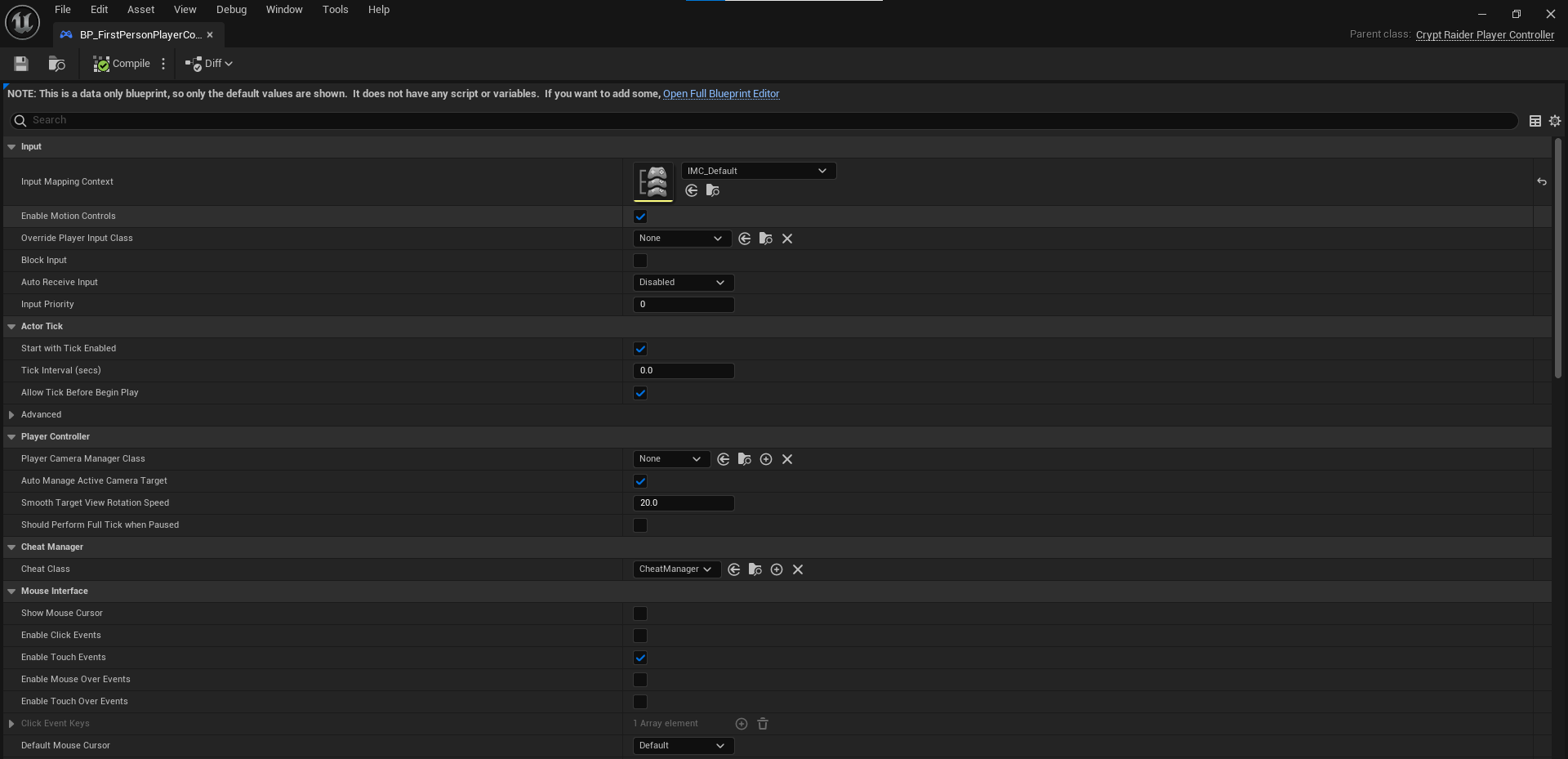
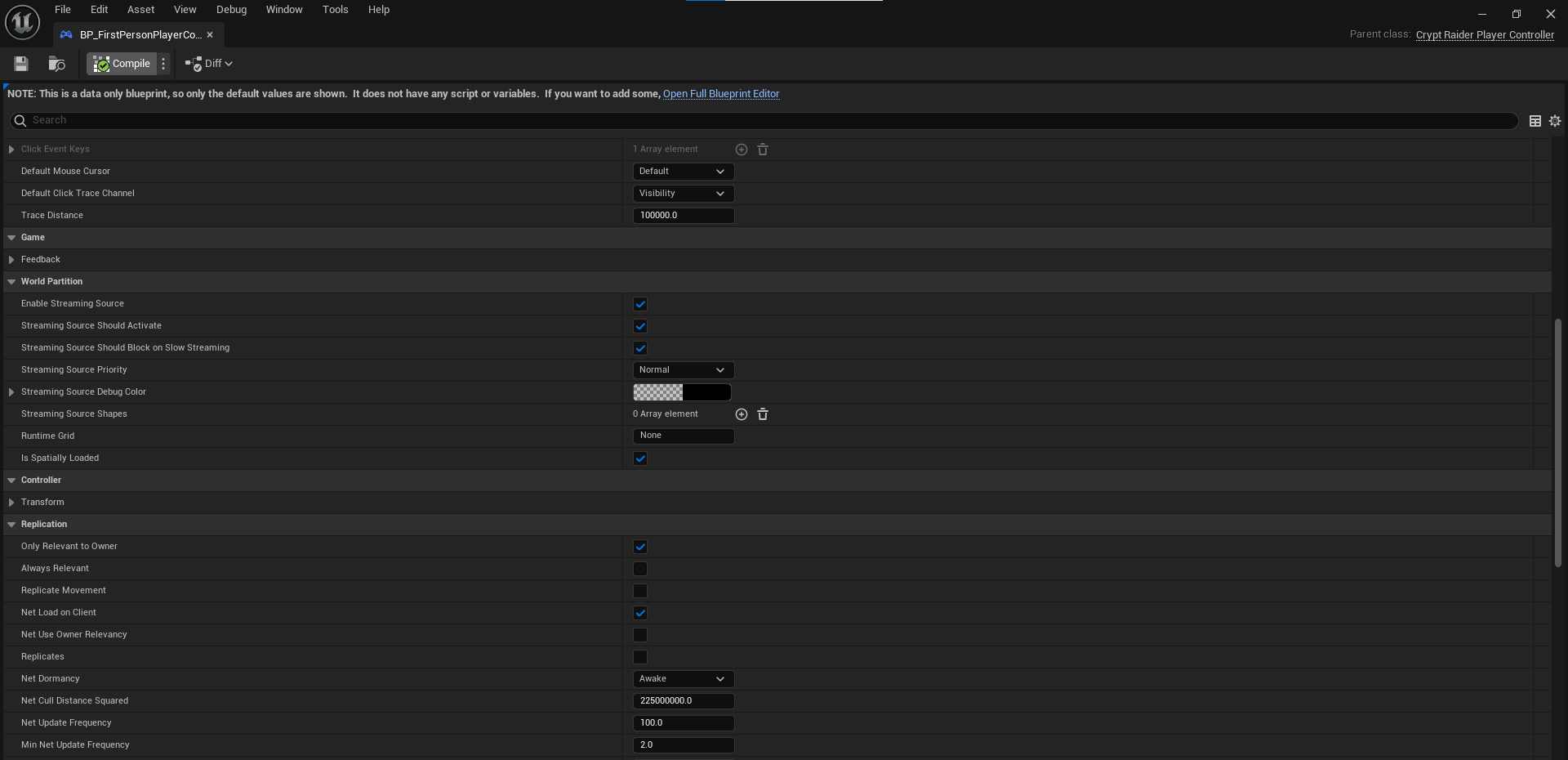
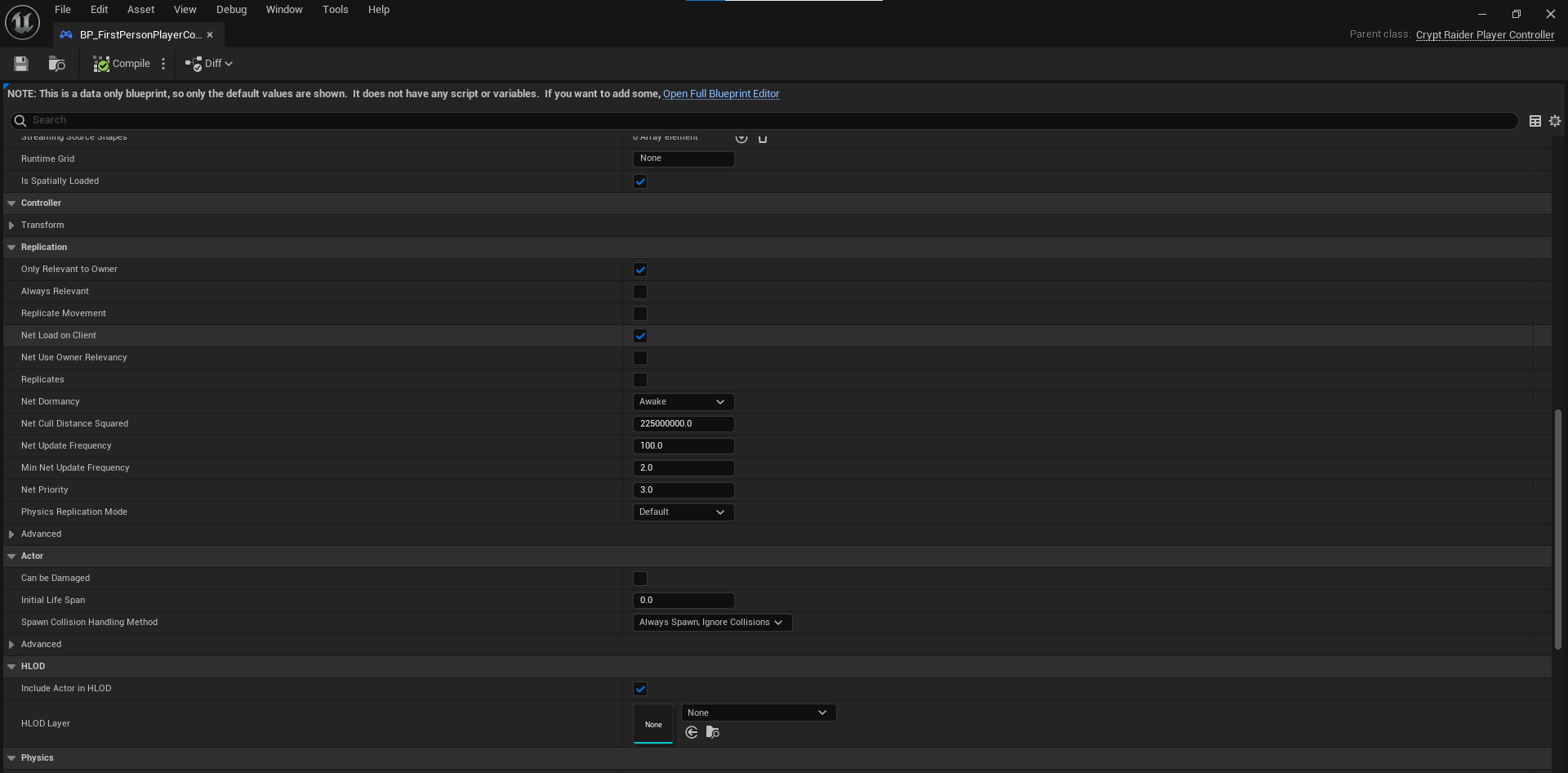
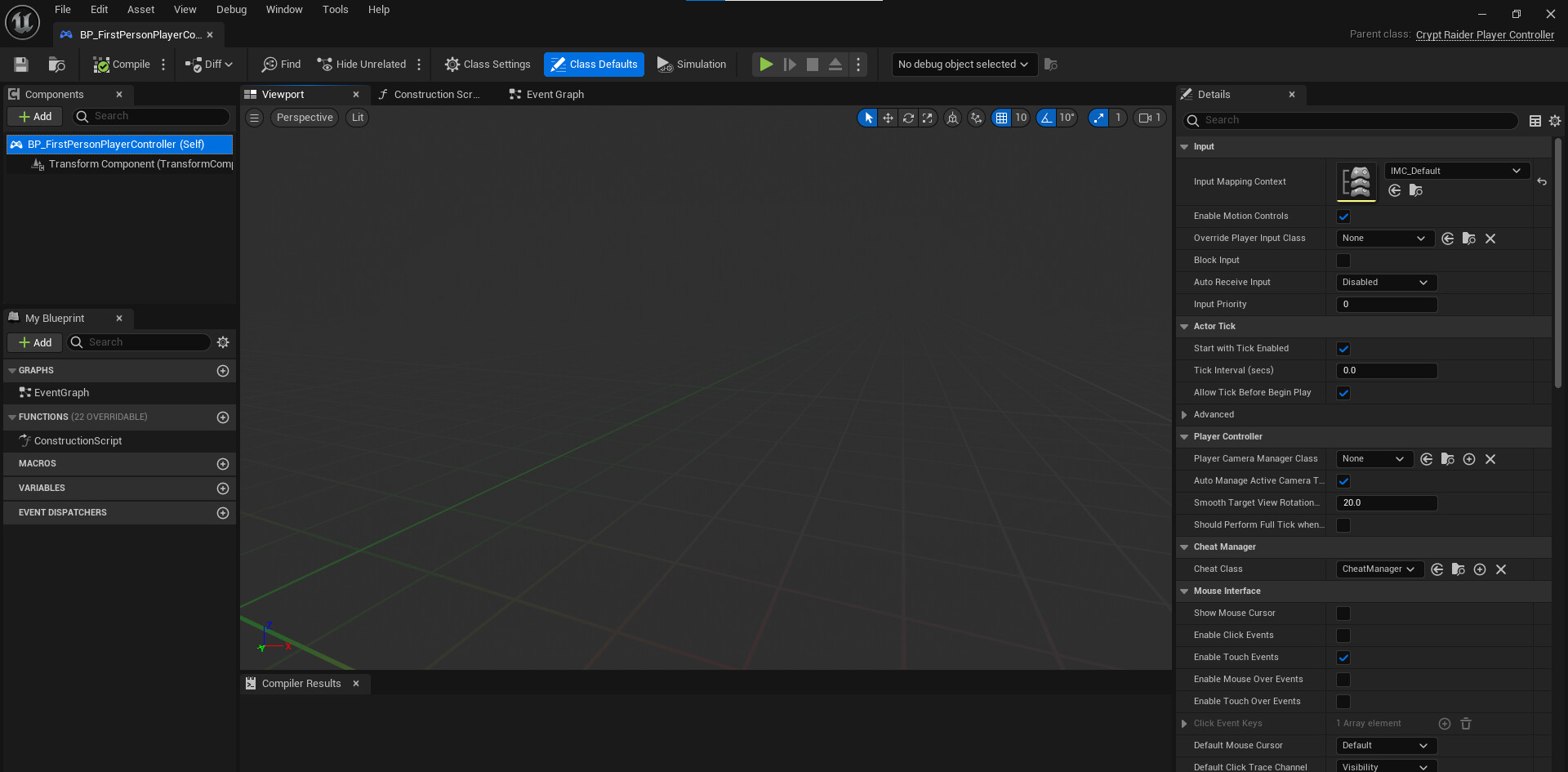
The one made with GameMode2 was newly made because the previous GameMode was in error.
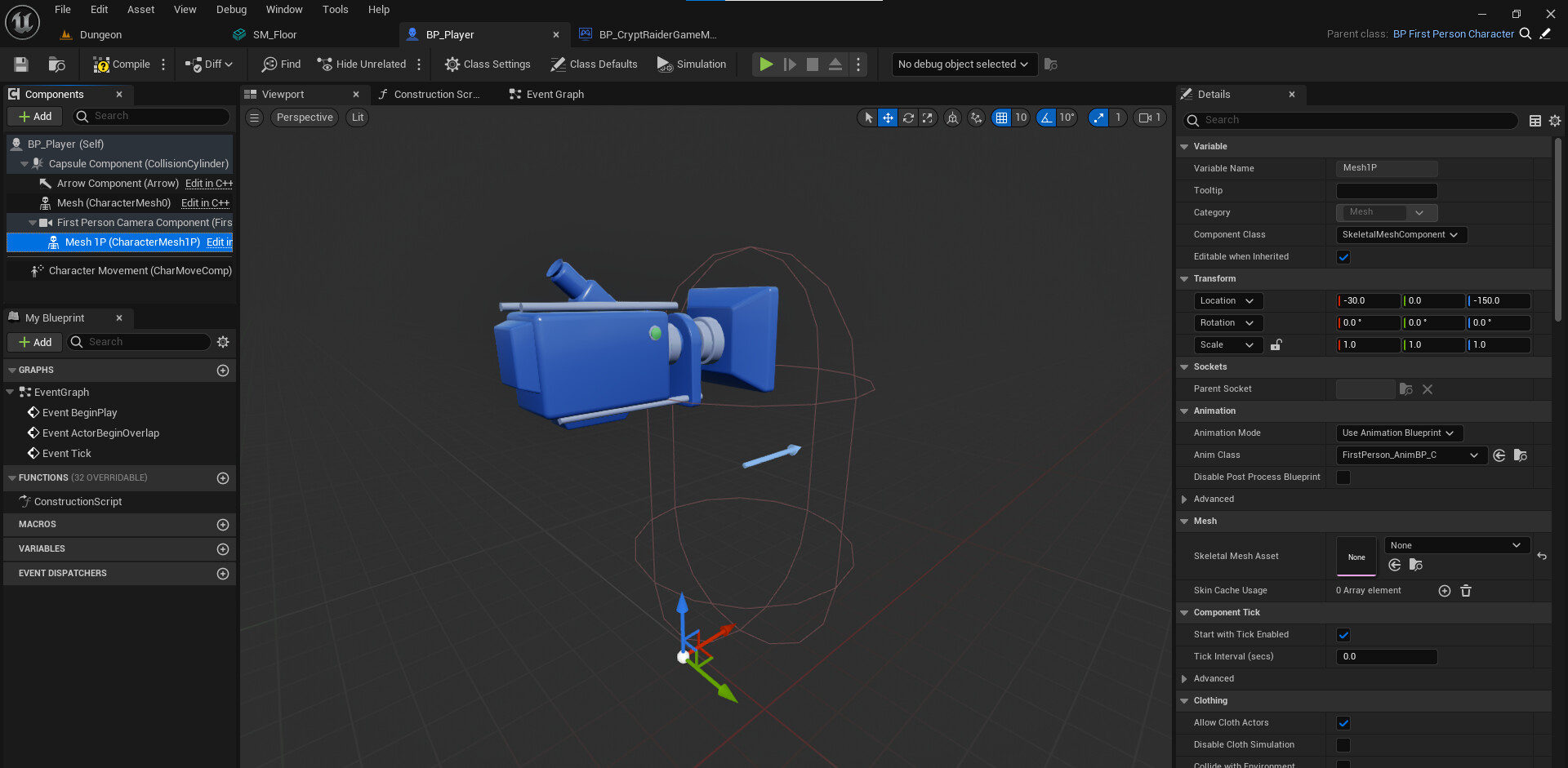
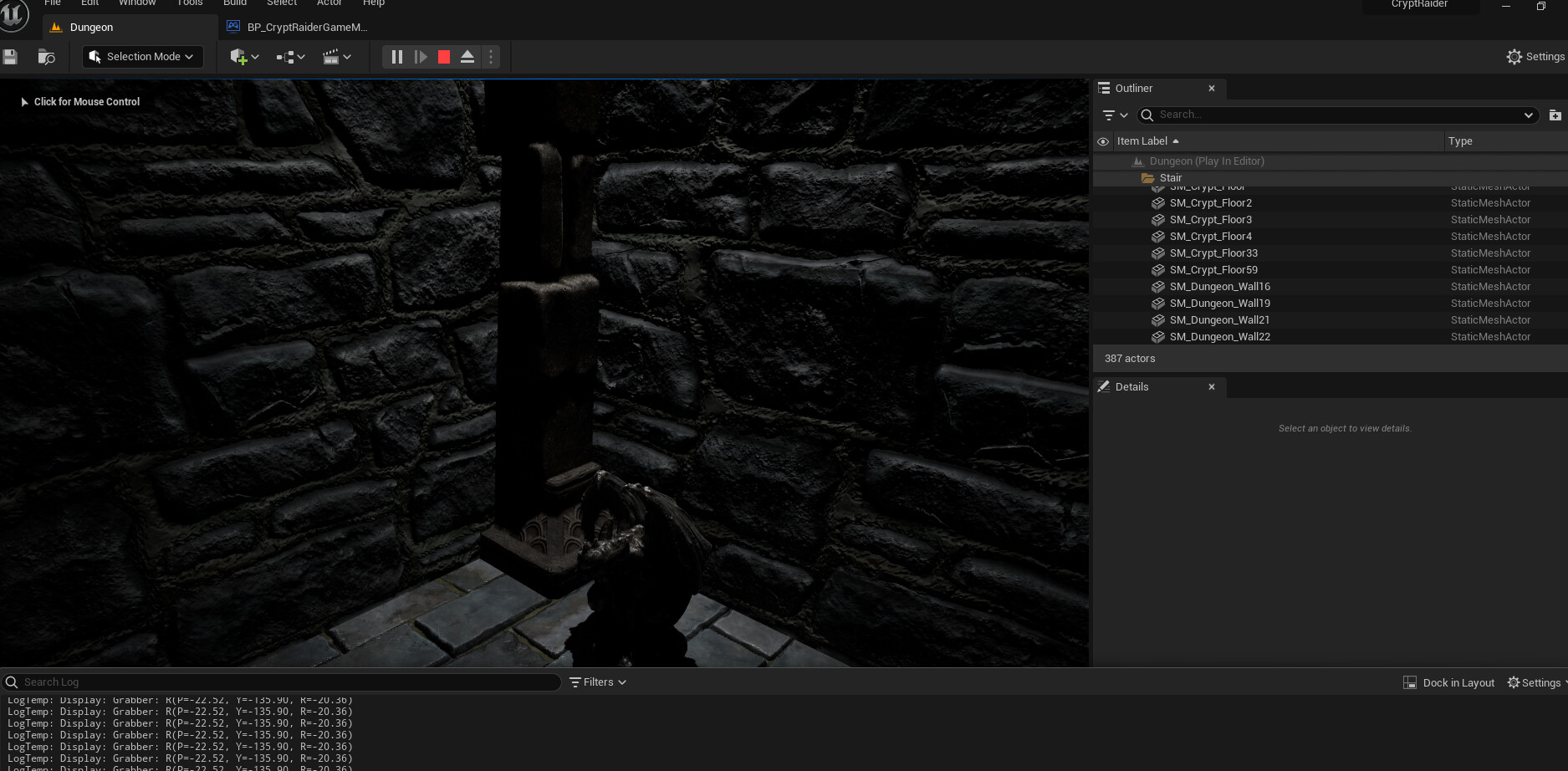
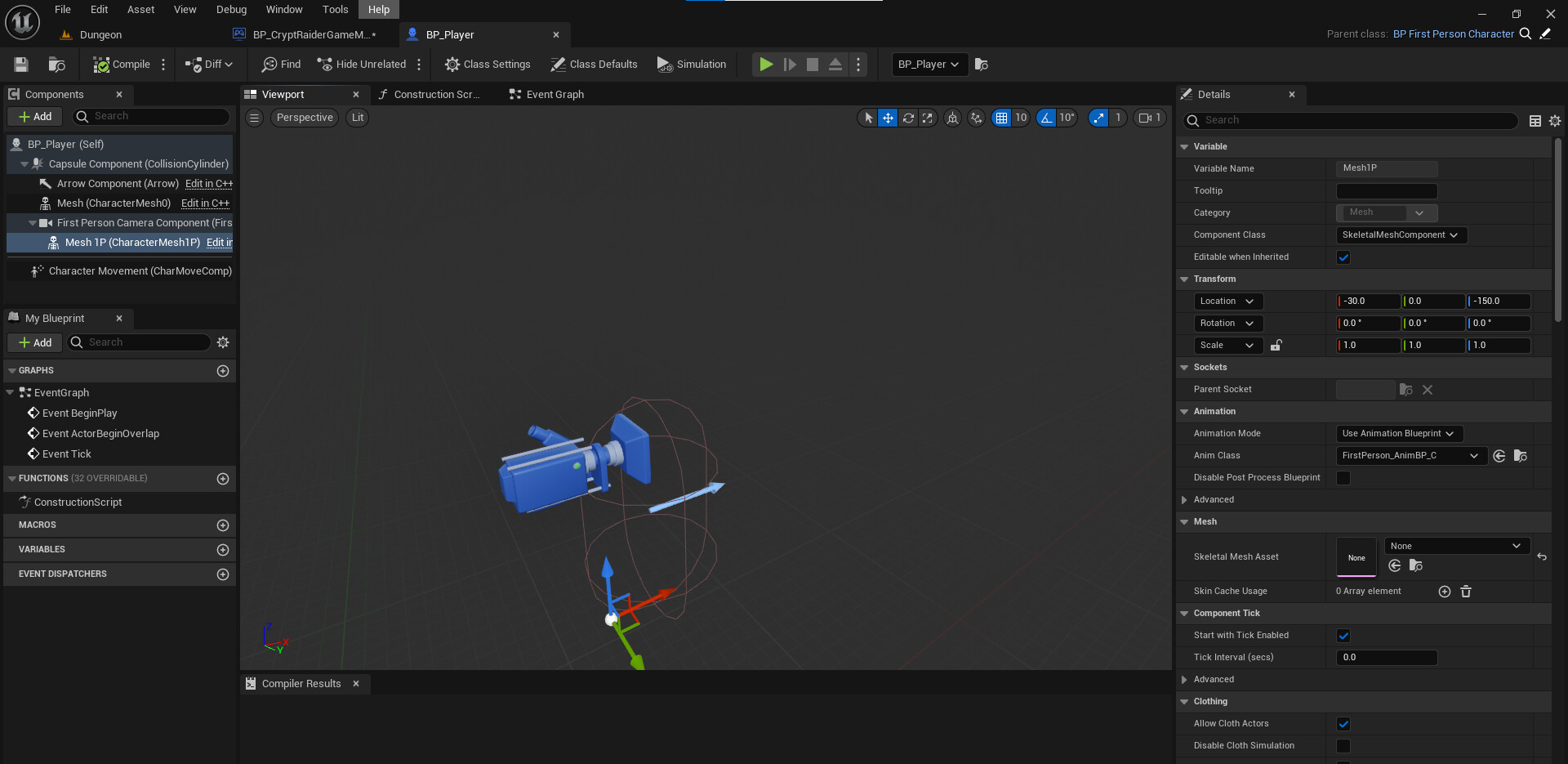
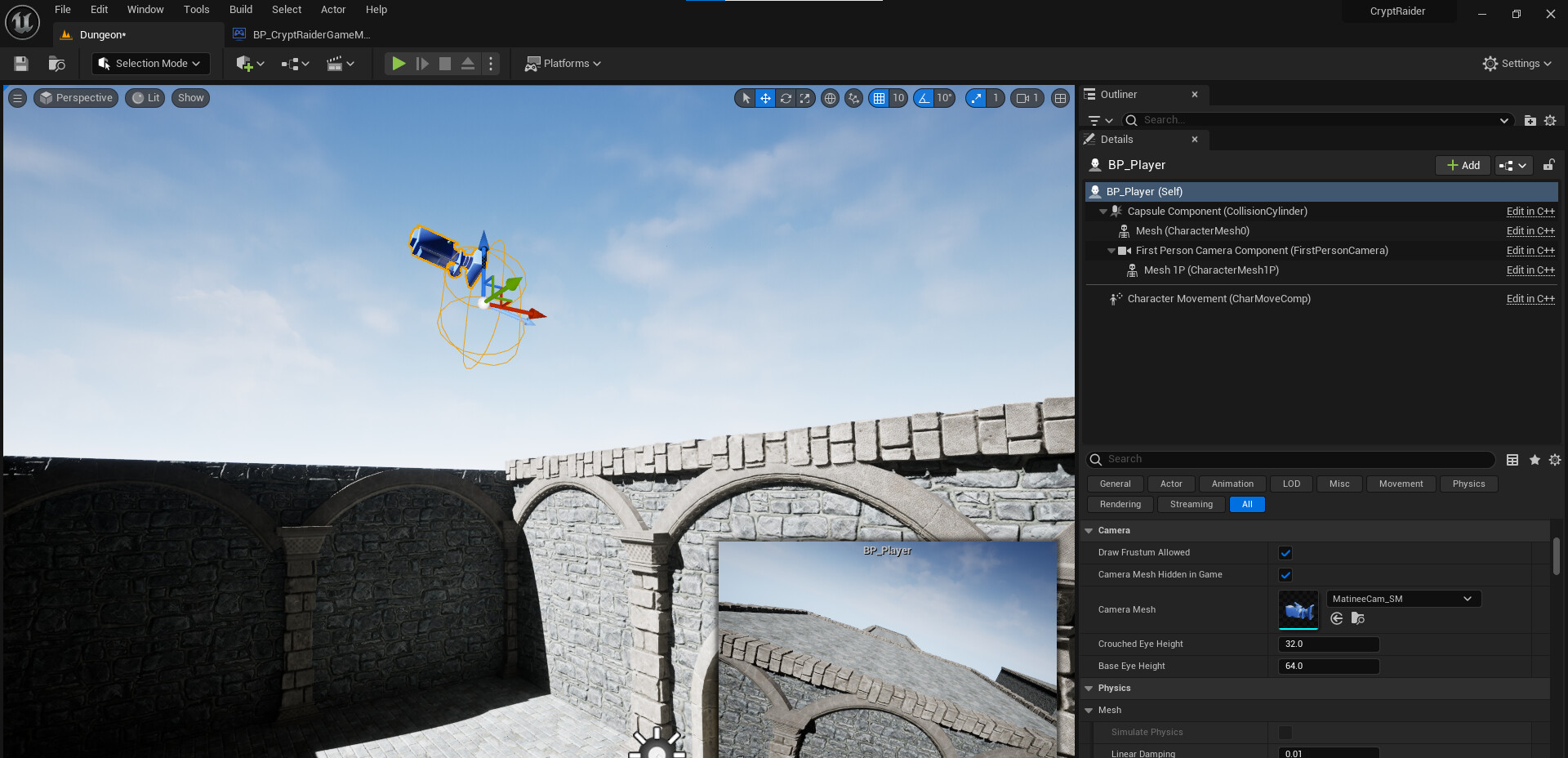
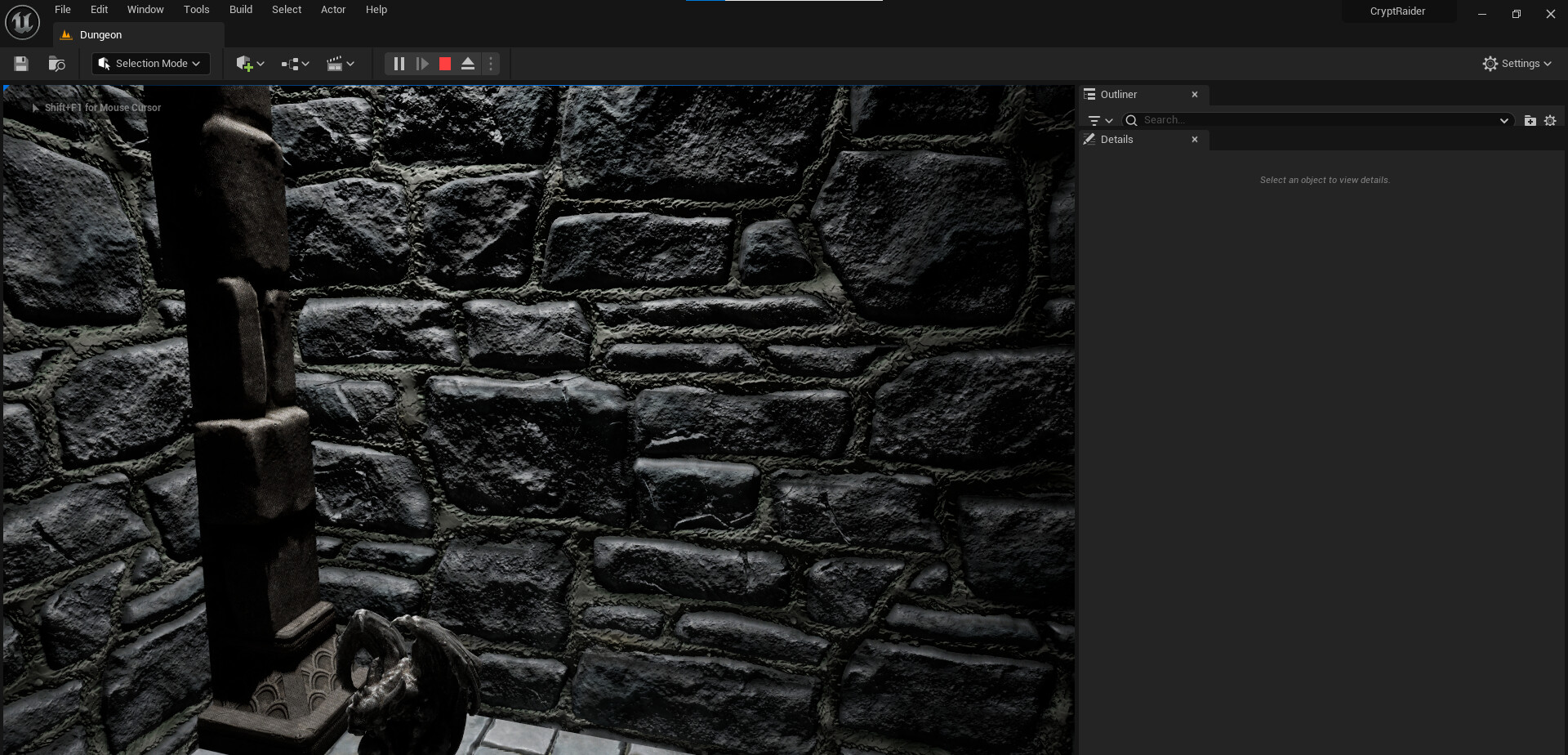
I set up BP_Player as described in this lecture, but when I start the game, the player won’t move. Why?
Unreal Engine 5 C++ Developer: Character Blueprint Lecture from the C++ Learning and Creating Video Games Lecture.
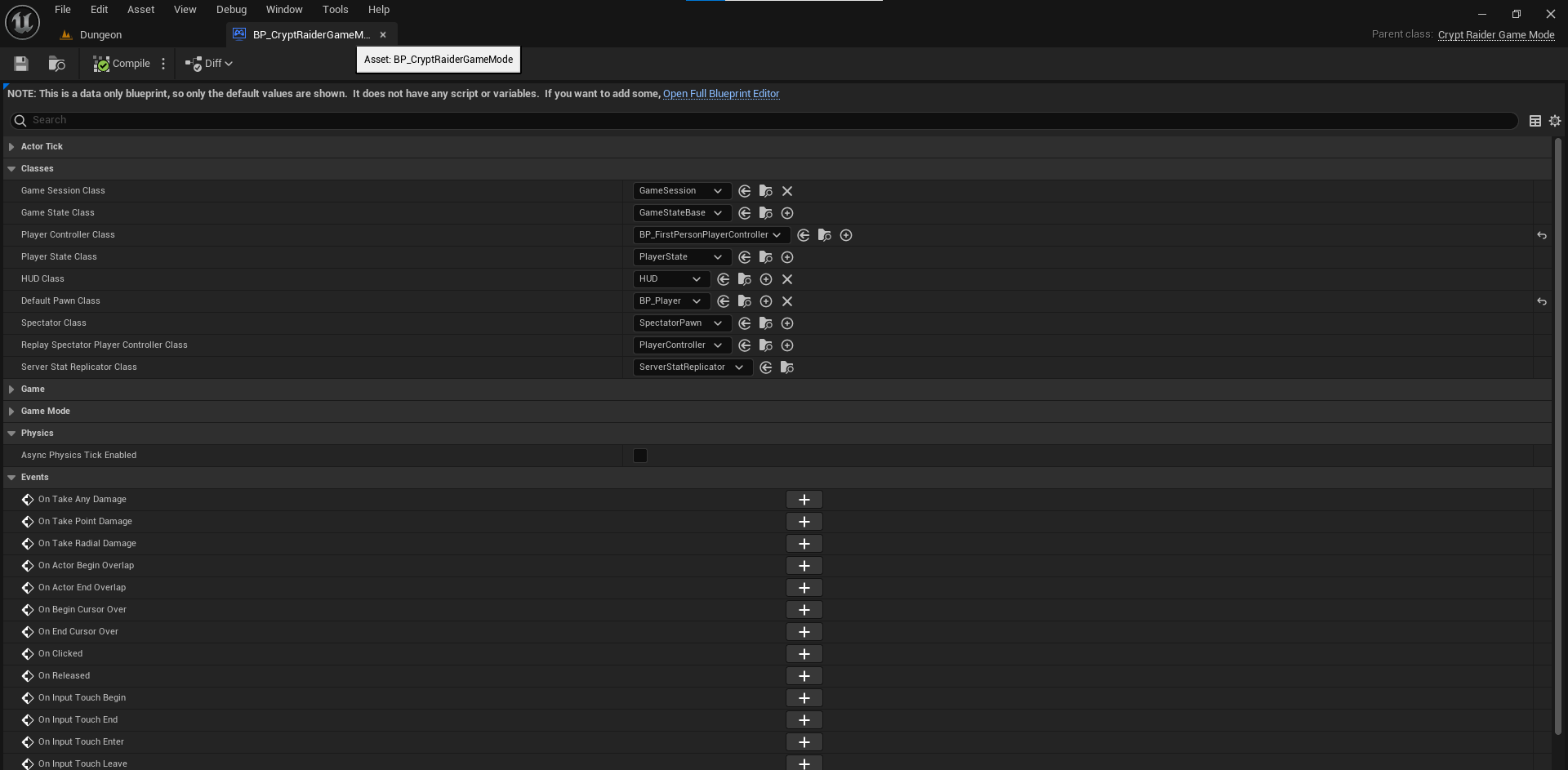
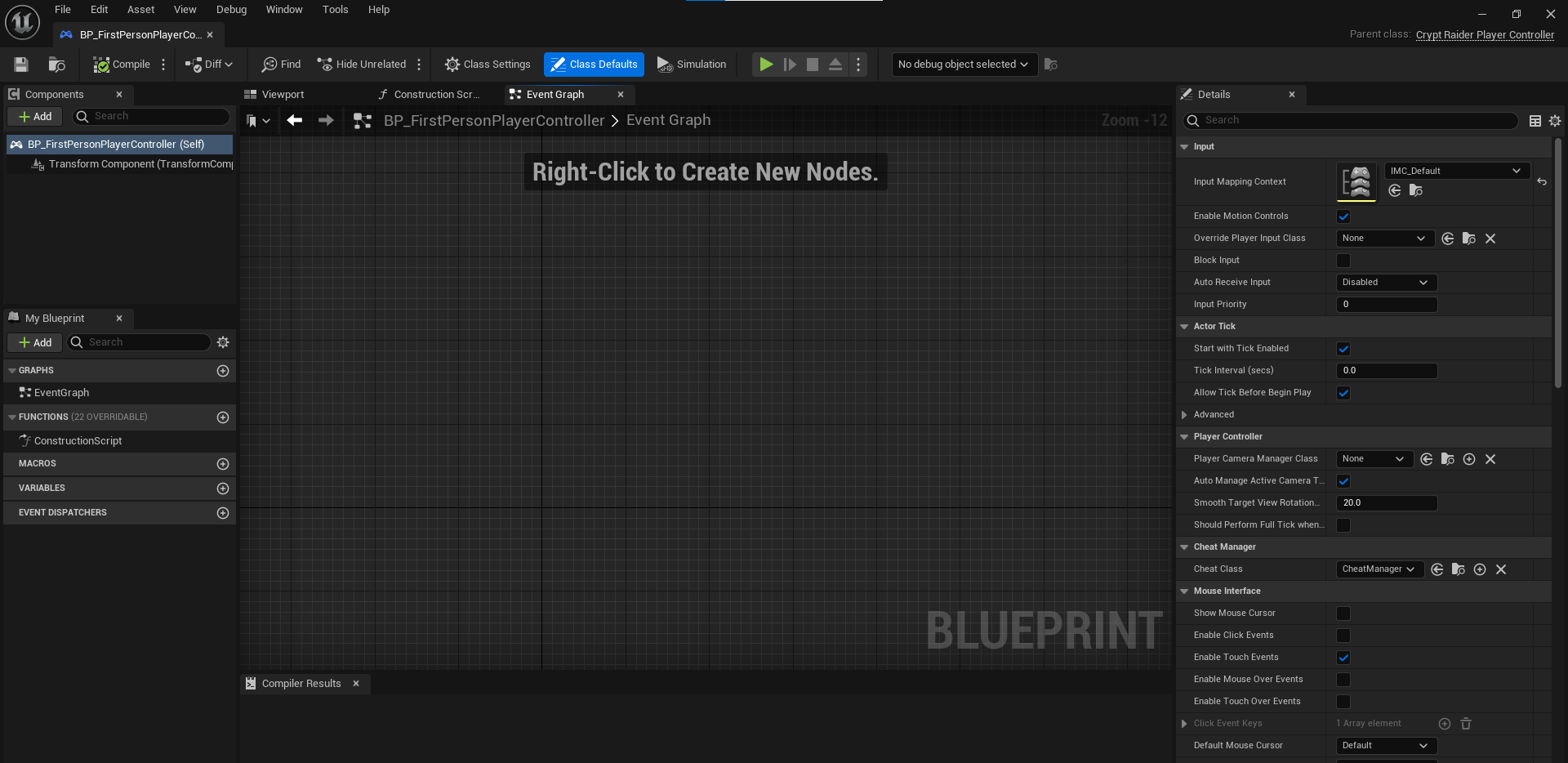
The first person template is now using Enhanced Input and it seta that up in its player controller. So for your player controller class set it to BP_FirstPersonPlayerController
I don’t know if it’ll help, but I’ll tell you more. When I move BP_Player, the game start sponge position changes. But it doesn’t change my field of view or move.
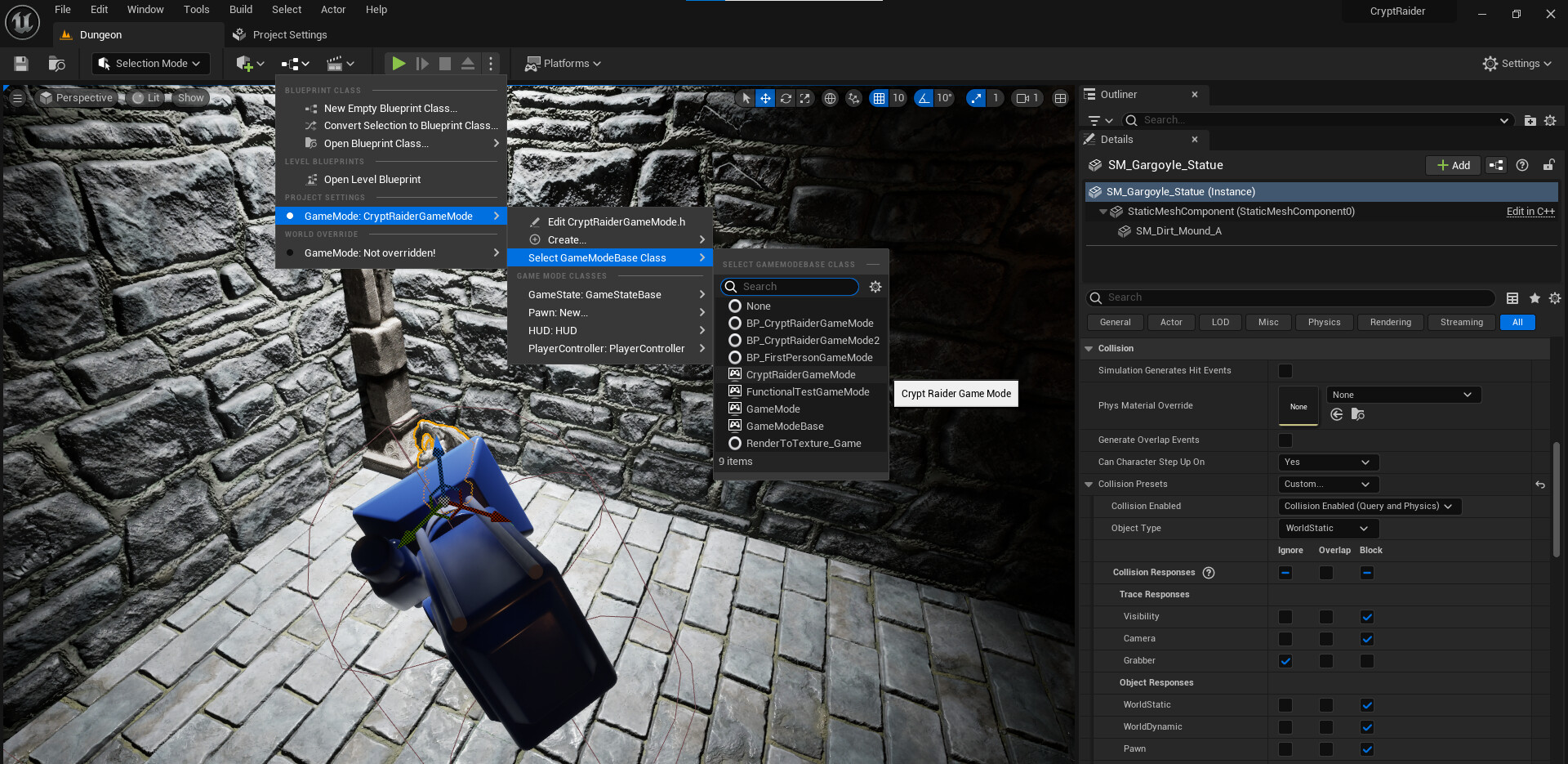
That shows that you aren’t using it. The game mode you are editing is BP_CryptRaiderGameMode (can’t see the rest of the name) and the one you have selected is CryptRaiderGameMode (the C++ class not the blueprint).
I understood that you are erasing BP_FirstPersonPlayerController and bringing in a new BP_FirstPersonPlayerController. But I can’t think of the process of doing it, can you tell me how?
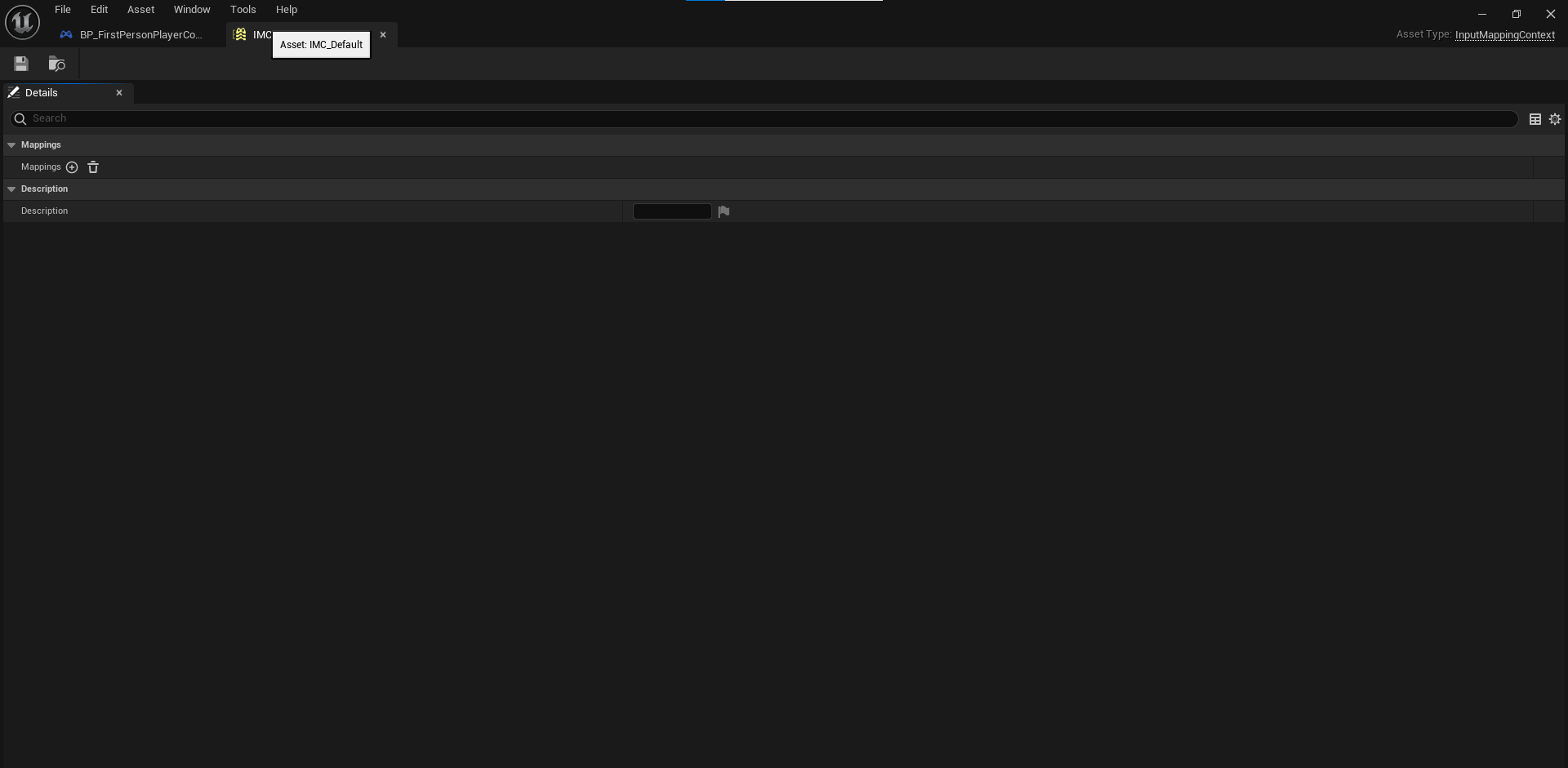
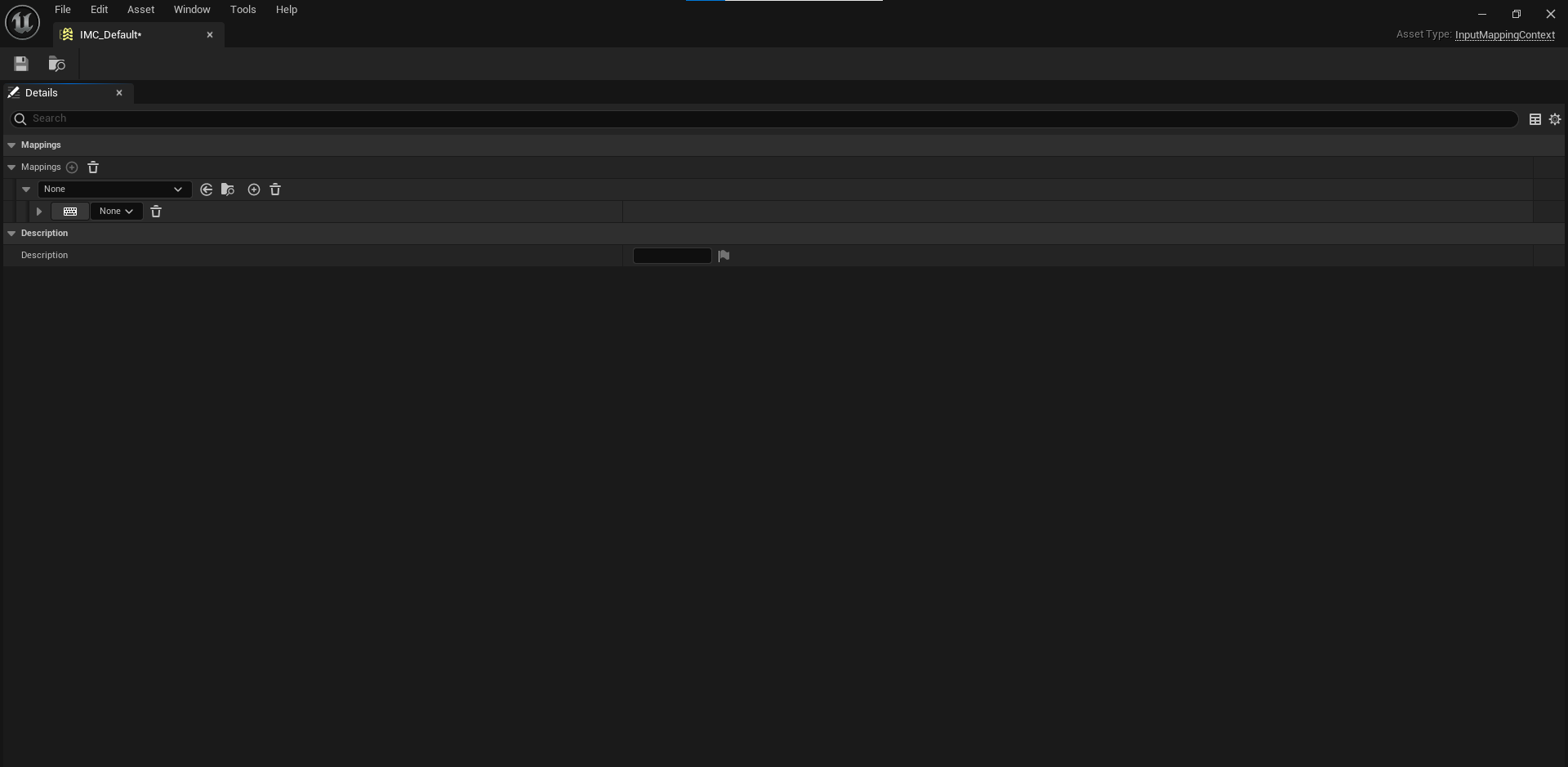
You mean the Crypt Raider lecture, right? Thank you so much for your kind reply for a long time. It helped me a lot. In addition, I wondered why IMC_Default was deleted. What kind of mistake did it make?
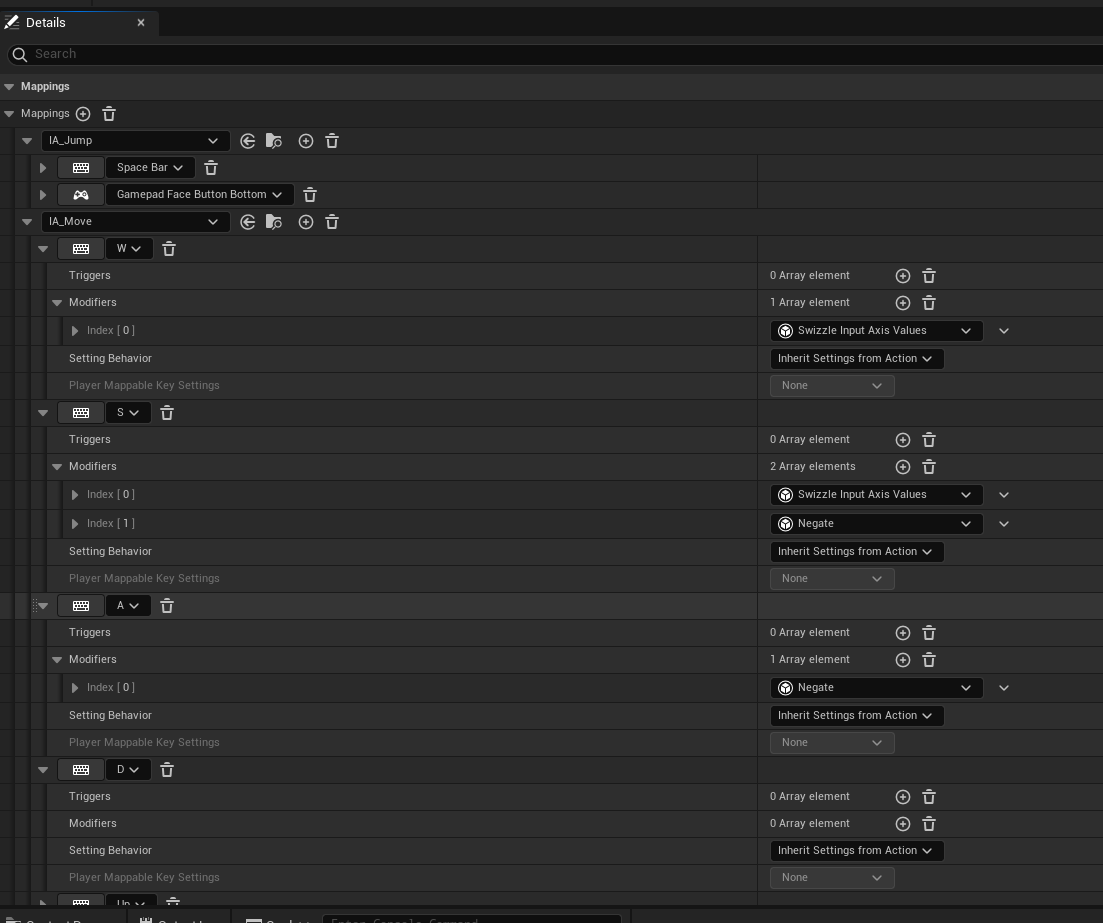
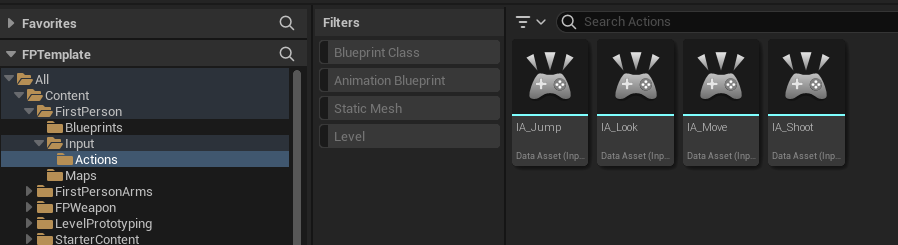
Are you saying to copy and use only one BP_FirstPersonPlayerController in the basic first person project? I don’t understand exactly what you mean by adding the mapping yourself. Sorry.