I’m making an axe tutorial from Grant Abbit. I know it is not tutorial from the GameDev, but hope it isn’t a problem, and that if I get an answer it helps others too.
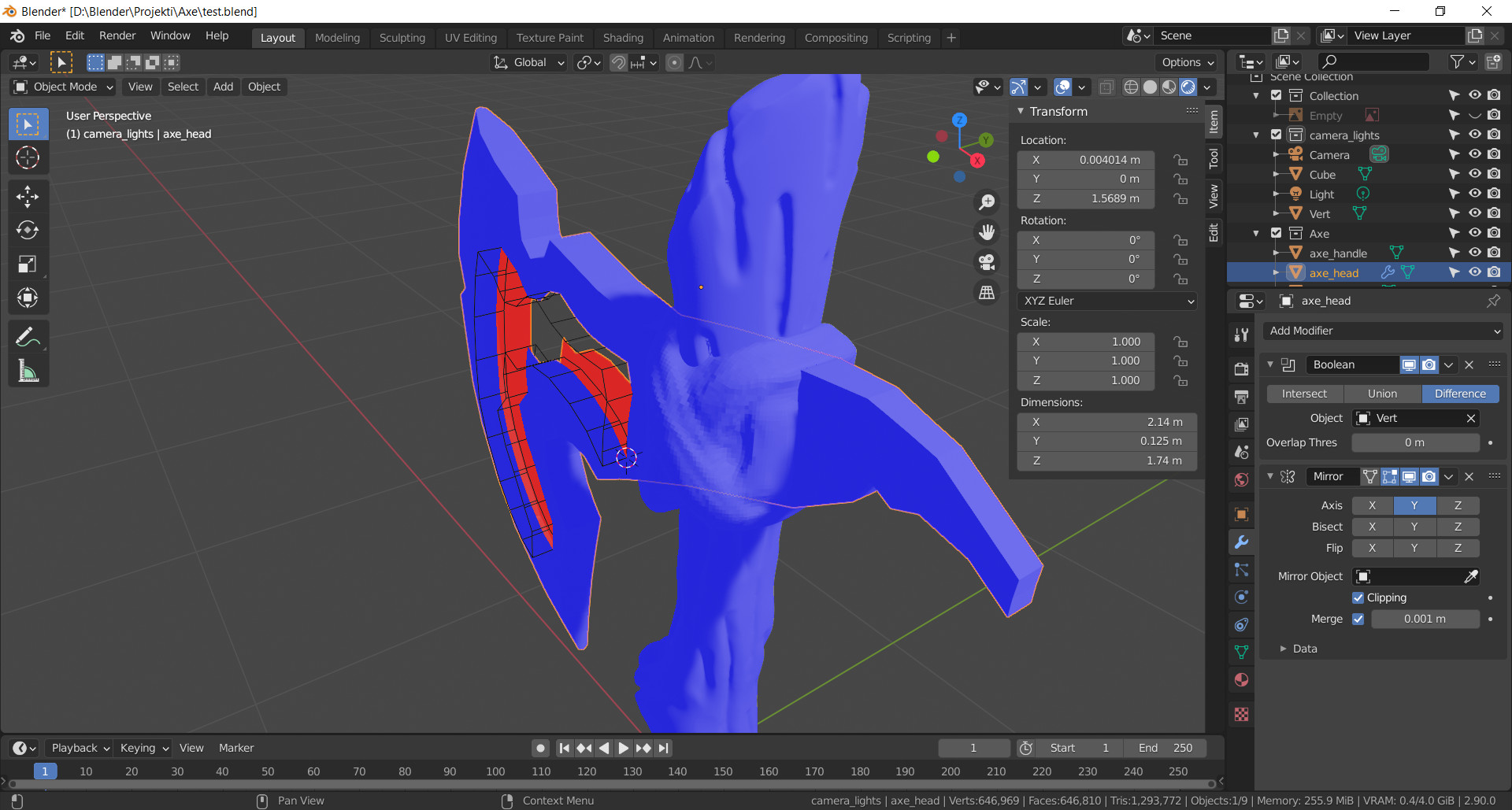
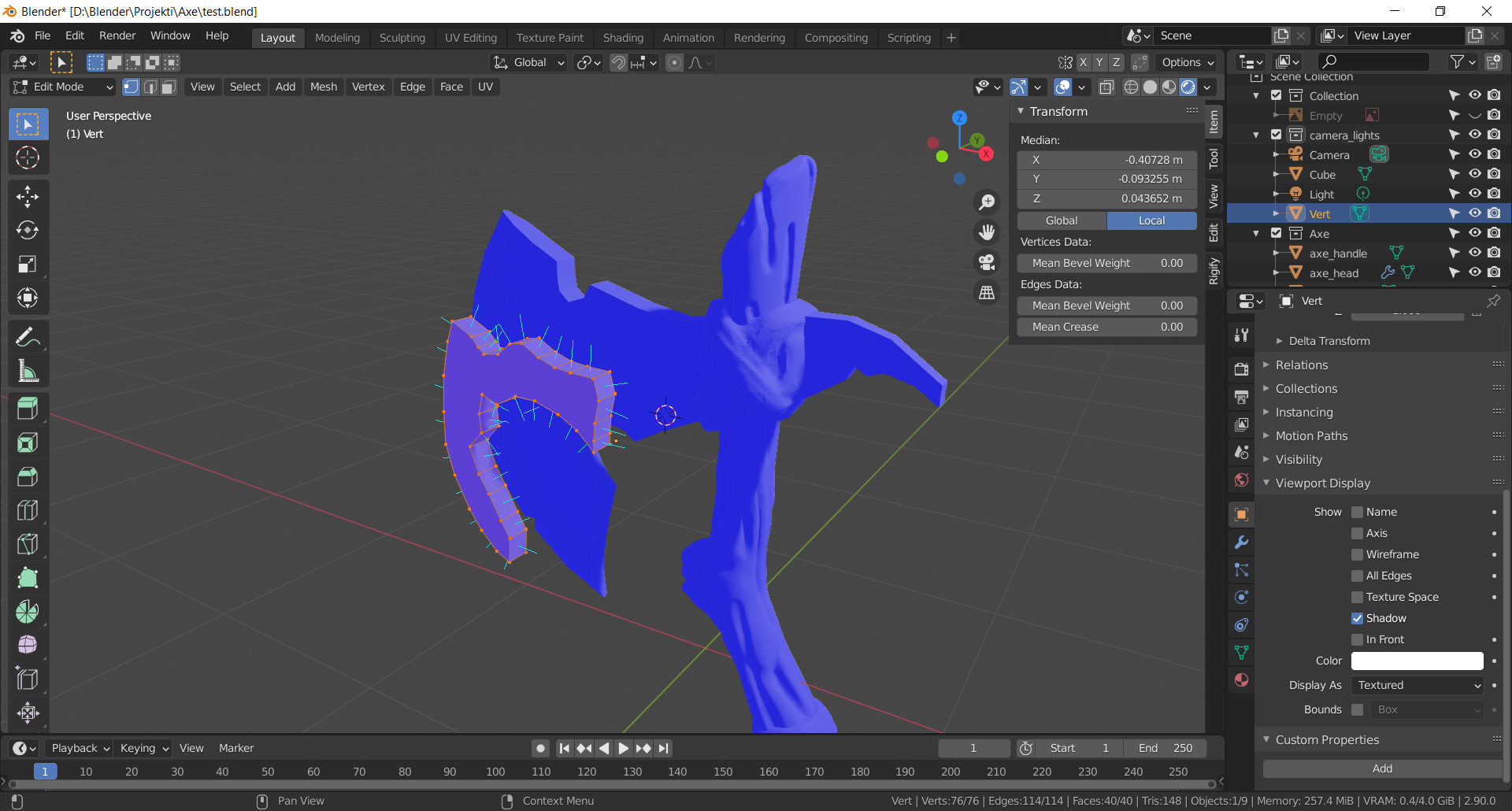
In the tutorial Grant imprints custom object as a decoration on the axe head by using Boolean Difference. When I try to do it the Boolean hollows my axe head . I have tried to use Boolean Difference as a test on two cubes in the same file and everything works perfectly.
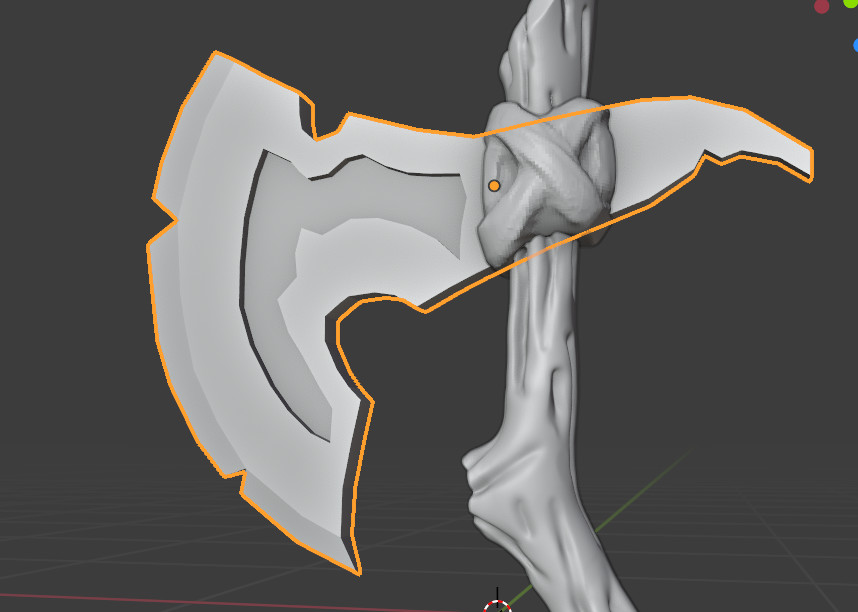
As you can see in pictures, face orientation is fine, I’ve also checked that the size and rotation is set to scale. Even tried to fill in the middle of the axe. I got somewhat good result when applied the Solidify modifier, however I couldn’t make the dent deeper or shallower and it still has a hollow gap inside the edges.
Have you tried changing the Overlap Threshold to 0.000001? This is the slider in the boolean modifier. I doubt it would work at a value of 0 which I see it’s currently set at.
Be careful it’s not too high because it can crash blender but start very low with it with many 0’s like the number above and then remove a 0 until it works (also to see the boolean in action, you’ll need to hide the boolean mesh in the Outliner because it duplicates the boolean mesh, then check inside and out when you have a result that looks correct to check it’s correct on the inside of the mesh too.)
Also, you might try moving the boolean modifier below the mirror modifier. Booleans have a better success rate when both the mesh and boolean mesh are manifold (meaning they have no holes) or at least it’s what I’ve read and experienced first hand.
Yeah by default it is 0.000001. I’ve set it to 0 while testing so it stayed on the screenshot. Also have tried to rearrange the position of modifiers, as well as trying the auto bool tool, nothing works. I’ve also tried to apply the mirror modifier and then tried to bool, also no success.
While writing, have tried to play with threshold, the best I can get is to imprint the shape on the surface of the axe, then extrude the shape in the axe. However that still doesn’t tell me what is wrong.
Did you play again with the Overlap Threshold at that scale? That’s how I usually get booleans to work when they’re being difficult. Could I possibly take a look at the file if you don’t mind?
To my mind, this should work now but being able to see first hand, perhaps I can find the issue a bit quicker?
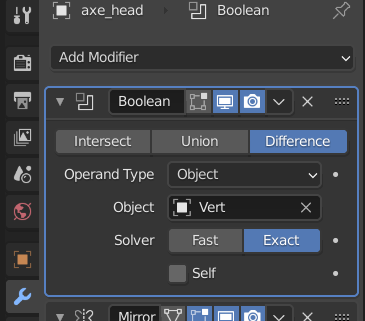
There is an improved boolean calculation option called ‘exact’.
Now it is not universally better, and trying the old and the new calculations is often needed.
I also assume there is not just one plane on the surfaces of the cutter or the axe? Generally boolean works better with some face geometry to work with.
Well I was able to get this to work using the Exact algorithm in the boolean.
And yes, for some reason, it wasn’t working using the old boolean method no matter what I tried.
In newer versions of blender, this boolean algorithm in the boolean modifier is now available and seems to be doing a better job at it than the legacy version. I’m personally using blender 2.92.
Yes that is why I suggested it above. I think that sort of close face alignment is what the exact calculation was made to solve. Though I have found it less functional in many other situations. Still it is an easy click to try each!
Mark you did fix the axe for me, however when I try to do the same in version 2.92 the same problem persists. I’ve checked Grant also uses 2.92. that’s why it works for him it seems.
Thank you once again for the fix, I could just make it again, but would like to understand the problems that can occur.