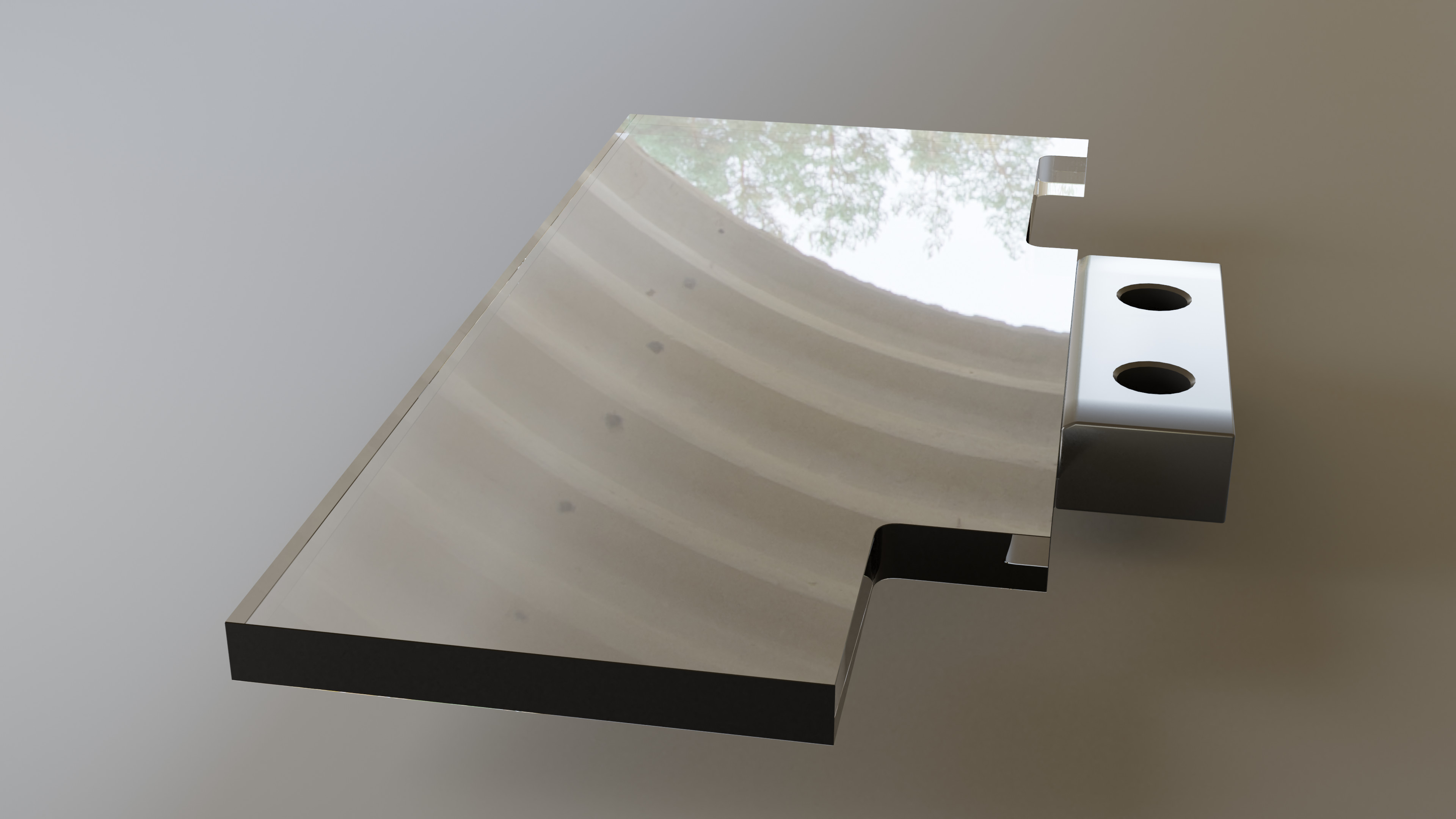
An exercise in accurate 3D drawing with Blender.
With some boolean work and a few modifiers. Lots of details I don’t know how to do yet.
5 Likes
Edit mode, Overlays, tick measurements if accuracy is needed to real world numbers,
1 Like
I have the last 3D printed part of the cat door to design and print to an accurate size.
1 Like
Sounds big for a 3d print. I hope you modelled a mouse sculpture on the door flap for it!
I’ll post the part here. It’s a hollow squarish thing connecting the inside and outside parts of the door to compensate for the thickness of the wall.
I’d need some more explanation about overlays. I understand the usual overlays: selection, mesh analysis and much more, but is there a specific function that would load a drawing at scale 1 to be used as a reference ?
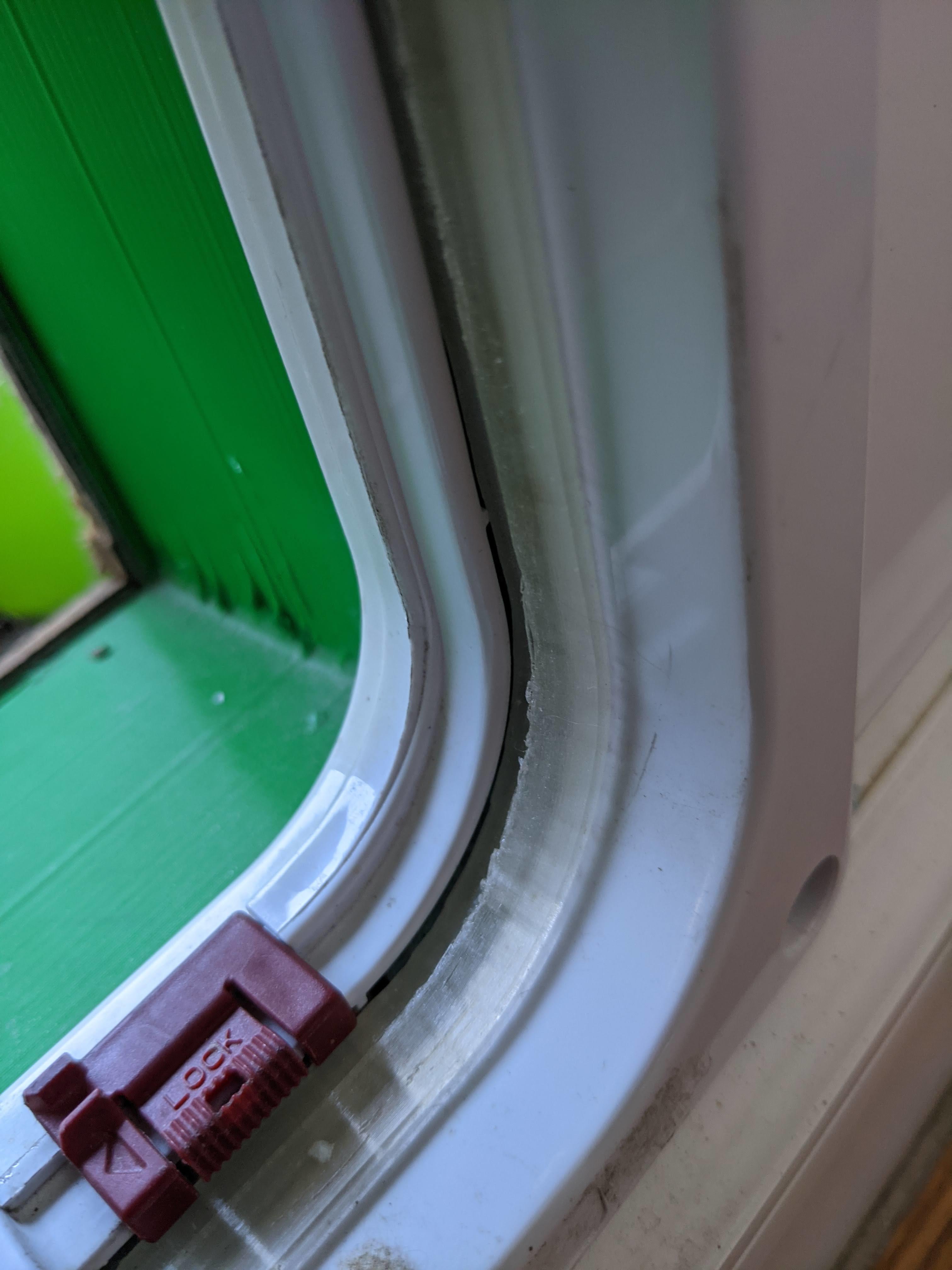

Good on the first try.
I could not find a way to load a PDF file with accurate scale 1:1 drawings of the part. Unlike PNG and other image formats, PDF contains precise geometric description with well defined dimensions.
The photograph show the part 3D printed and installed between the front and back parts of the cat door, where it fills a gap.
2 Likes
You must have quite a large bed 3d printer then? Unless you mean the red bit?
I am surprised a pdf would be ‘accurate’ I assume all images in them like any other could be distorted, scaled, etc. let alone dependant on what they were created in.
Glad it all worked out.
It’s the translucent part with the slightly ragged edge. In its current hardware configuration, my printer would not be able to print “LOCK” with such fine detail. The plate is a classic 23 x 23 cm, but the cat and cat door are quite small. I plan to model the cat later on 
PDF documents are Postscript based. Postscript has a concept of page size, scale and units. The primitive elements are vectors: edges, arcs, Bezier curves and so on. If a raster image is integrated on a page, the page contains the raster data of course, but also contains a precise frame describing where the image should be placed on the page, how it must be scaled and cropped. PDF is commonly used to generate Printed Circuit Board layout images before they are transferred to transparencies using a copier, for imaging on a prepared copper coated PCB and etching. In addition PostScript has 3D extensions allowing pages to contain 3D elements, which can be examined, rotated and measured.
Then comes the question of the source. In my case, it was a flat bed scanner. The scanner program outputs directly PDF at the correct scale. Of course, unless an engineering CAD program is used, it might be difficult to get the right scale in the PDF file to begin with. Engineering and architectural CAD programs usually have a function to generate blueprints at a precise scale (typically 1:20 for architecture, because architects used to work on paper with rulers scaled like this).