Hmm… I c, Well I will have to figure this out on my own later. So it would also be a good mention in the course, since Unreal is basically just as popular as Unity.
Alright I did a bit of research on this. Blender is actually notorious for incompatibility issues with Unreal when it comes to animation.
I have not tested it, but what I’ve gathered so far.
-
Your armature must have a Bone named ‘Root’. This bone should not deform any mesh data.
-
When exporting the mesh, only export the armature and mesh data. For clarity’s sake it seems best not to have any animations for this, so that unreal can expect to only be importing a skeletal mesh.
-
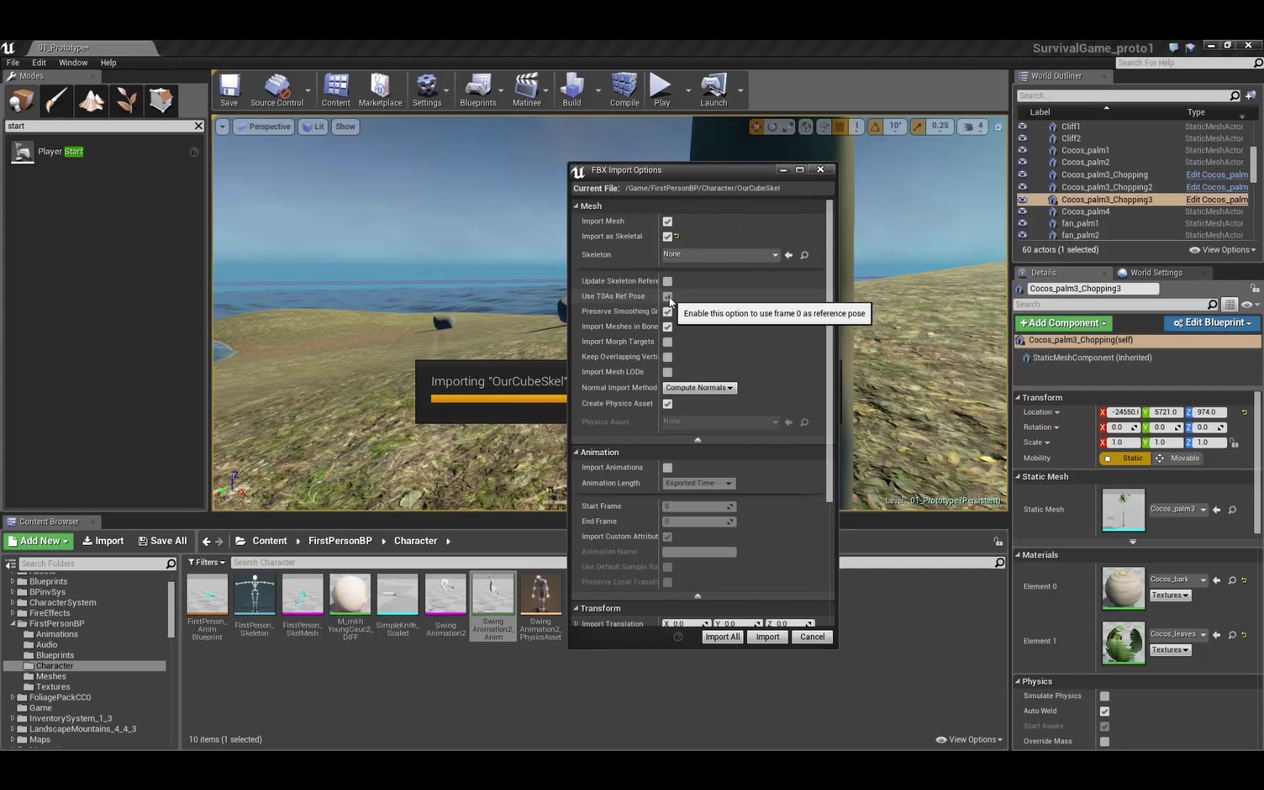
When importing your skeletal mesh, make sure ‘Use T0As Ref Pose’ is ticked. In laymens terms, this means, “Use frame 0 as reference pose”.
Urban legend says its possible to make it work without this, but others have not had success in doing so.
^Sceen of the ‘Use T0As Ref Pose’ option. -
Uncheck Import Animations. We will be importing the animations seperatly.
Leave skeleton set to None so that it will create a skeleton for this mesh using the data.
Hit import. You should now have your skeletal mesh working in Unreal. (minus the scale mite be off but thats a different issue) -
In Blender, Create an animation for your mesh, Or open your file with the desired animation on it.
Export this but include only armature data. Name it something else such as human_anim1 so that it you are not replacing your mesh file. -
Import this now animation fbx into unreal. Unreal should detect you are trying to import an animation.
Select the skeletal mesh asset you imported earlier as your skeletal mesh.
Hit Import. -
You should now have a working skeletal mesh asset and animation asset in Unreal.
Note: the skeletal mesh might be sized 10x despite being imported at the same scale. The animation should still play ok anyway.
And thats what I gathered so far. I’ve yet to try this but its a starting point at least.
I’m not sure if you can import multiple animations at once or in the same file; since I havn’t tried it yet or done enough research.
This condensed list is based off the useful video I found on youtube:
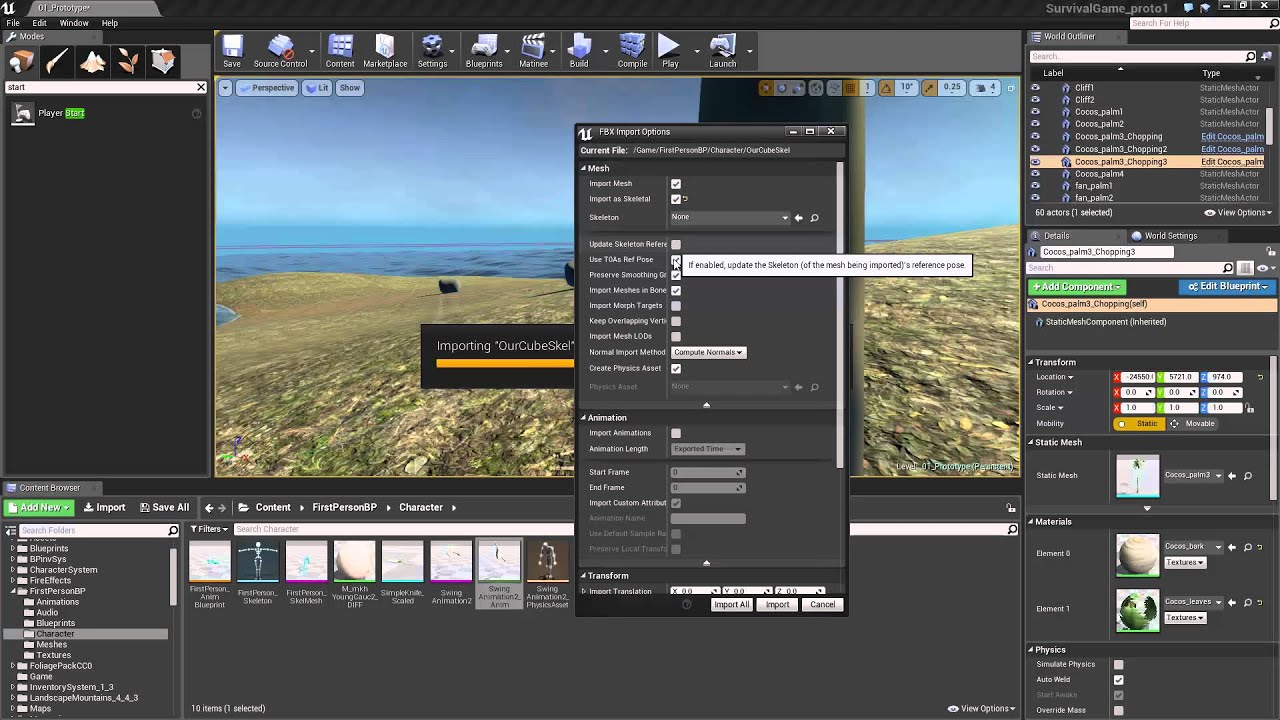
^Reference Video
I will likely try this at some time in the future. I’m working on Mike’s bunny right now though 