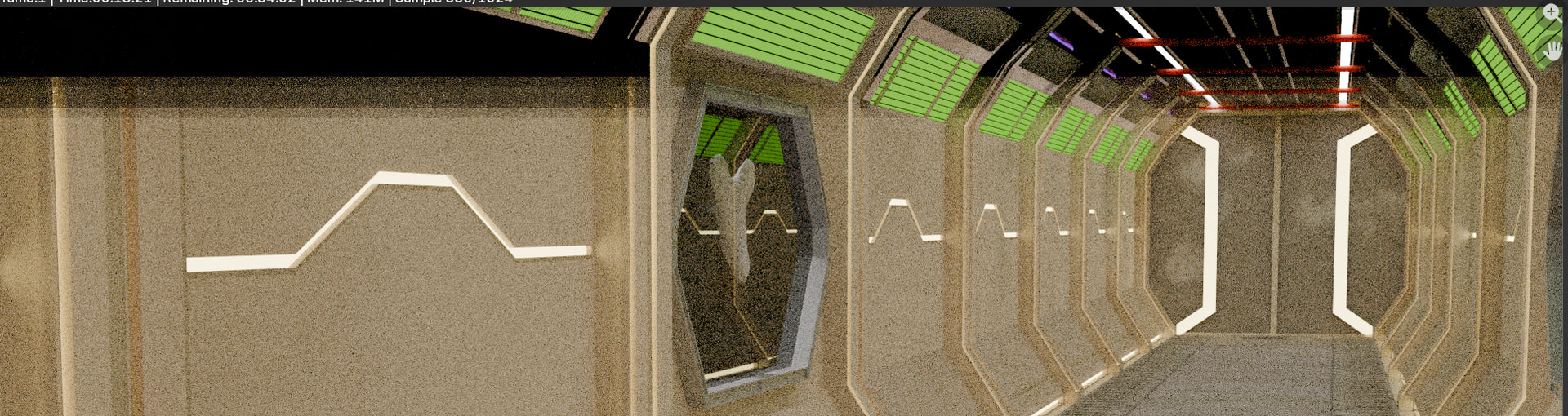
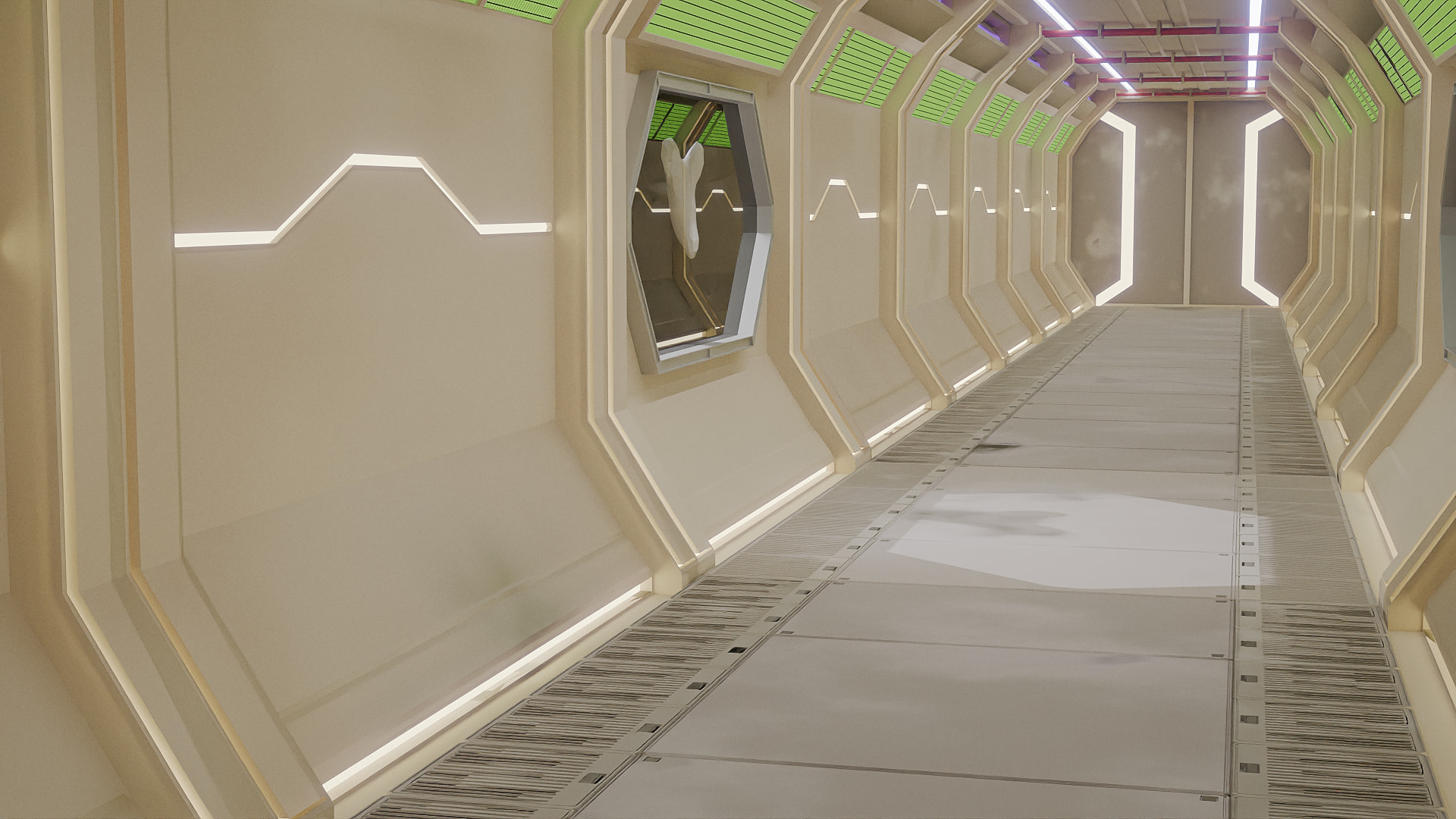
Not sure why this is happening in cycles.
The upper fifth stays like that for a long time (5 minutes). And later starts to render it very slowly, but never completes. Not a memory issue.
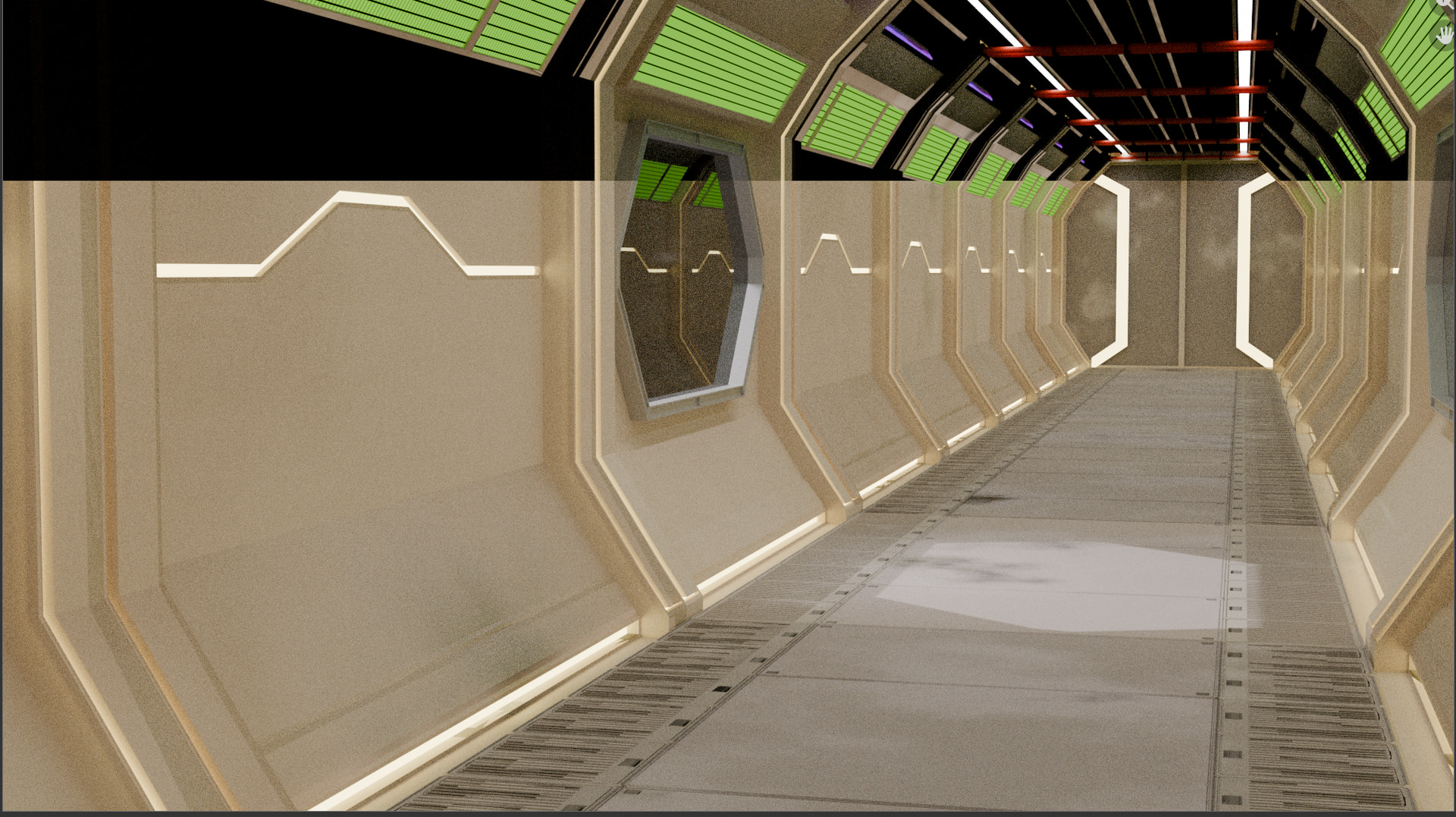
Vs Eevee, takes around 3 seconds.
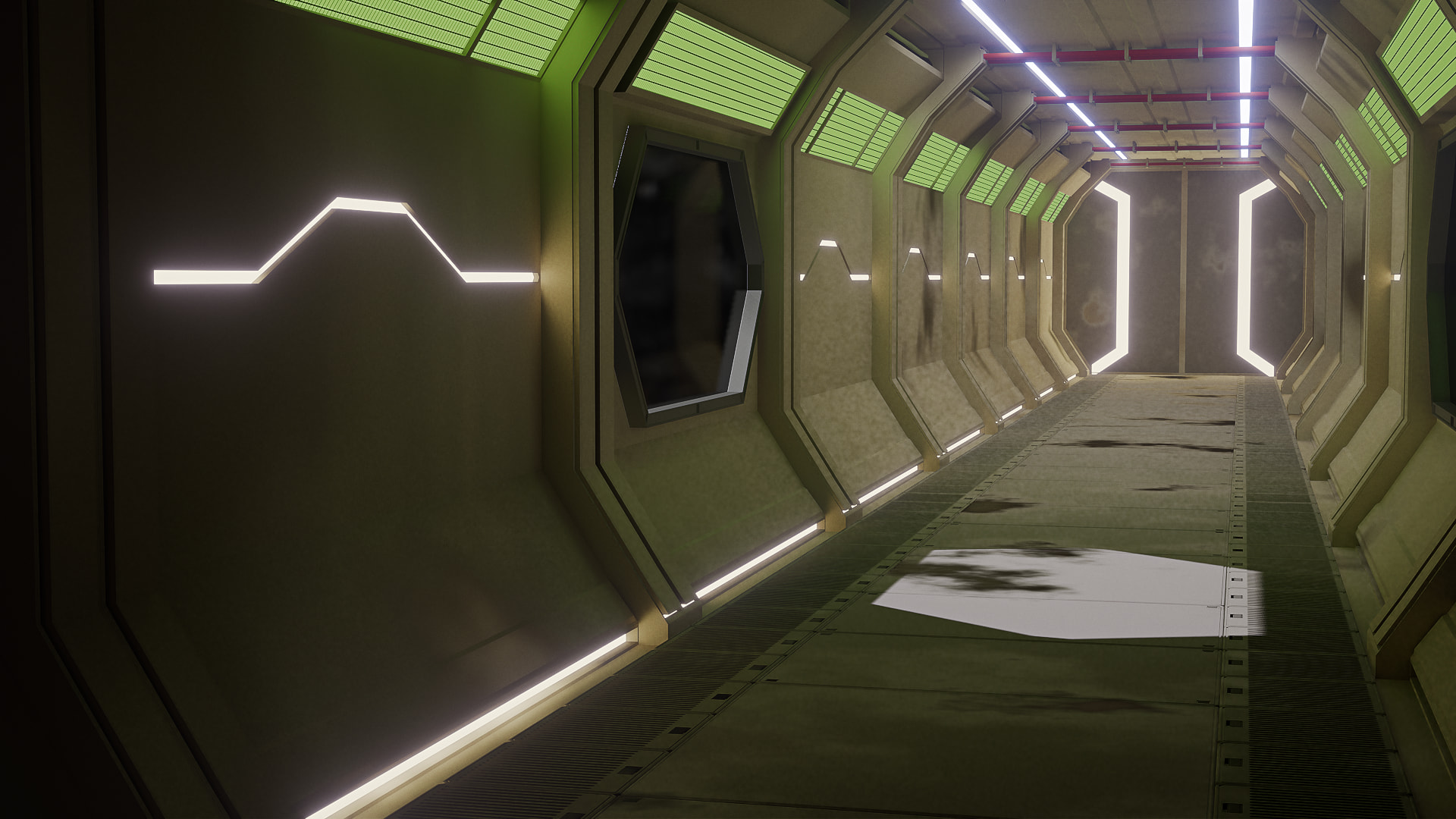
Any suggestions?
Is the whole screen rendered in a single pass, or is it usually rendered in smaller squares?
Congrats on finding the solution.  As for tile sizes it’s better to render in smaller ones, but it depends on VRAM. You can google what tile size is best for your case. It made a big difference for me in render speed when I changed mine.
What I remembered from a GameDev course many years ago.
Tile size depends on your hardware configurations but also per project type.
Basically, fine tuning tile efficiency is only handy for animations. Or if you expect your scene will involve many (test) renders.
The process back then, was to time a render with tile size x, compared to tile size y. And repeat the process to see which size has an optimum.
I tried smaller memory tiles. The smaller size of 512 vs 4096 takes 4 seconds longer to render. I guess stitching the tiles together and running a final pass takes time.