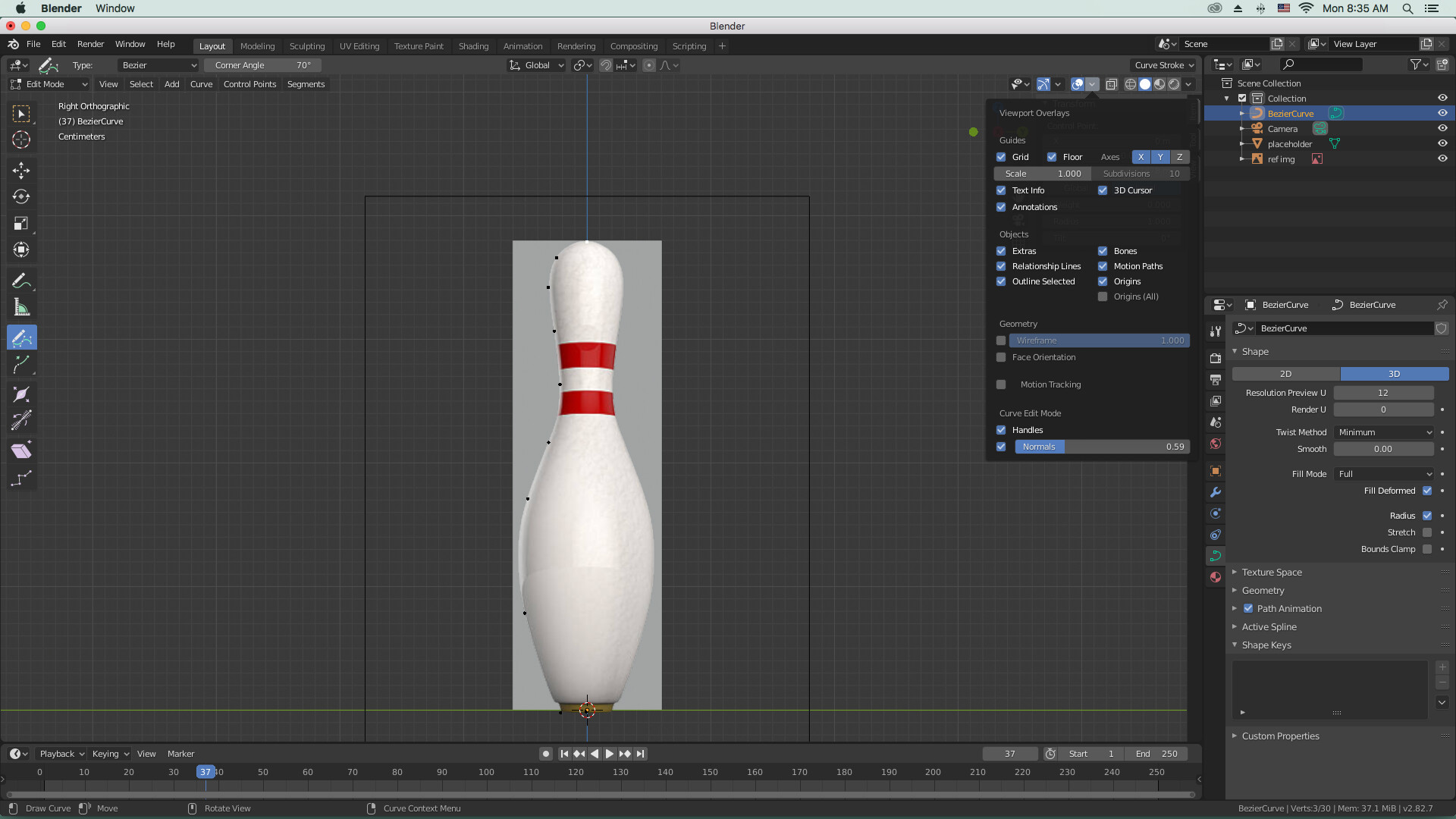
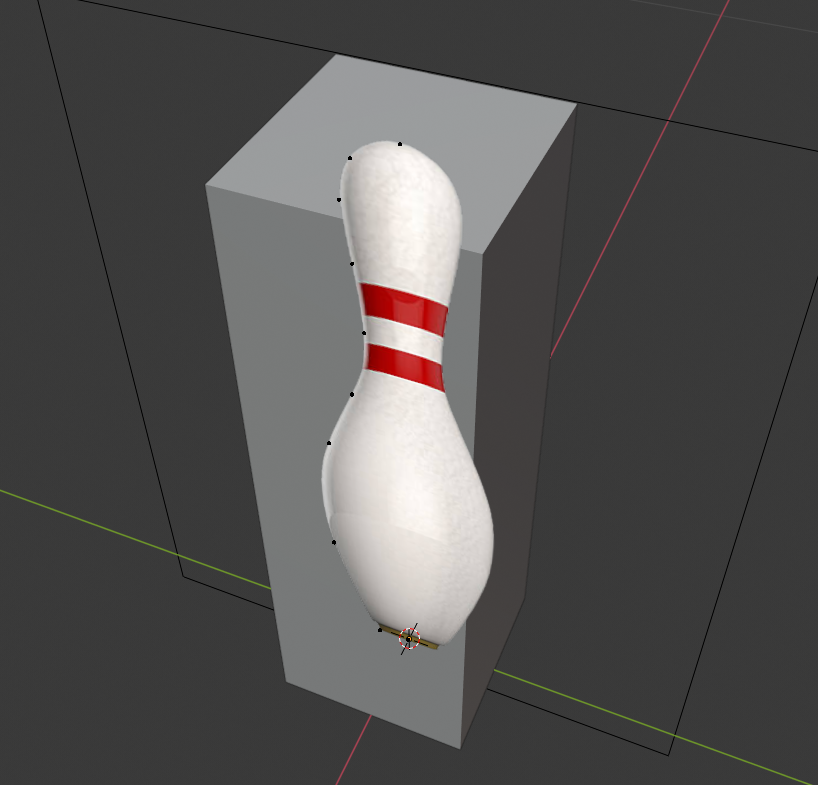
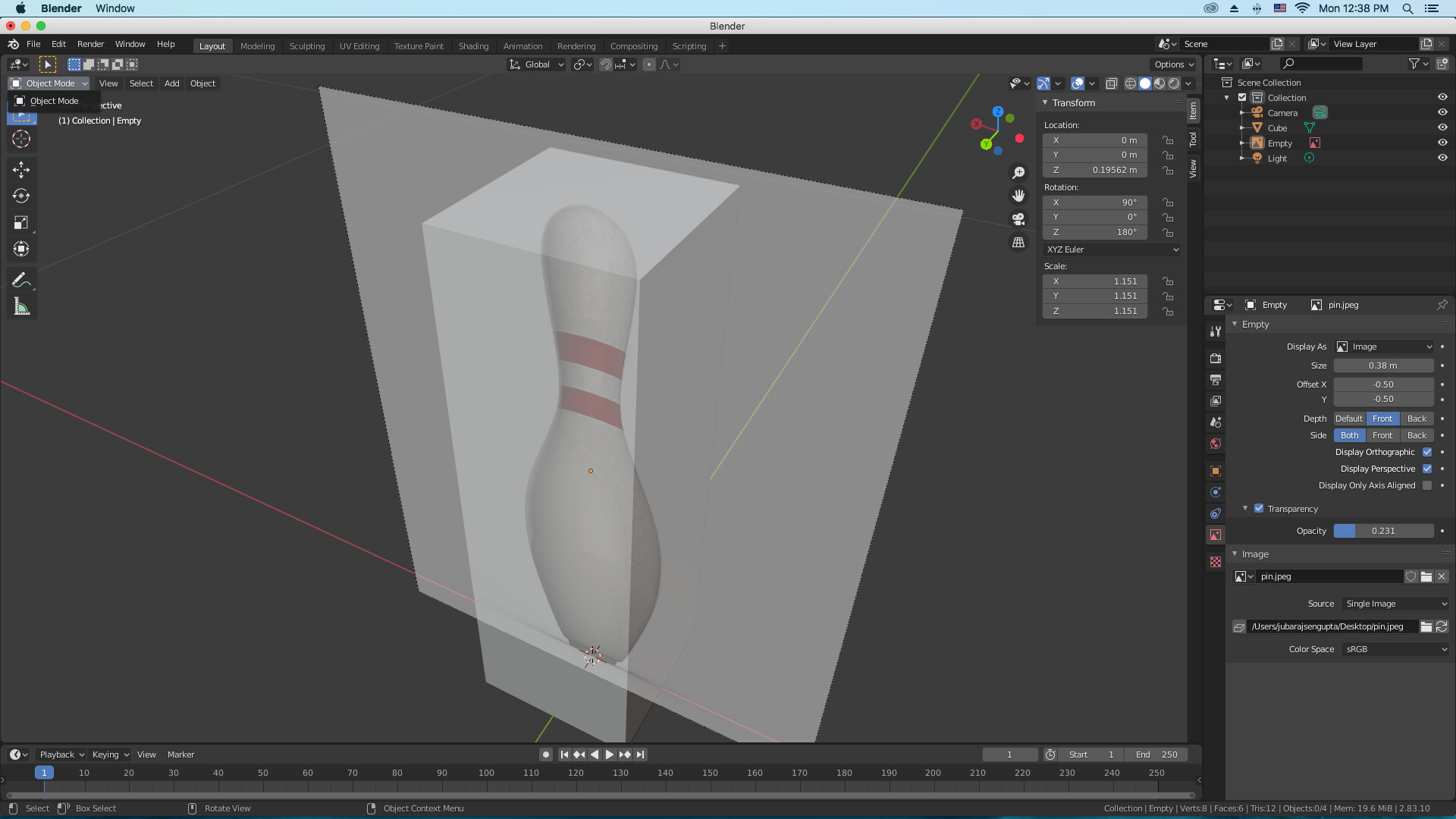
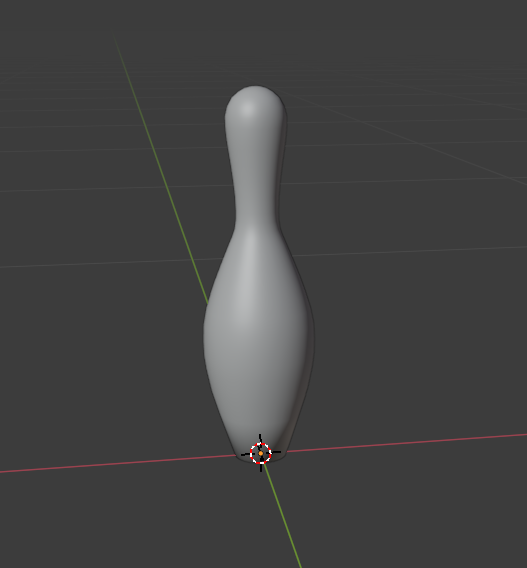
i have asked this question once before . i was told that perhaps the handles option might have been unchecked under “overlays” but it wasnt when i checked. what could be the problem ? the handles and normals appears only when i click on bezier curve but when i delete the vertices and start with marking the pin (pinball exercise) then all it shows are dots and nothing more. however if i use the draw tool then everything appears.
please help. i am stuck. unable to go beyond this exercise.
start with a fresh new .blend file. Import the image, add a curve and start editing. Blender gets confused sometimes when users push the wrong combinations.
It could be a bug? You’re using old old Blender version, where they introduced a new UI (buttons at the left), which you are currently using. You can have multiple Blender versions installed!
Maybe, your example image (template) lies in front of the bezier curve (still a bug).
i had recently installed this version from the blenders website just before starting this course. not even been a week. so i dont know if that makes it old.
i wouldnt know if there is a bug because i tried refreshing it startting all over again including the screenshot i just sent to you but it still doesnt work. and i am unable to proceed with the lessons without this one working.
i even checked in perspective view if the curve vertices are in front of the image but again its not so.
No, but I don’t understand why your want to delete?
Add bezier. drag a vertex to it position. press e to extrude and IMMEDiately drag it to a position. Repeat until all points are set. THAN, give shape to the curve.
i had written that i was going to download the latest version but unfortuntely my system runs on 10.12 version of the OS while the latest one requires 10.13 or above. so i will again have to download 2.8 only but now blender is only showing 3.1 !
one roadblock after the other . please advise how to revert to an older version !
If you install an other versions, then the old one doesn’t get overwritten.
All versions are in a different folder ! So your previous install is still there!
but, here you have all the old official Blender versions.
I had the same problems, but with Win7. Blender 3. doesn’t work on those machines.
THANKS ! ALL SORTED… did a lot of playing around and i found out whatever the problems were ! finally they work… but one final question. this version doesnt show “remove doubles” even with f3. how do i remove them ?
They changed the name of this function to “Merge by distance”.
Because it’s not really removing doubles, but merging vertices at a certain (given) distance.
Select vertices in X-Ray mode, in edit mode, press ‘m’ ? ( I believe).
thanks and that worked as well !
this version doesnt allow “environments” under look dev it seems …or even such options are found elsewhere in this version ?