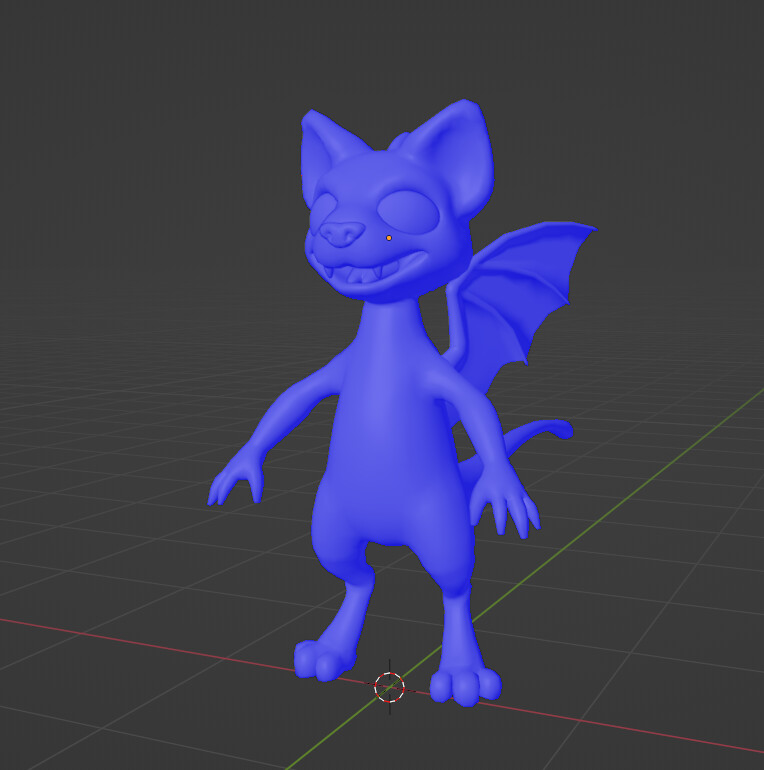
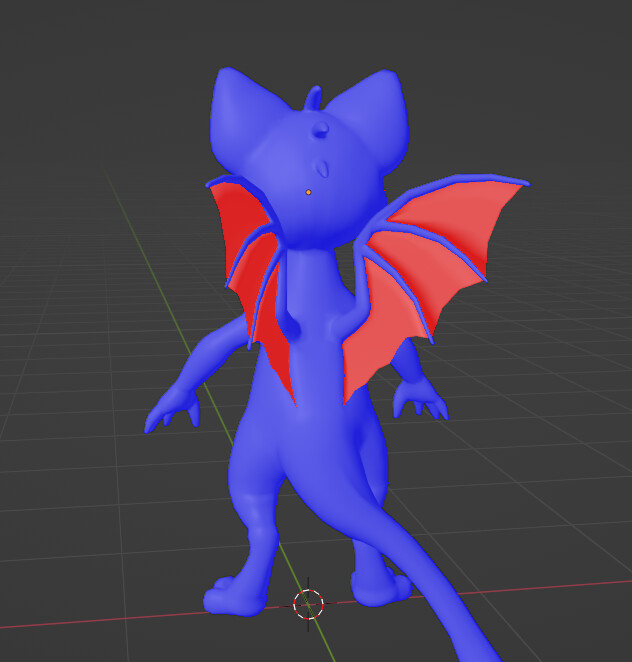
I have been working on a little dragon cat hybrid, going mostly well, only a little bit of crying in the corner, but after finishing the model and looking at the Face Orientation, I noticed the obvious red on the wings.
I tried separating the skin from the wings and giving it a solidify modifier, but then the skin had weird edges and I don’t know how well posing and animating would go.
Is there a way to fix this, or does this even cause any problems?
In edit mode > select all faces > shift + N to recalculate normals. This will make the normals point in the correct direction. However, your model needs to have volume, otherwise, one side of the face will always be the “inside” face and show as red color.
Yes it can affect the textures one red face amongst blue and in the render that face will probably look a bit different and the face shape, so just bad.
So to answer your question: does this even cause any problems? The answer is it depends. If you are taking this to a game engine which usually has back face culling then it is a problem. If you are using a render engine that is using back face culling. It is a problem. In Blender, by default back face culling is turned off in both render engines. I’m not sure if workbench engine has that option. In this case no it’s no problem, because it’s the back side of the skin part of the wing. If you wanted to do some kind of cloth sim or soft body sim then it can cause some issues. Also if you want both sides textured differently then you have to use a special setup otherwise it will work just fine.
It’s fine if you’re keeping it in blender. Even for animation and still renders. Back faces only become a problem if you have back face culling or if it’s connected to front faces or is a solid object. Also simulations often times ignore back faces for calculation.
I think you can make both side visible in blender, so, you can turn off the back face culling on material section. So, then it will render out materials for both sides.