If you’re reading this, there probably aren’t very many posts yet. But don’t worry, you can be the first! Either create a new post or just reply to this one to say ‘hi’.

2 Likes
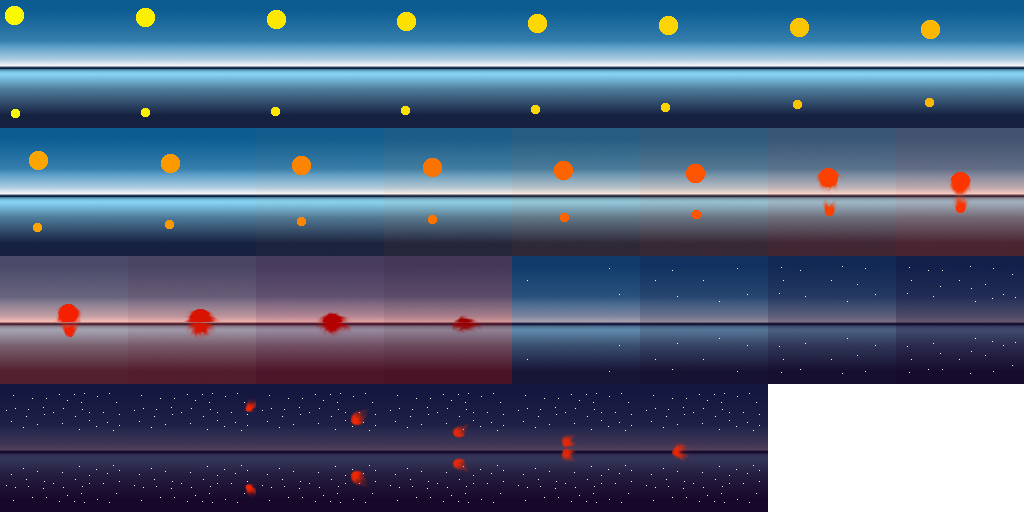
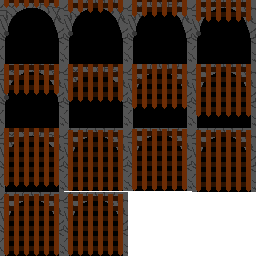
My initial sprite sheet.
My new animation!
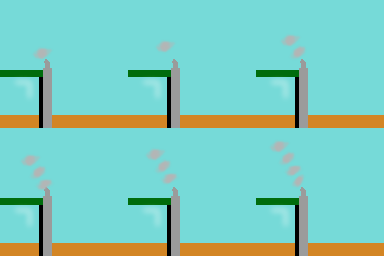
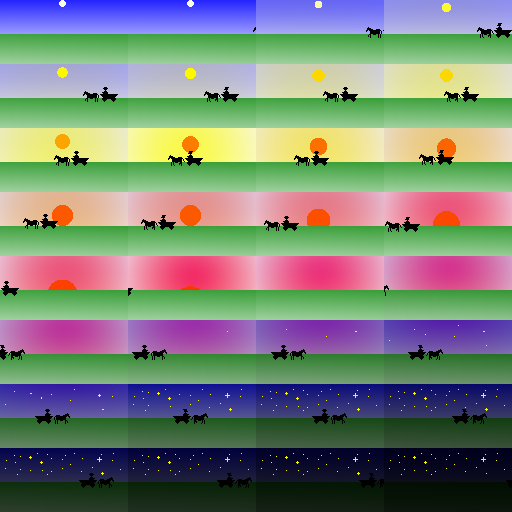
And a sprite sheet for that.
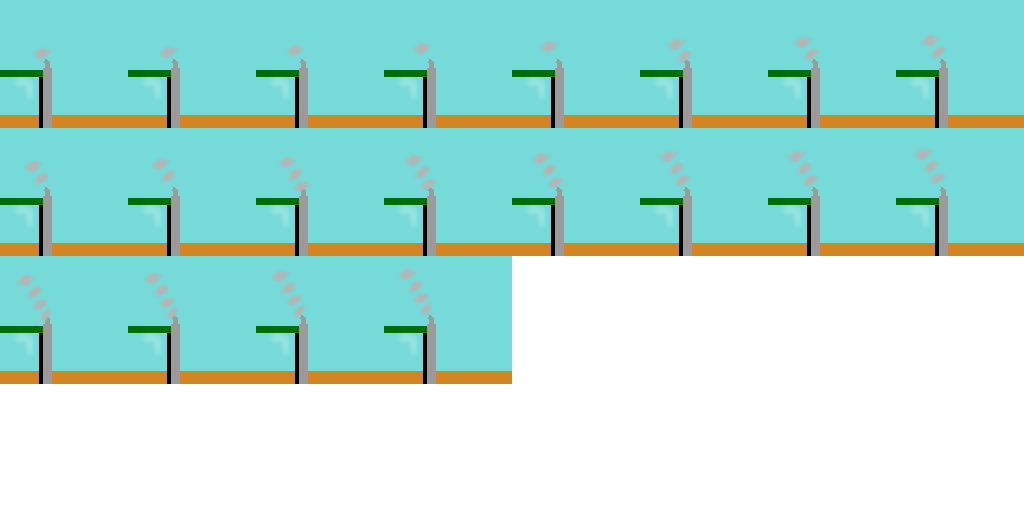
Wasn’t sure if the new animation was supposed to be made into a sprite sheet so I did both just to be sure

2 Likes
So, a caveat with this tool (and if you mentioned this already, sorry, I was “working” while the video was playing)
- The bottom layer must be the same size as the image canvas.
Otherwise, you get an error message and a poor output image
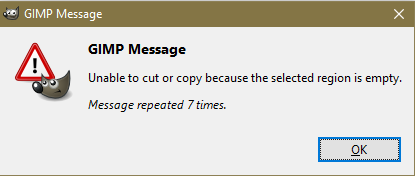
Enjoy!
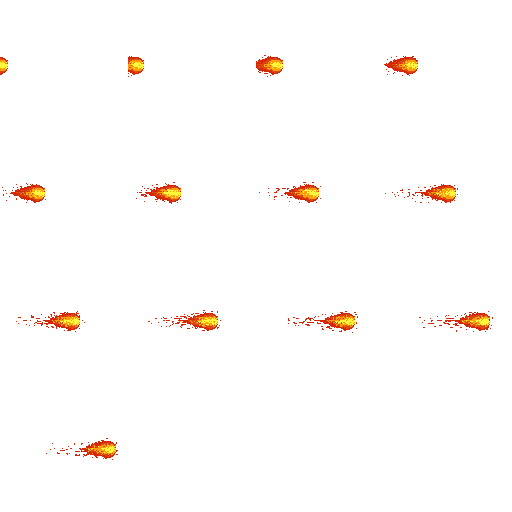
After a lot of experimenting I made a new fireball animation and used that for my spritesheet. Pretty happy with how this turned out!
Animation:

Sprite sheet:
1 Like

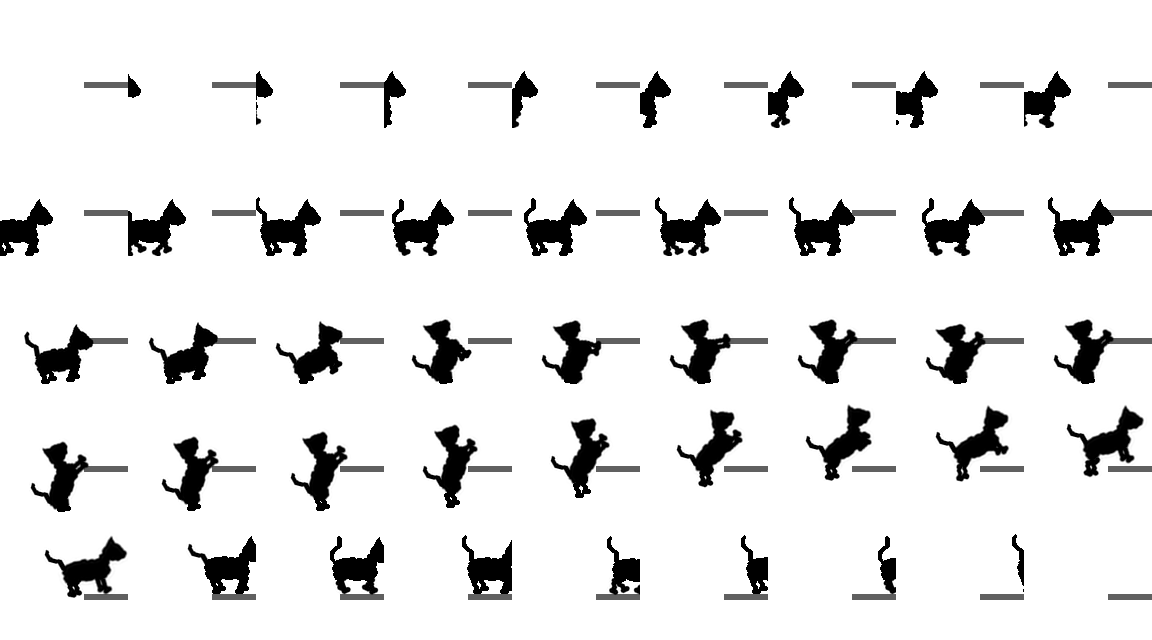


Made a strange looking creature with a walking animation. Some of the proportions are a little off, but I didn’t want to get too bogged down with this:
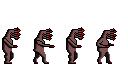
Here it is blown up with the animation running::
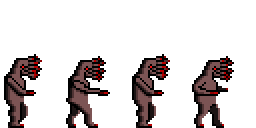

3 Likes
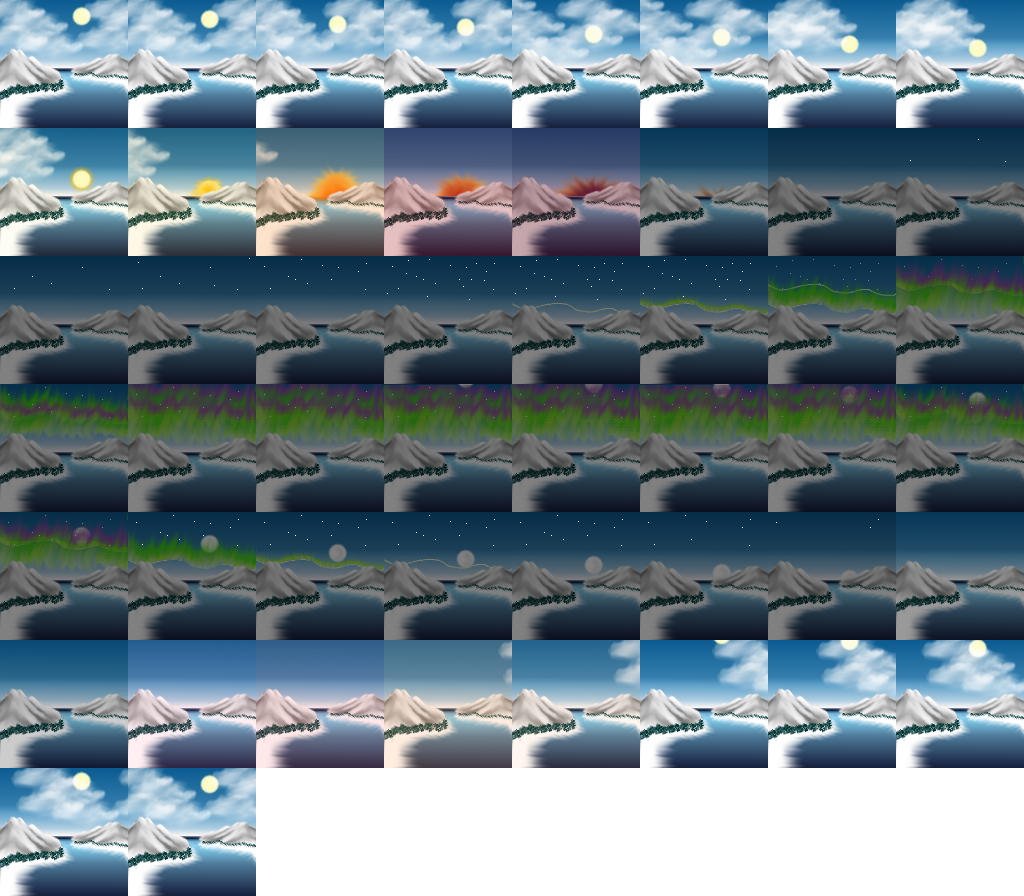



Cannot get why semi-transparent colours became opaque in gif animation. Does somebody have an idea?
UPD: Found information that partial transparancy is not allowed in a Gif file.
2 Likes
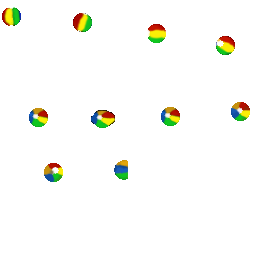
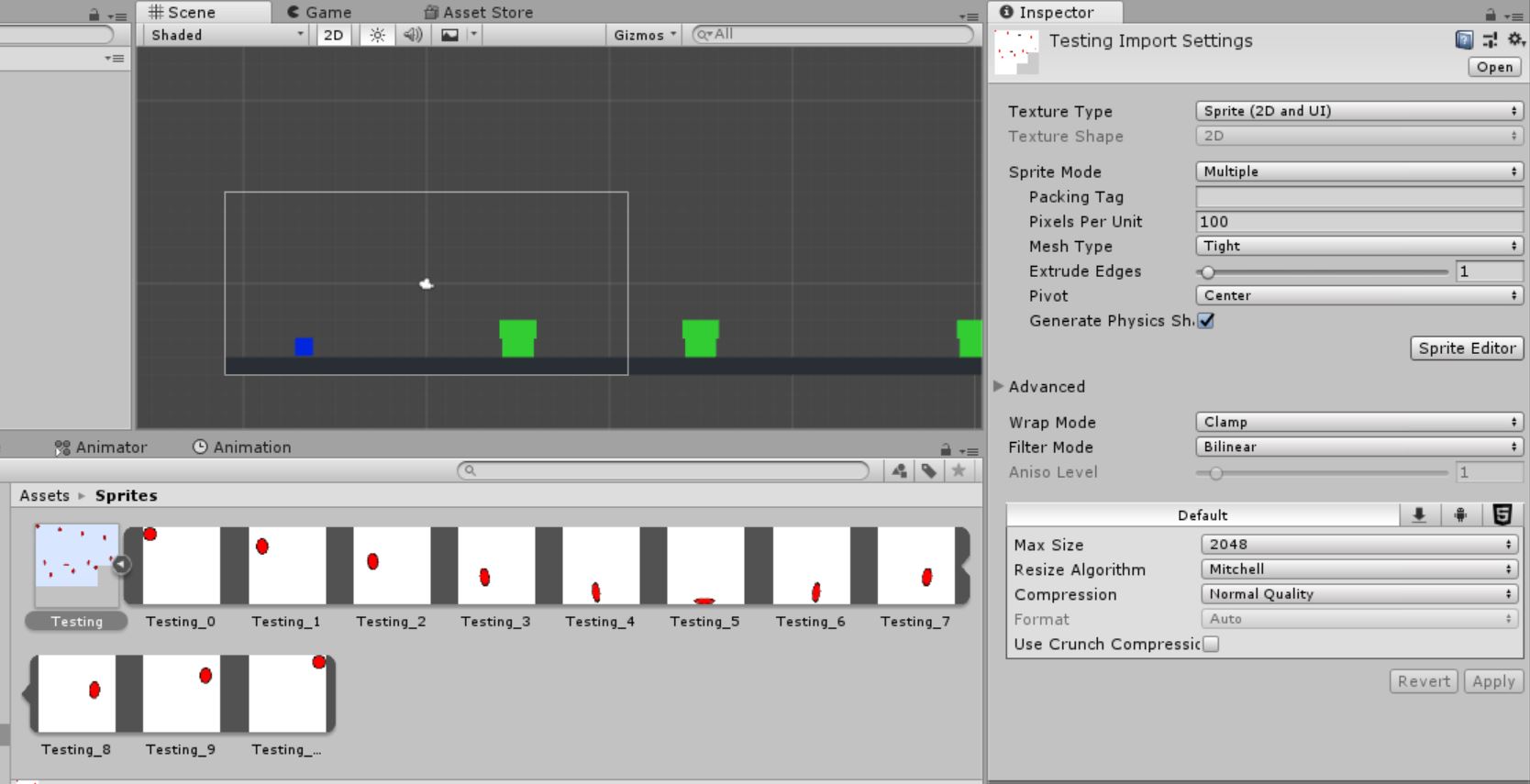
I made the sprite sheet of my bouncing ball with Fuse Layers
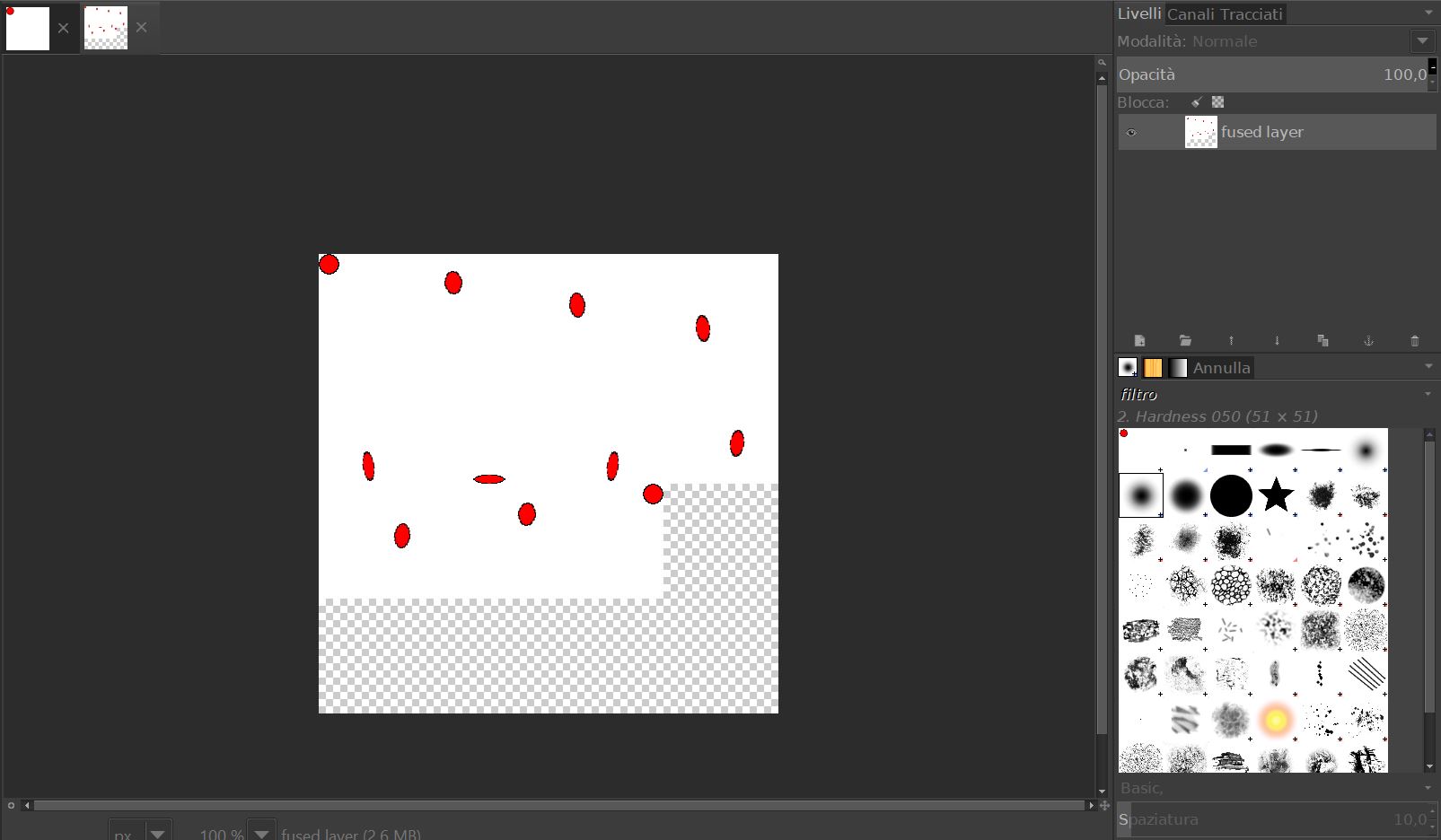
Saved it in PNG and imported in Unity. To make the Sprite sheet in Unity I did some steps like specify that the sprite mode is multiple and also I had to slice the sprite sheet in the sprite editor of the engine

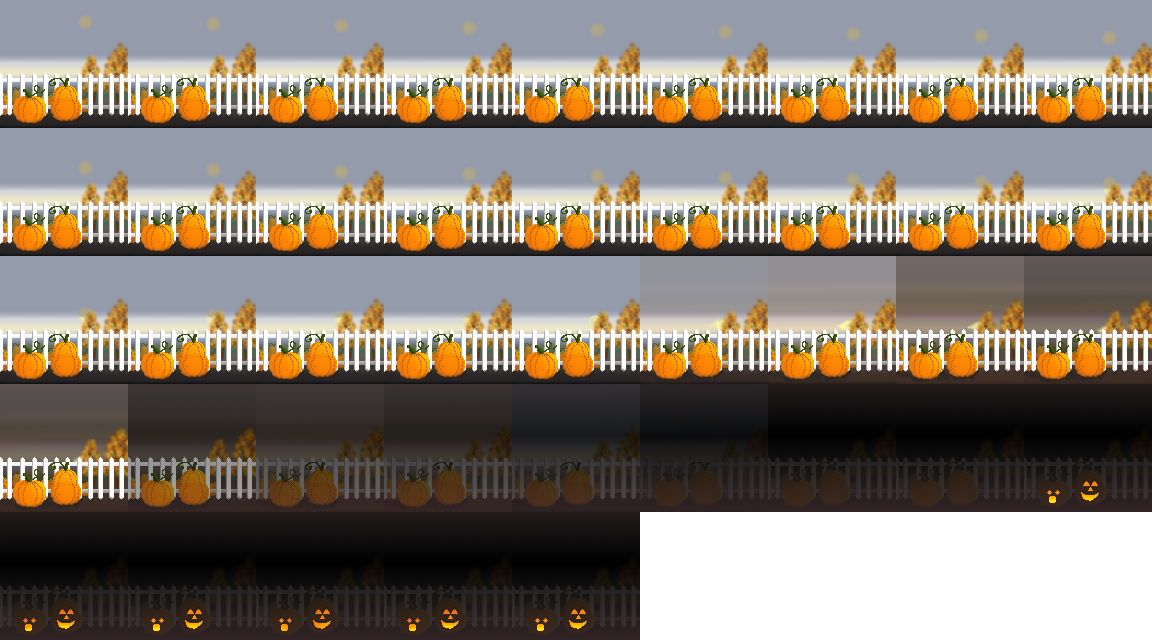
This didn’t work when my sprites where grouped in a layer, so I had to take them all out first. I just went with the sun animation again, and checked it online (too lazy to open up Unity now, though I’ll do that later as well).
Here it is, yet again: