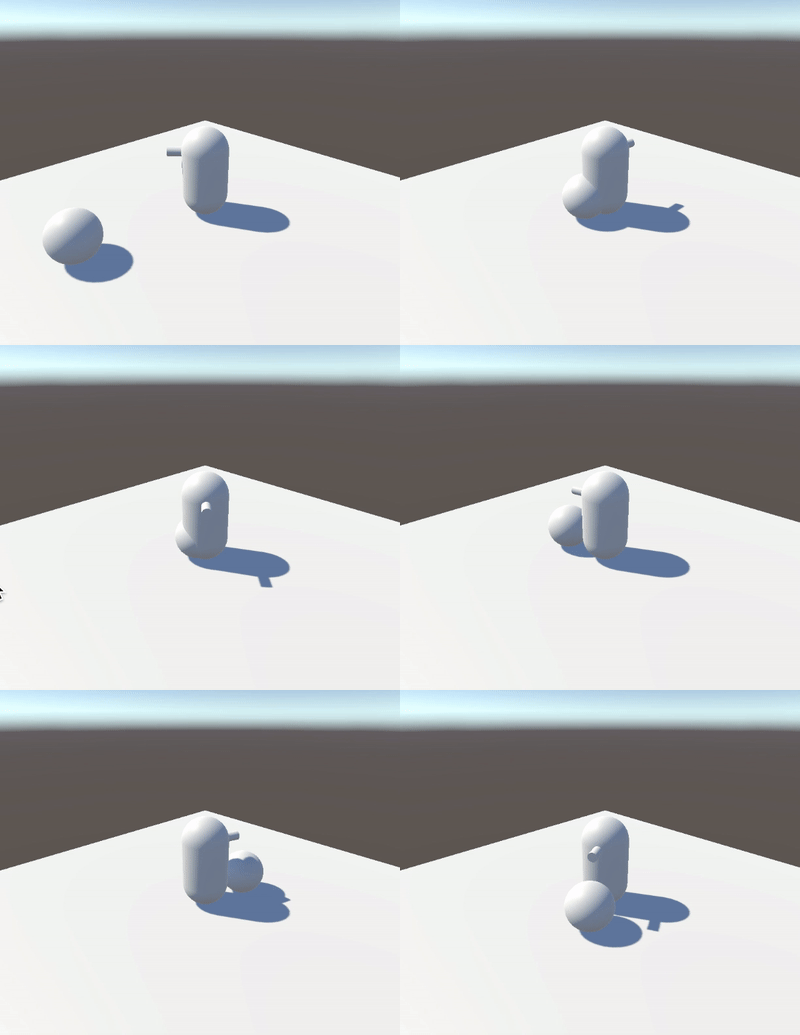
I’m a backend developer and I’m new to unity and game programming.
I’m trying to create a first person football game. I’m actually following the Complete C# Unity Game Developer 3D Online Course. I created the football field, the cinematic camera, one player, and a ball. I implemented also the basic player movement WASD ( the player does not rotate )
What i want to do is:
When the player is near the ball (distance shorter than a maxBallPossessionRange), he can acquire it hitting a button.
Once the ball is acquired, the player can shoot the ball with a force maxPlayerShootForce, with a direction calculated by the vector Player->Ball. When shooting, the player loses the ball.
Once the ball is acquired, it follows the player with his movements.
The player can rotate, and eventually the ball anchored to the player rotates with him, with the player as a center.
Using collision events like OnTriggerEnter or OnCollisionEnter.
Checking the constant distance between the player and the ball using the function Vector3.sqrDistance. Using Vector3.Distance in this case is not a good idea because you’ll be constantly using a square root operation.
This part you have it pretty much figured out. Just un-parent the ball once the player kicks it. I explain what I mean by that in my third point.
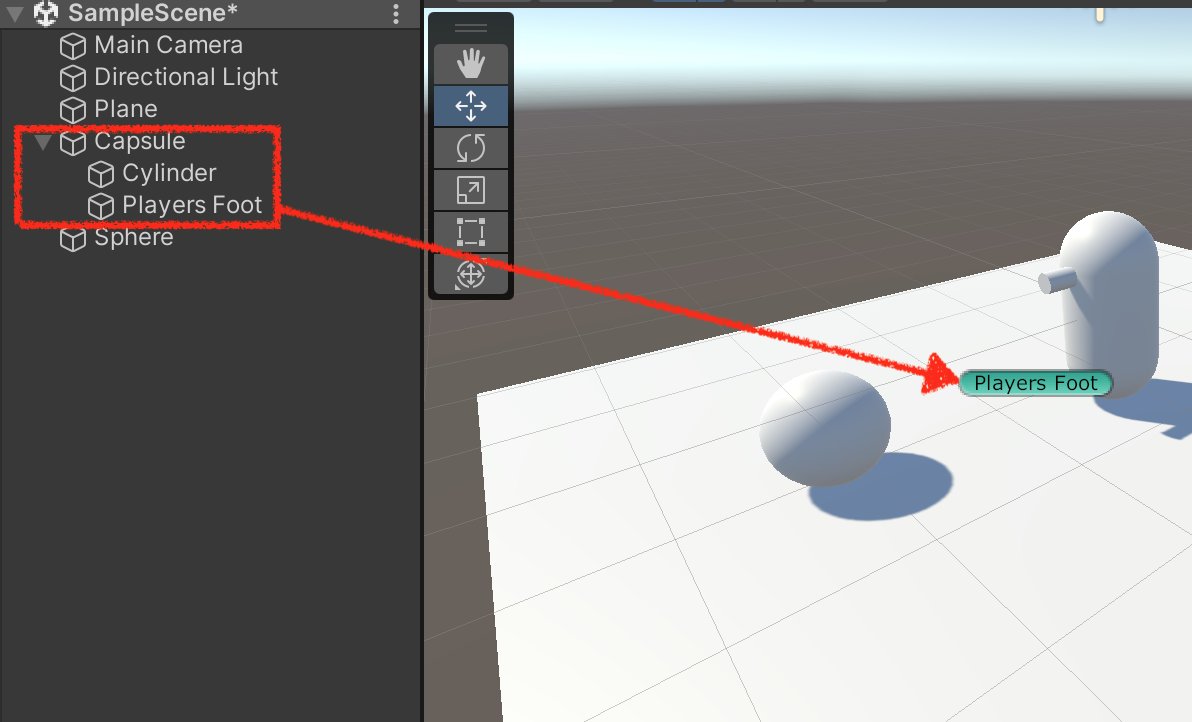
You can parent the ball to the player. To make the ball follow the players foot like in a football game, I would do the following:
Parent the ball to an empty game object that is animated.
The animation is basically the ball moving forward once it gets hit.
The reason why I would avoid using physics, is because that might cause some really weird behavior, you’ll need some fancy calculations there. That’s why I would use animations, it would achieve the same without all that effort.
That’s a simple matter of rotation and quaternions. Check out this little game I created, see if the movement fits what you want, it’s third person, but it’s the same principle. Here’s the code:
For point 3: At the moment i want to start easy, so i don’t want to introduce any animation during player movement ( ball incrementing distance and then decrementing from the running player in a cosine way). I just want the ball to be locked in the direction the player is faced, rotating around the player as he rotates, and the camera in the same direction as point 4.
Thanks. Sorry for by confusion in doing things, but i’ m experimenting
At the moment i Created an interface for the Player:
using UnityEngine;

public interface IFootballPlayer
{
    public void onPossessionEnterBall(GameObject _ball);
    public void onPossessionLoseBall();
    public void pass();
    public void shot();
}
Then i created a script (which extends this interface) and assigned to the Player gameobject:
using System.Collections;
using System.Collections.Generic;
using UnityEngine;

public class PlayerDefinition : MonoBehaviour, IFootballPlayer
{
    GameObject ball;

    // Start is called before the first frame update
    void Start()
    {

    }

    // Update is called once per frame
    void Update()
    {
        if(Input.GetKeyDown(KeyCode.Space))
        {
            this.pass();
        }
    }

    public void onPossessionEnterBall(GameObject _ball)
    {
        this.ball = _ball;
    }

    public void pass()
    {
        if(ball != null)
        {
            //TODO logic pass
            print("Passing");
        }
    }

    public void shot()
    {
        if (ball != null)
        {
            //TODO logic shot
        }
    }

    public void onPossessionLoseBall()
    {
        this.ball = null;
    }
}
Then i created a script, assigned to the ball, to link the ball to a player:
using UnityEngine;

public class BallCatcher : MonoBehaviour
{
    public IFootballPlayer playerHavingBallPossession;

    // Start is called before the first frame update
    void Start()
    {

    }

    // Update is called once per frame
    void Update()
    {

    }


    private void OnTriggerEnter(Collider other)
    {
        IFootballPlayer footballPlayer = other.gameObject.GetComponent<IFootballPlayer>();
        if(footballPlayer != null && footballPlayer is IFootballPlayer)
        {
            if(this.playerHavingBallPossession != null)
            {
                this.playerHavingBallPossession.onPossessionLoseBall();
            }
            this.playerHavingBallPossession = footballPlayer;
            footballPlayer.onPossessionEnterBall(this.gameObject);
        }
    }
}
The stuff is working, at least the playerHavingBallPossession variable (on the ball) and the ball variable (on the player) are being correctly assigned.
I noticed that also touching the ball has a nice physics just using the rigid body. what do you think about that?
I think inheritance might be better in this case, I don’t see the point of using an interface unless you’ll have different type of football players, which might be the case… maybe…
How you handle the ball will all come down to how you want the game to feel, for an arcade style type of game (Mario Strikers, Megaman Soccer, Inazuma Eleven) I would use animations, for a simulation I would use a combination of physics and animations, for something more like Rocket League I would go full on physics. But this is more on the realm of game design, not coding so, perhaps just experiment and have fun.
Good point! I think i will go for inheritance and eventually skip the animations for the moment, taking a more “rocket league” approach which i think is simpler for me.
Actually how do you suggest me to implement shooting? I’m still not familiar with transform/quaternion/vector3
Ok I think i solved the passing requisite. The code below is working. I noticed that multiple inheritance is not supported so rather than creating a new object inheriting the player logic and assigning it to the player, i pasted the code directly into the player monobehaviour.
using System.Collections;
using System.Collections.Generic;
using UnityEngine;

public class PlayerDefinition : MonoBehaviour
{
    [SerializeField] private GameObject ball;
    [SerializeField] private float shotForce;
    [SerializeField] private float maxDistanceMagnitudeToPass;
    private float minDistanceToLosePossession;

    // Start is called before the first frame update
    void Start()
    {
        this.minDistanceToLosePossession = 2 * maxDistanceMagnitudeToPass;
    }

    // Update is called once per frame
    void Update()
    {


        if (this.hasBallPossession())
        {
            if (this.getBallDistanceVector().magnitude > this.minDistanceToLosePossession)
            {
                this.onPossessionLoseBall();
            }

            if (Input.GetKeyDown(KeyCode.Space))
            {
                this.pass();
            }
        }
    }

    public void onPossessionEnterBall(GameObject _ball)
    {
        this.ball = _ball;
    }
    public void onPossessionLoseBall()
    {
        this.ball = null;
    }
    public void pass()
    {
        if (this.hasBallPossession() && this.getBallDistanceVector().magnitude<this.maxDistanceMagnitudeToPass)
        {
            Vector3 playerToBallDistanceVector = this.getBallDistanceVector();
            if(playerToBallDistanceVector.magnitude < this.maxDistanceMagnitudeToPass)
            {
                Rigidbody ballRigidBody = ball.GetComponent<Rigidbody>();
                if(ballRigidBody!=null)
                {
                    print("Passing");
                    Vector3 playerToBallVersor = playerToBallDistanceVector.normalized;
                    ballRigidBody.AddForce(playerToBallVersor * shotForce);
                }
            }

        }
    }
    public void shot()
    {
        if (ball != null)
        {
            //TODO logic shot
        }
    }

    public bool hasBallPossession()
    {
        return this.ball != null;
    }

    public Vector3 getBallDistanceVector()
    {
        if (this.hasBallPossession())
        {
            Vector3 playerToBallDistanceVector = (ball.transform.position - this.transform.position);
            Vector3 playerToBallDistanceVectorNoHeight = new Vector3(playerToBallDistanceVector.x, 0, playerToBallDistanceVector.z);
            return playerToBallDistanceVectorNoHeight;
        }
        else return new Vector3(0, 0, 0);
    }
}
Could you please comment the code? Do you notice anything wrong or bad ideas?
One question is about the line where i get the rigidbody of the ball to add a force to it. I’m checking if the rigidbody is null. This would clearly be an error. Is this worth to check? what to do if it’s null?