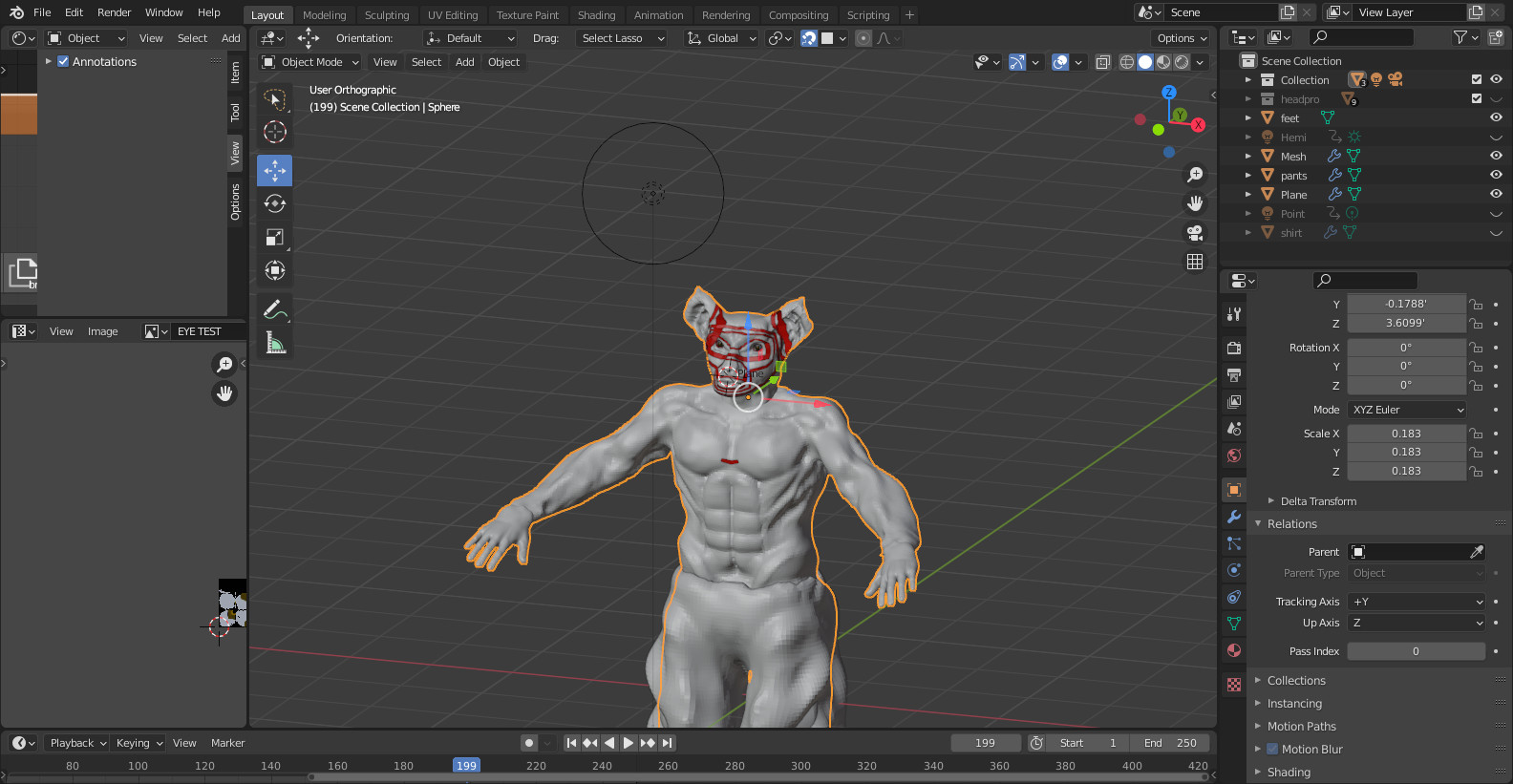
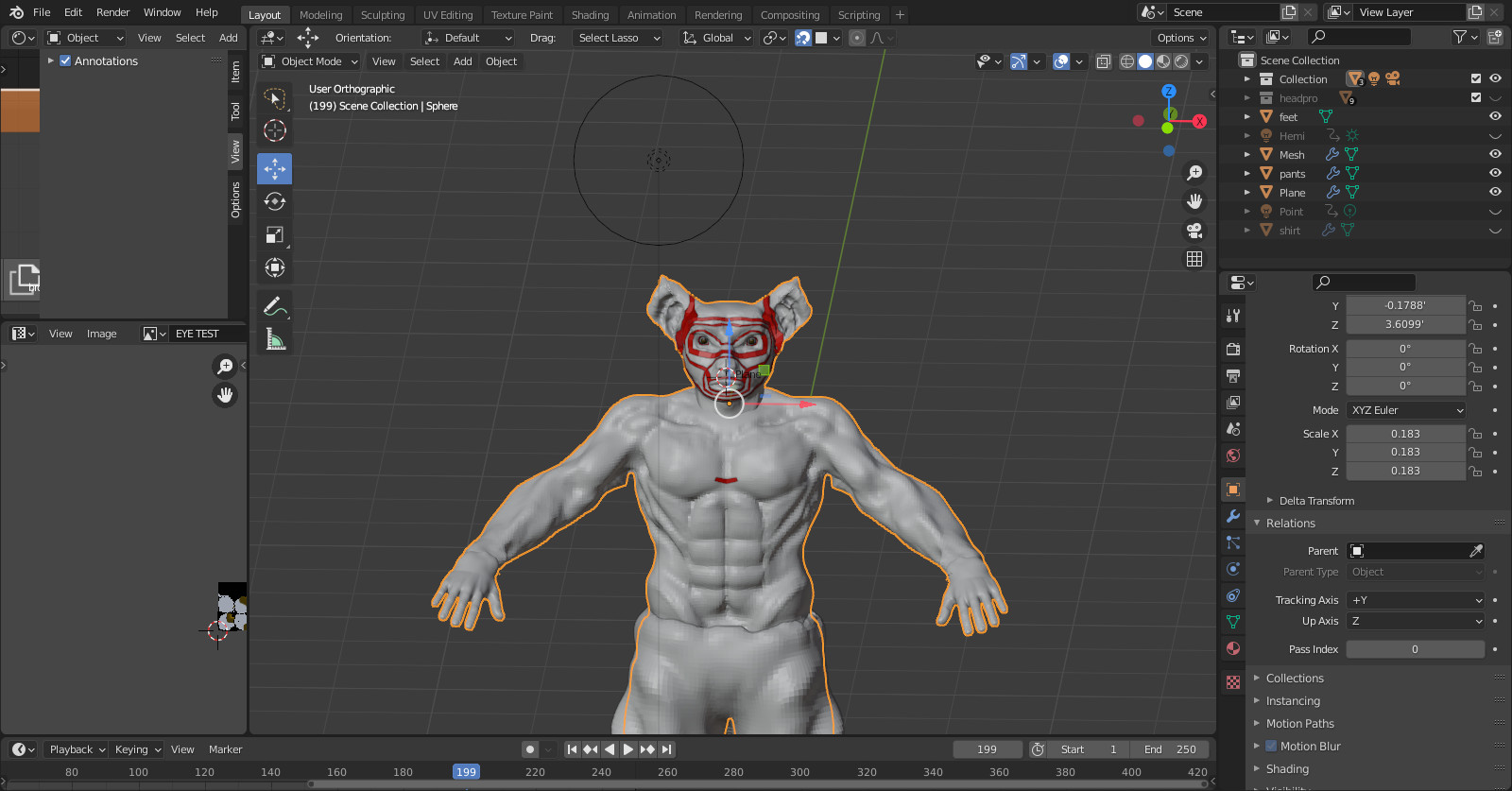
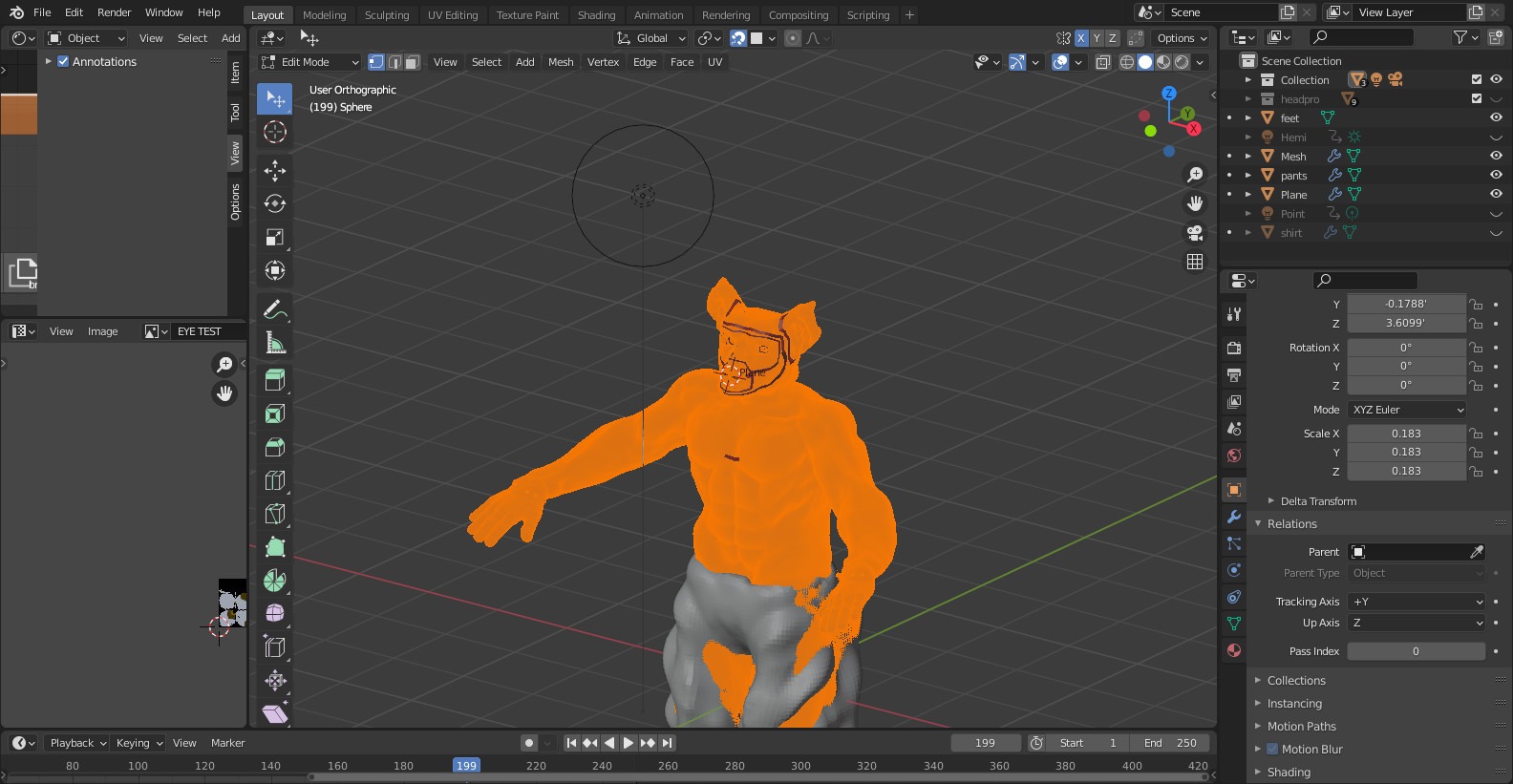
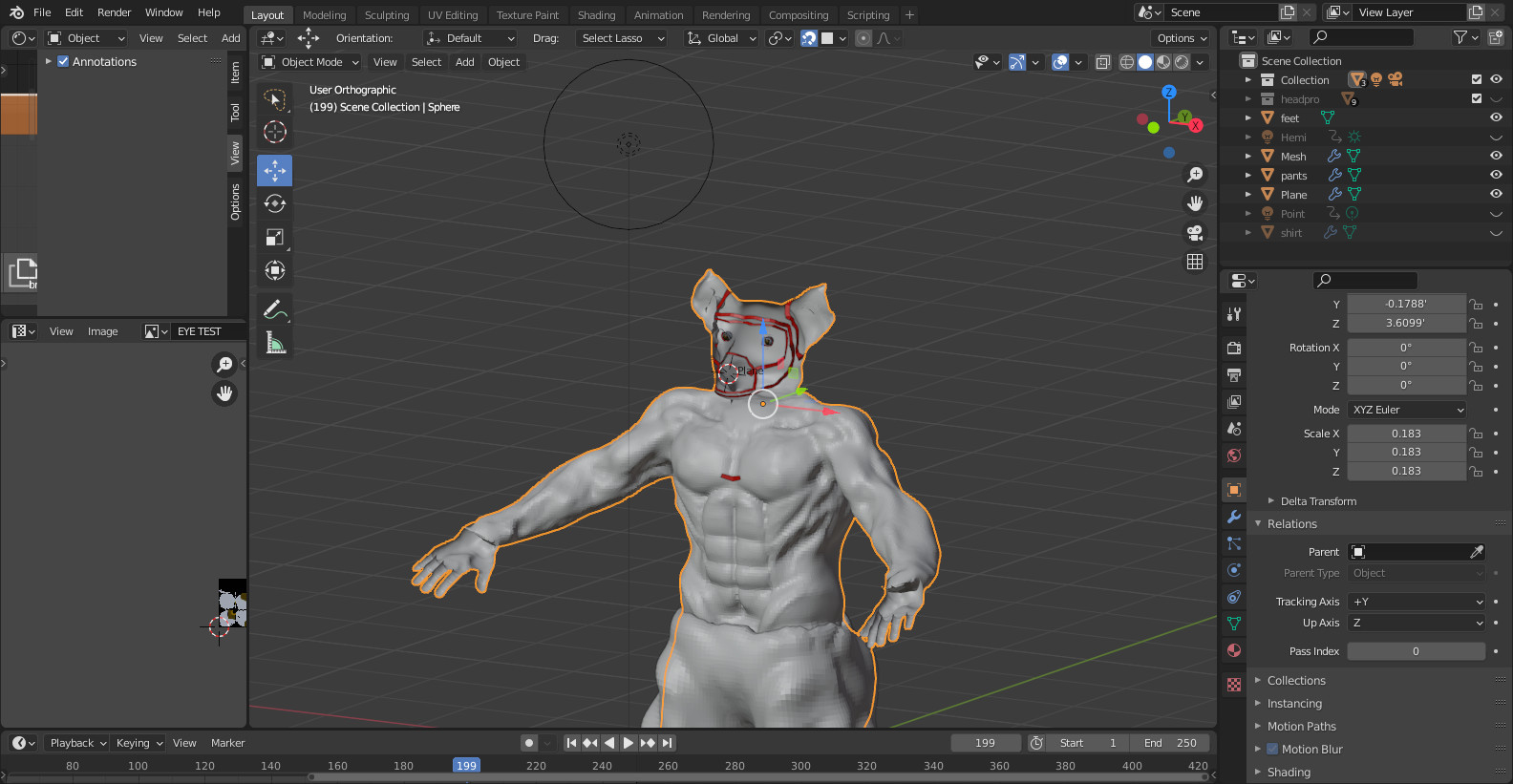
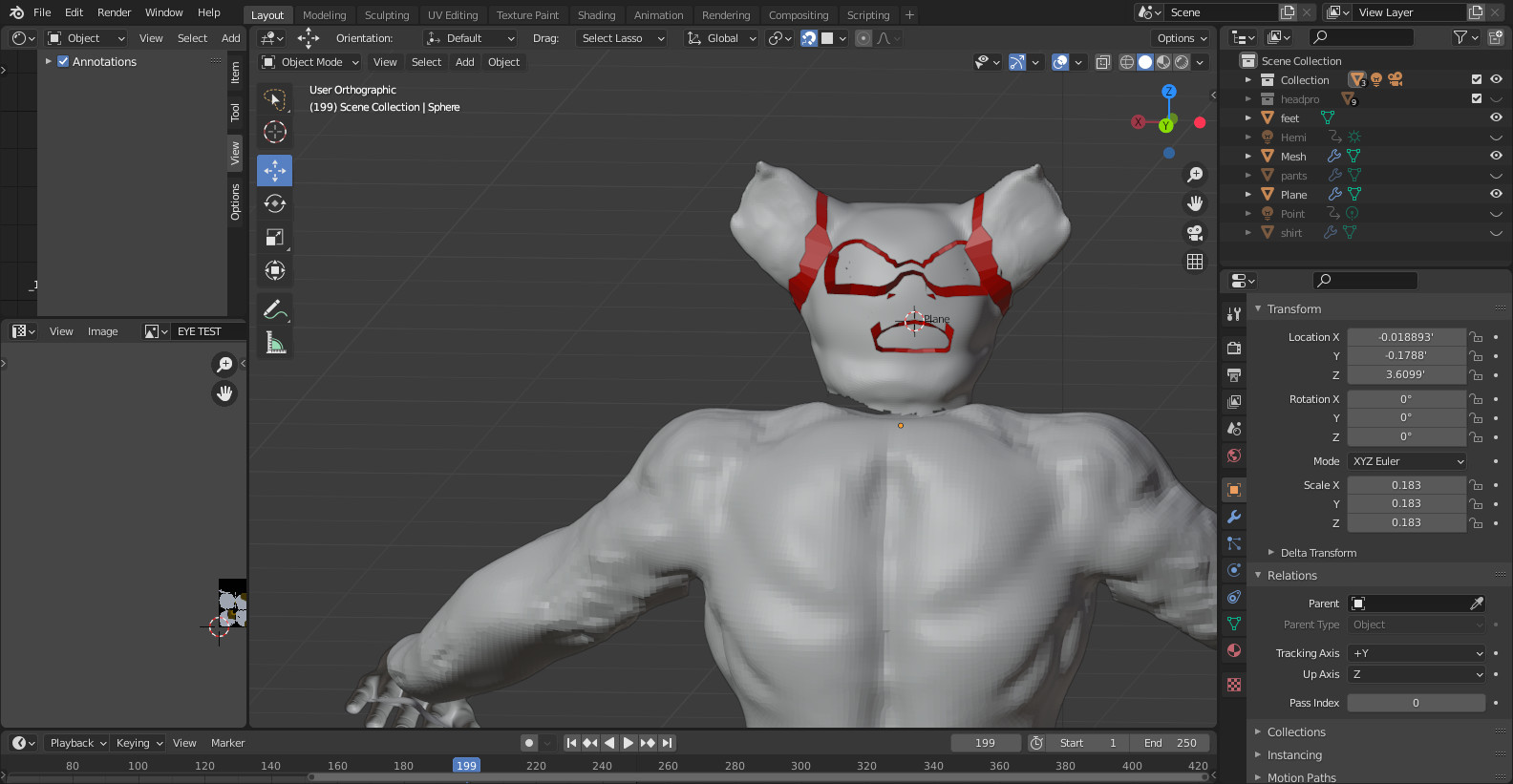
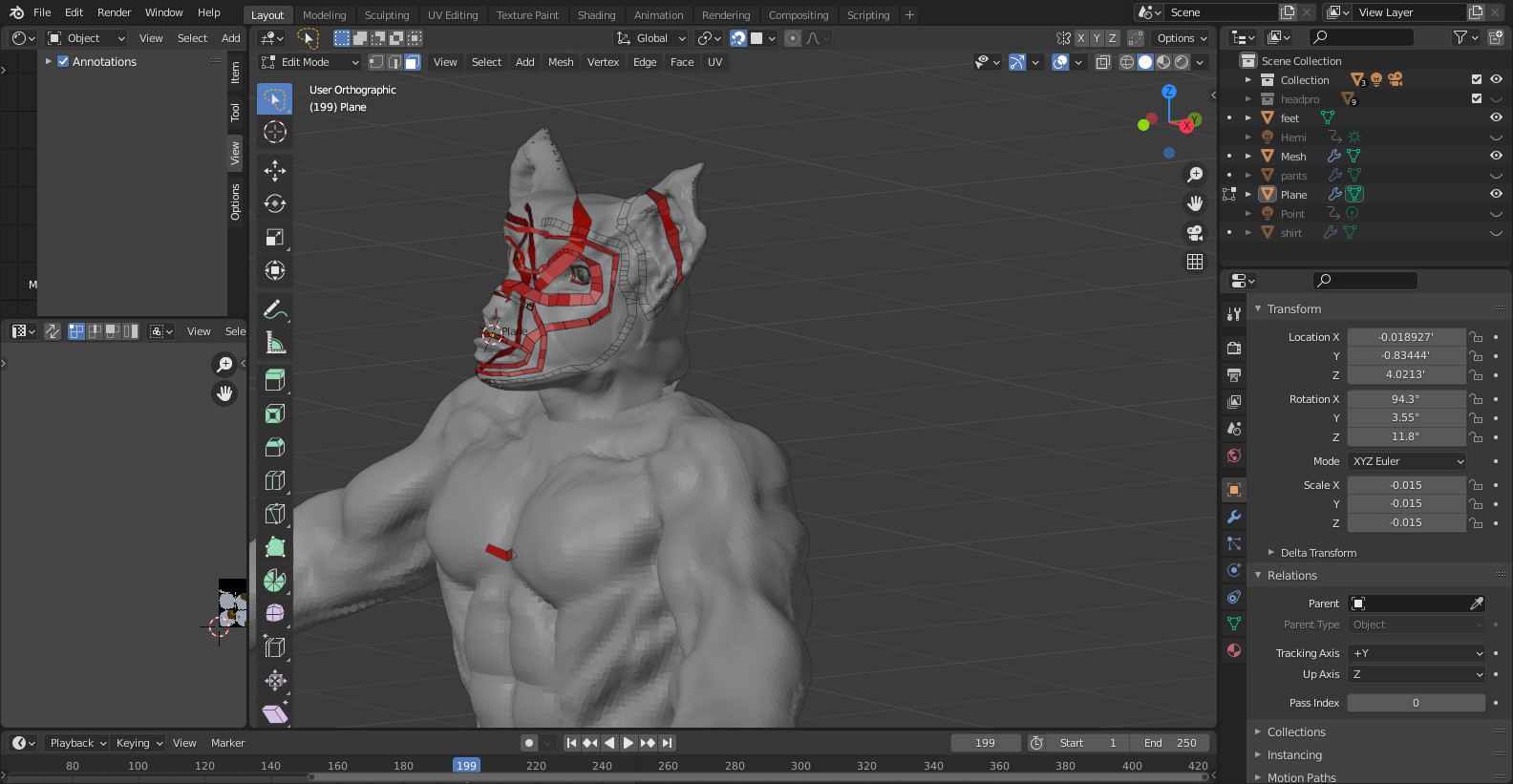
I have Recalculated normal in edit mode using Shift N. The body returns to the normal state which is forward but the face is backwards and some of the topology of the face disappears as well any help?
If you think it is to do with normals, use the viewport overlays dropdown and tick the 'face orientation box.
It should all look blue. Any red are back to front normals.
If auto recalculate normals can not work out what you expect, select the red faces and just flip them specifically.
OKAY THIS HAS WORKED. BUT WHEN I SELECT THE MESH IT ONLY SELECTS SOME OF THE FACES. NOW SOME OF THE NECK IS MISSING AND HANDS DUE TO NOT BEING ABLE TO SELECT AT ALL OF THE FACES ANY IDEA ON HOW TO FIX THIS. BTW EVERYTHING IS JOINED TOGETHER.B
I was hoping others might see some other issues. It is good that sorting the normal directions has helped.
I assume you checked for double geometry and applied rotations and scales. Do you need back face culling on? Does turning it off make selecting faces easier?
What kind of modifier are active?
Which Blender version?
Maybe the error has been introduced in earlier steps of the process and you’ve overlooked something.