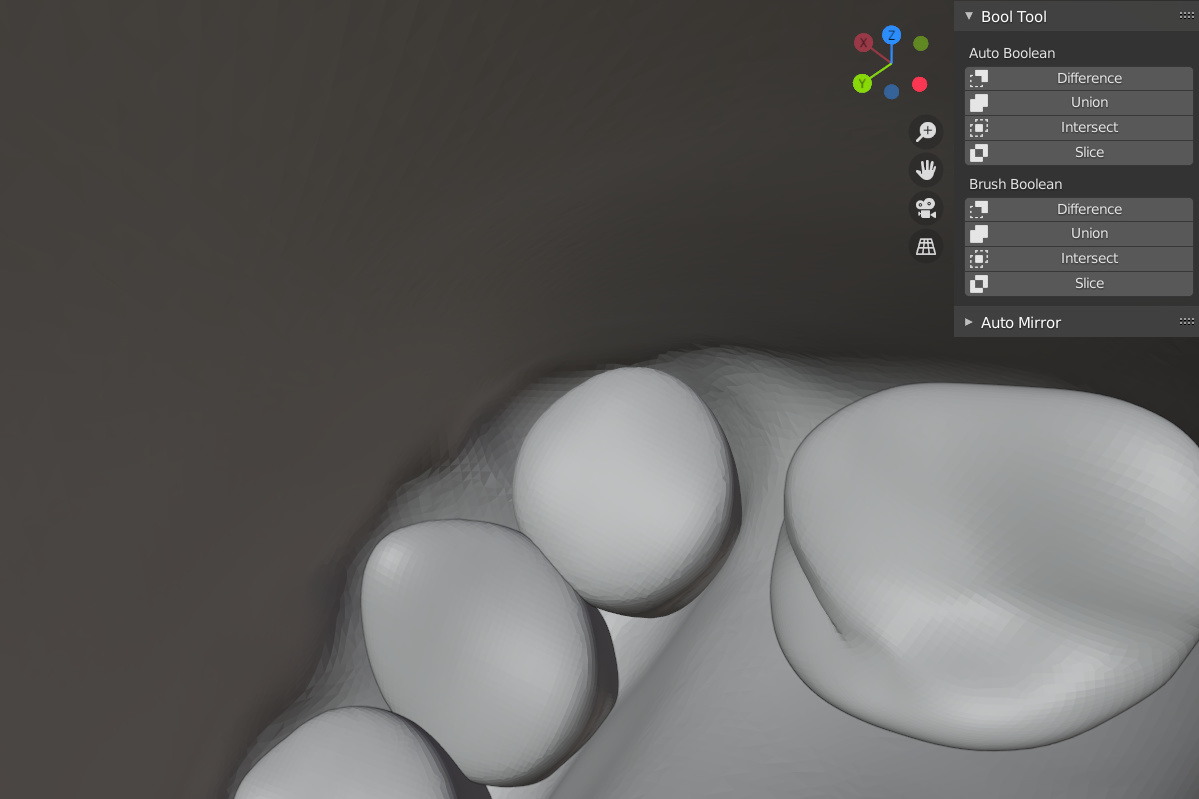
Hi. I have problem with using auto boolean. I know that there were a lot of topics about that but I didn’t find answer. When i use auto boolean “Union” first clicked object dissapear. Additionaly when I use 'Diffrence" objects connect but remain like on pic 2. Face orientation is good. Is the object too dense [pic. 3] and it is impossible? Remeshing is the last resort but maybe is the only option. I have version of Blender 2.9.
Thanks for any advice 
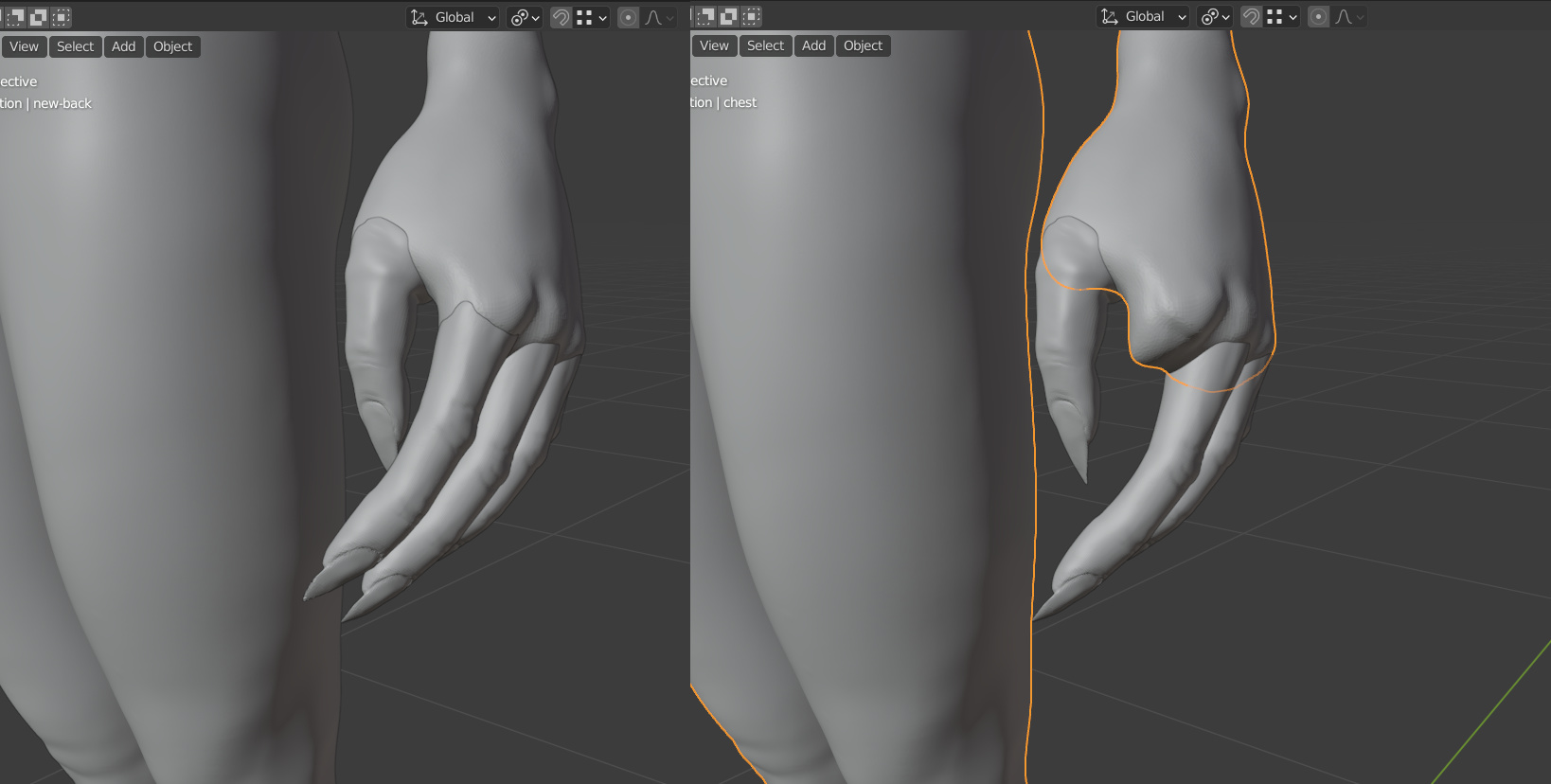

Can’t say!
Maybe, seeing your mesh density, a Blender memory problem?
Could you the object manifold? (no mesh holes)
But I don’t think that’s the issue.
I know there is auto boolean, which is more a hotkey.
But did you try it by hand, manual boolean setup?
I can imagine that this ‘auto’ also hides object by default, while in manual setup you need to do more.
No idea what ‘auto boolean’ is. Always use the modifier.
But booleans are always potentially tricky and things like face alignment can throw them off. Tiny mesh movements can fix some problems, as it dissaligns a problem alignment. Though with such vast vert density you may just lose one and gain another issue.
Coincidentally in the last few days, I saw a report that the beta 2.91?, 2? has an improved boolean operating calculation. Not yet in the latest stable release. A new ‘exact’ option that is much improved though, not perfect. Might well be a spur to me to move to 2.9 when it is official.
I tried Boolean modifier too, checked mesh. I think I exaggerated with the density and it’s probably problems with memory (Blendern start hang using Boolean). So i have have to work with remashing. Thanks for advices. 
2 Likes
This topic was automatically closed 24 hours after the last reply. New replies are no longer allowed.