Everything worked fine until yesterday.
I finished the character blueprint and the lights, build ‘only lightning’ as some red error showed on screen when I played (that fixed it), saved all and then closed Unreal.
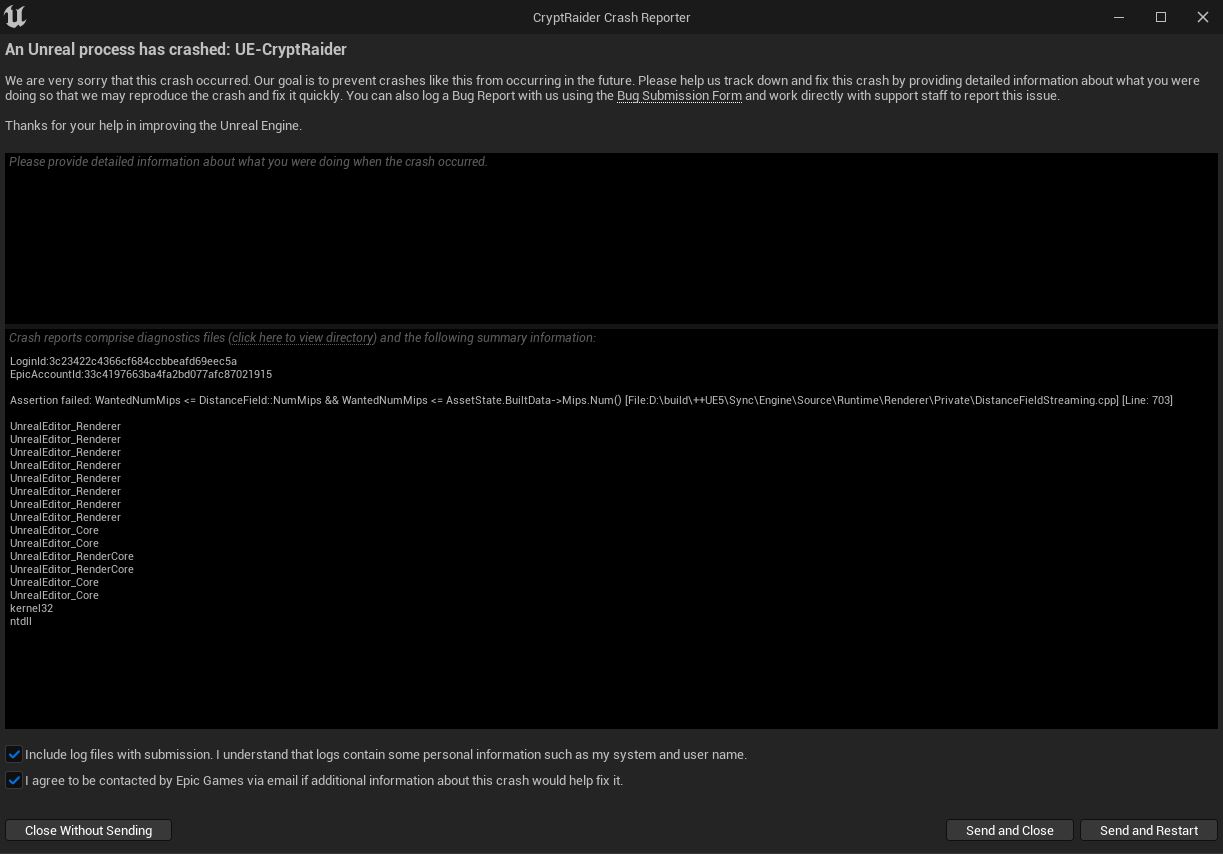
Today Unreal crashes when I try to open the project.
I just did and it worked, I am able to open the project again, thank you very much. I’ve just done a backup copy from the whole project folder and .zip it.
BUT…
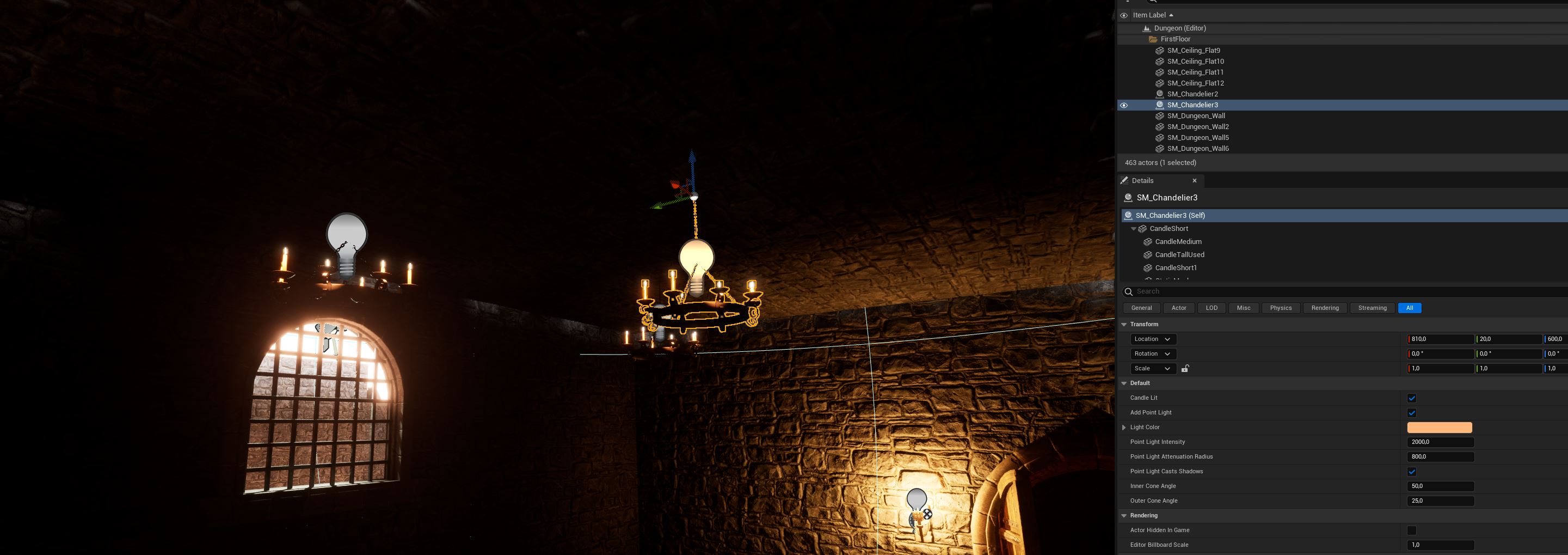
Something is wrong with my chandeliers. I created a BP class with the chandelier mesh and added a light source, just like the torch.
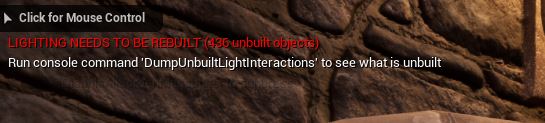
Changing the intensity and attenuation radius is what causes this error:
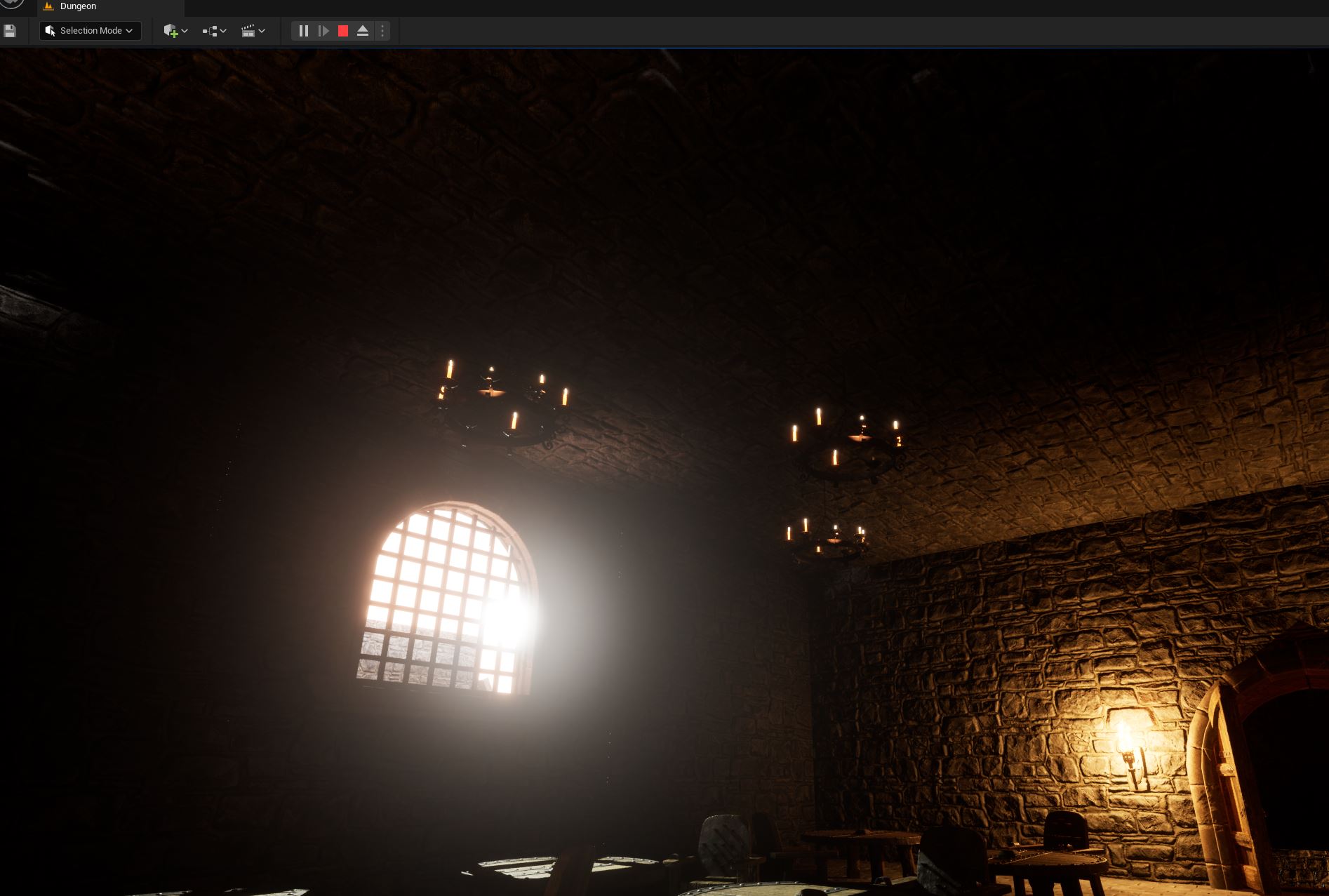
Then I click ‘Build only lightning’ and the light from those chandeliers disappear.
If I save all and close, once I try to open the project the ‘Assertion Failed’ error pops up again and I’m unnable to open it. Something is wrong with the lightning and the renderer for sure.
Here’s my project, maybe you can find what’s wrong:
Just to note: that’s not an “error”, it’s just telling you the scene has changed so the lighting needs to be rebuilt as what you’re currently looking does not represent of the changes made.
Just to note: that’s not an “error”, it’s just telling you the scene has changed so the lighting needs to be rebuilt as what you’re currently looking does not represent of the changes made
Ops, sorry. I should have said “warning” maybe, noted.
Not quite sure what’s going on honestly.
I’ve been searching in forums, Reddit, everywhere… yet I have no clue what’s going on, it’s strange since the other lighting sources works properly.
I can understand to find an error or something like that, but not being able to open the whole project because of that Assertion failed it’s really annoying. At least I have a backup copy now to keep up with the course.