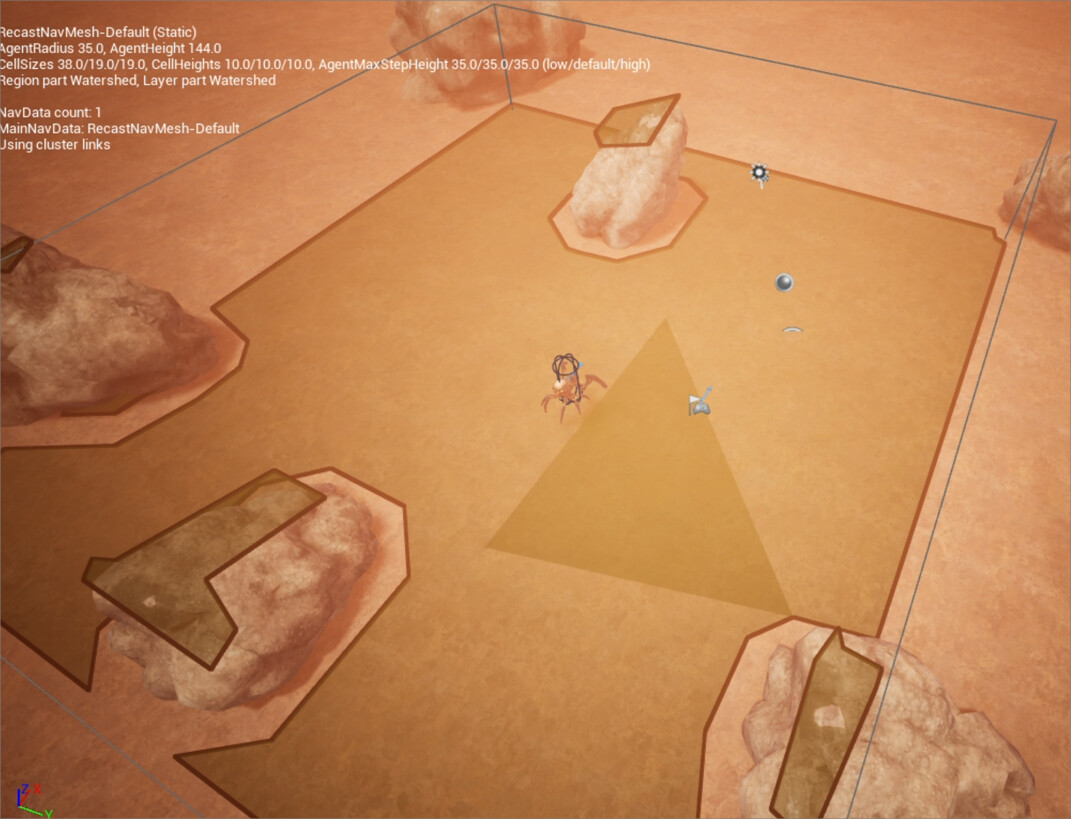
I know there’s another thread about this but it was closed and the solutions didn’t help me - I tried to move everything to around 0 0 0 in X Y Z.
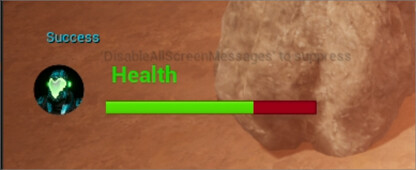
I added a print string to see what the movement result is and it just says “Success”
I’ve tried putting in large values into the “Destination” too and it does nothing
Is there something I’m doing wrong?
I’m using UE 5.3
I found the problem. There’s something wrong with the “landscape” ground mesh. Deleted the landscape geo and put in a large flat cube instead and it worked
Another solution to try (in case this wasn’t suggested in the thread you mentioned) would be to delete the navmesh volume and recast actors from the level and place a new navmesh volume in. That helps refresh the navmesh in case there’s an issue with it.