using System.Collections;
using System.Collections.Generic;
using UnityEngine;

public class Movement : MonoBehaviour
{
    Rigidbody rb;

    // Start is called before the first frame update
    void Start()
    {
        rb = GetComponent<Rigidbody>();
    }

    // Update is called once per frame
    void Update()
    {
        ProcessThrust();
        ProcessRotation();
    }


    void ProcessThrust()
    {
        if (Input.GetKey(KeyCode.Space))  // spacebar 누를 경우 아래 코드 출력
        {
            rb.AddRelativeForce(2, 2, 2); // 3D 게임이므로 Vector3 (x, y, z) 입력 / x 1유닛, y 1유닛, z 1유닛씩 이동해서 특정 각도로 이동
        }
    }


    void ProcessRotation()
    {
        if (Input.GetKey(KeyCode.A))  // A 입력받을 경우 아래 코드 출력
        {
            Debug.Log("Rotating left");
        }

        // else if : 위 조건이 만족되지 않을시 이 특정 조건이 실행됨
        else if (Input.GetKey(KeyCode.D))  // D 입력받을 경우 아래 코드 출력
        {
            Debug.Log("Rotating right");
        }
    }

}
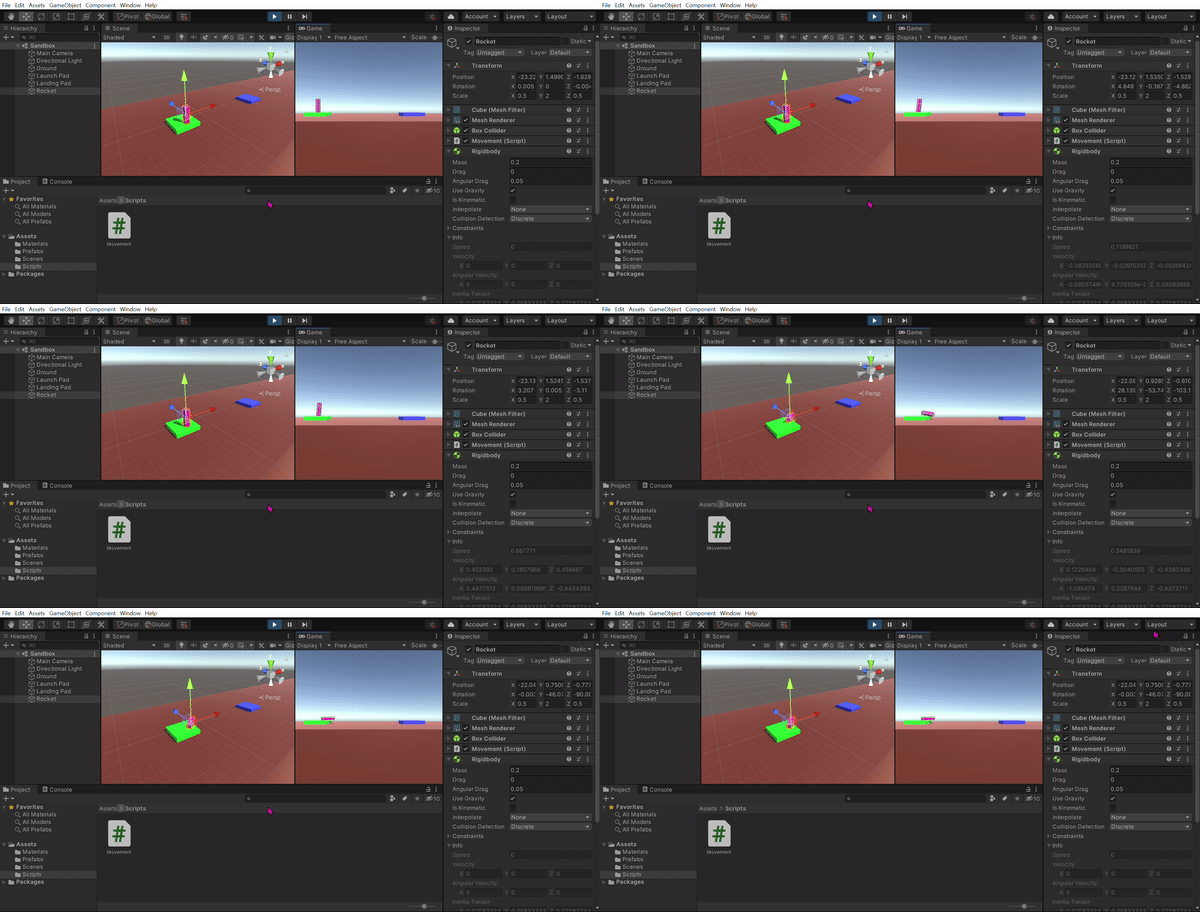
The code and variable settings are the same, but I’m not sure why they don’t fly away unlike the lecture. I would appreciate it if you could tell me what I did wrong.
Considering that the added code Debug.Log("Press Space"); is output to the console, space input seems to be delivered properly I think.
It’s just a guess: There was a strange bug in past versions of Unity. When a game object was selected in the Hierarchy, the movement often did not work as expected, and the game object seemed to act as if it were extremely heavy. Maybe you are experiencing the same issue.
Try to select another game object in your Hierarchy, click into the game window once to set the focus on it again and try to move the rocket with the space key.
If that didn’t help, try to rename the Update method to FixedUpdate to see if that improves the behaviour.
You could also try to install a newer version of Unity.
Before you import your project into a newer version, make a backup of your project folder by duplicating it. Save the duplicated folder somewhere else, maybe on an USB stick. To save some free space, you could delete the Library and Temp folders in the backup folder. Import the project into Unity, not the backup.
I tried all the methods you told me, but they didn’t work, so I tried the last method. I installed the latest version of 2020.3.32f1 and opened the Boost project, but it didn’t fly away like a lecture video.
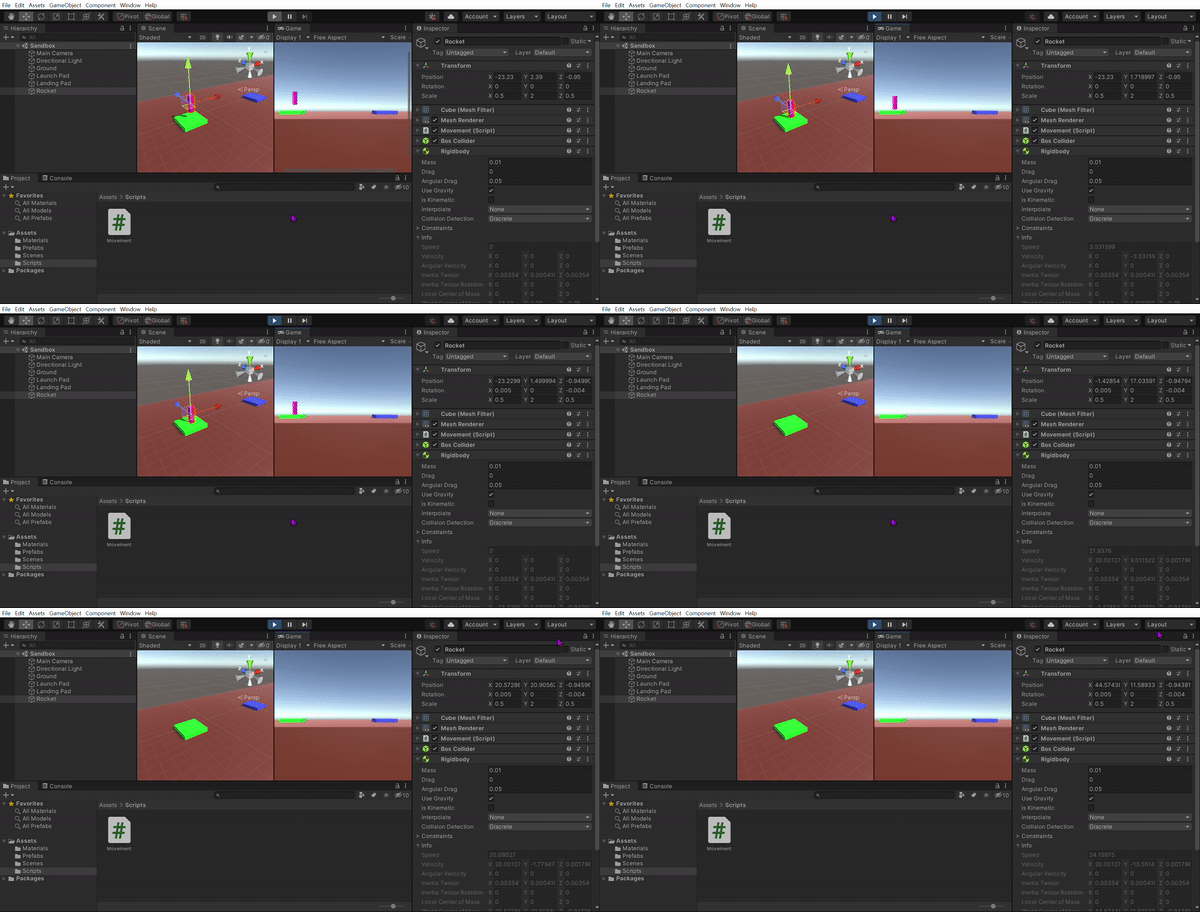
When I tried combining the methods you suggested, I added force code and changed mass to 0.01, and it flew away! Can I do it like this?
[Movement.cs]
using System.Collections;
using System.Collections.Generic;
using UnityEngine;
public class Movement : MonoBehaviour
{
Rigidbody rb;
// Start is called before the first frame update
void Start()
{
rb = GetComponent<Rigidbody>();
}
// Update is called once per frame
void Update()
{
ProcessThrust();
ProcessRotation();
}
void ProcessThrust()
{
if (Input.GetKey(KeyCode.Space)) // spacebar 누를 경우 아래 코드 출력
{
float force = 5f;
rb.AddRelativeForce(force, force, 0f); // 3D 게임이므로 Vector3 (x, y, z) 입력 / x 1유닛, y 1유닛, z 1유닛씩 이동해서 특정 각도로 이동
}
}
void ProcessRotation()
{
if (Input.GetKey(KeyCode.A)) // A 입력받을 경우 아래 코드 출력
{
Debug.Log("Rotating left");
}
// else if : 위 조건이 만족되지 않을시 이 특정 조건이 실행됨
else if (Input.GetKey(KeyCode.D)) // D 입력받을 경우 아래 코드 출력
{
Debug.Log("Rotating right");
}
}
}