Hello, everyone!
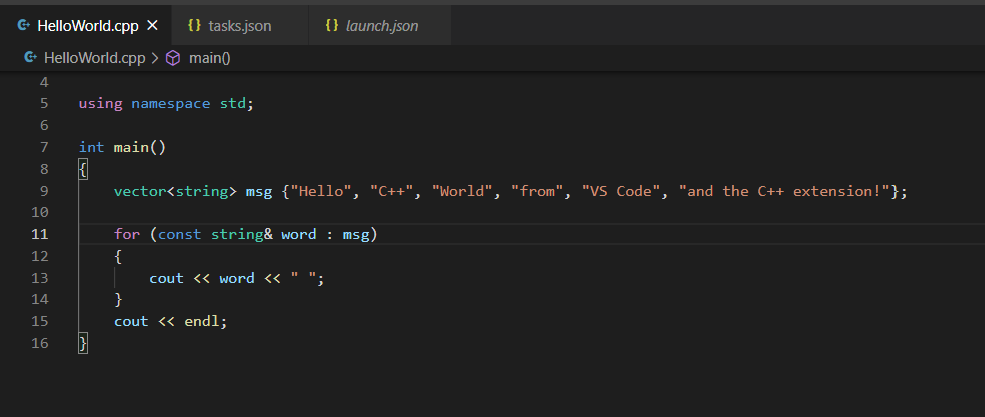
I’ve started the Unreal C++ course and since I’m new to learning code, I tought I’d try to learn some basic C++ before going too deep into Unreal. So, as I am reading Tony Gaddis’ “Starting Out With C++” I’ve tried doing some of the excercises and I realised that I can’t compile my brand new code. After I downloaded the g++ compiler and everything (it works fine), I’ve tried running the .exe file which VSCode has created. My .exe file doesn’t run, unless I do it from VSCode’s terminal, but the one from the TripleX game (the one that was with the course) runs everytime I double-click on the .exe file and opens a terminal.
My question is: why does the TripleX.exe work when I double click it and why does my .exe file not?
Is this normal Windows behaviour? Does it affect the file at all? How can I share my “games” with my friends if they can’t run the .exe?