In this video (objectives)…
- Look at the lamp types
- Understand how they differ
- Change the colour of a lamp
After watching (learning outcomes)…
Be able to add lamps to your scene to light your models more effectively.
(Unique Video Reference: 20_GS_BEC)
We would love to know…
- What you found good about this lecture?
- What we could do better?
Remember that you can reply to this topic, or create a new topic. The easiest way to create a new topic is to follow the link in Resources. That way the topic will…
- Be in the correct forum (for the course).
- Be in the right sub-forum (for the section)
- Have the correct lecture tag.
Enjoy your stay in our thriving community!
Good information on this topic, thank you.
I did check the Hemi light and it seems to be working correctly in the Blender 2.8 version that is out now (Oct.5). At least, as I checked it, it seemed to do what it is suppose to do.
Good day Mr. Bridges
Just for the record … huge fan :D, just great course, I love it.
Probably I am working on a far different version already but in case of rendering there are a bit different options. Can you just peak at some newer version and please compare and give me/us some hints to how to do these things.
Have a great day
Bob
P.S.
1 Like
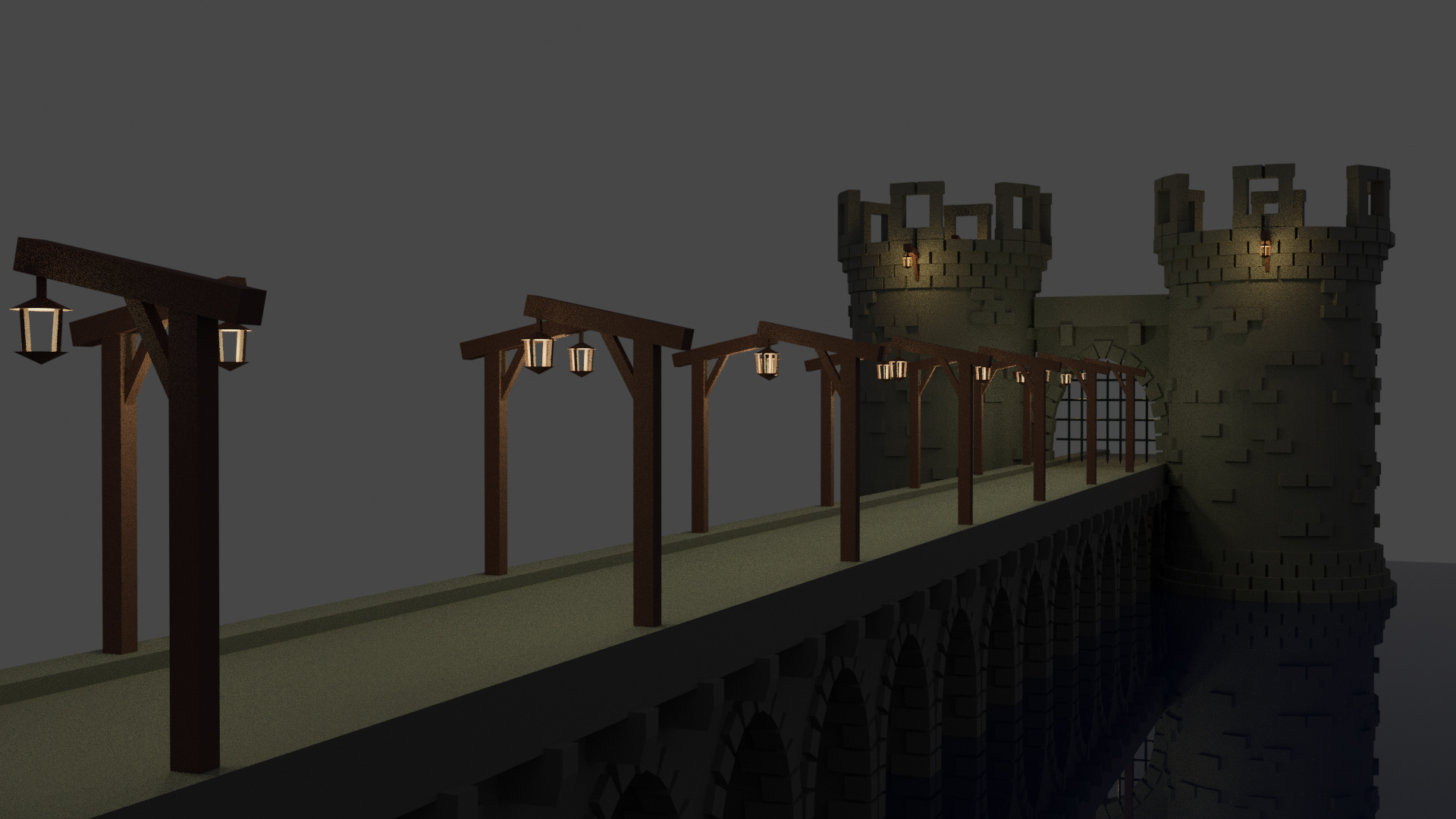
Beautiful model!
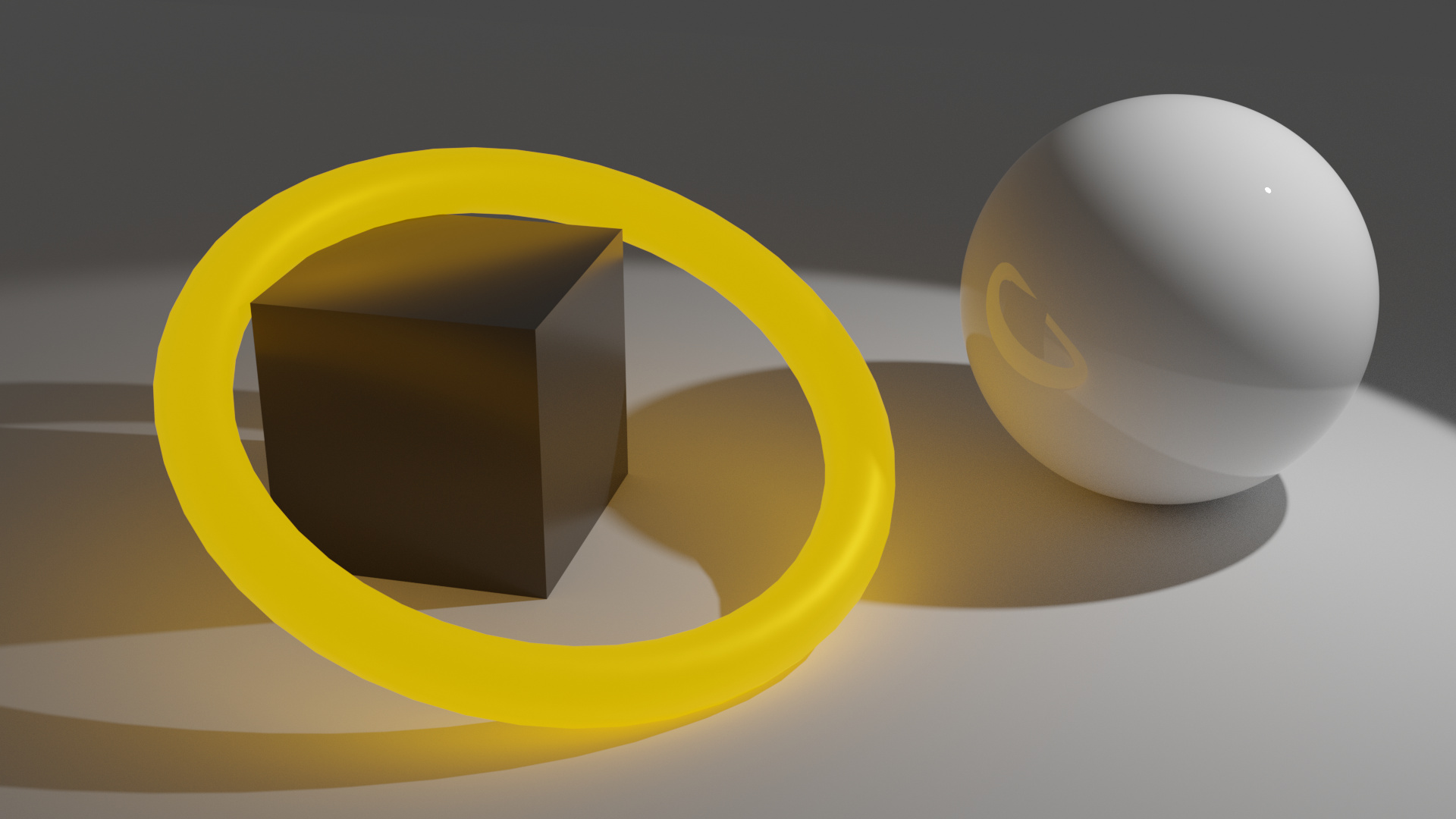
I just “needed” to try to set up a light-emitting object 
Just a glowing ring on a block next to a mirroring sphere. Took about 6 minutes to go through 512 cycles (on CPU), below that there’s quite a bit of noise.