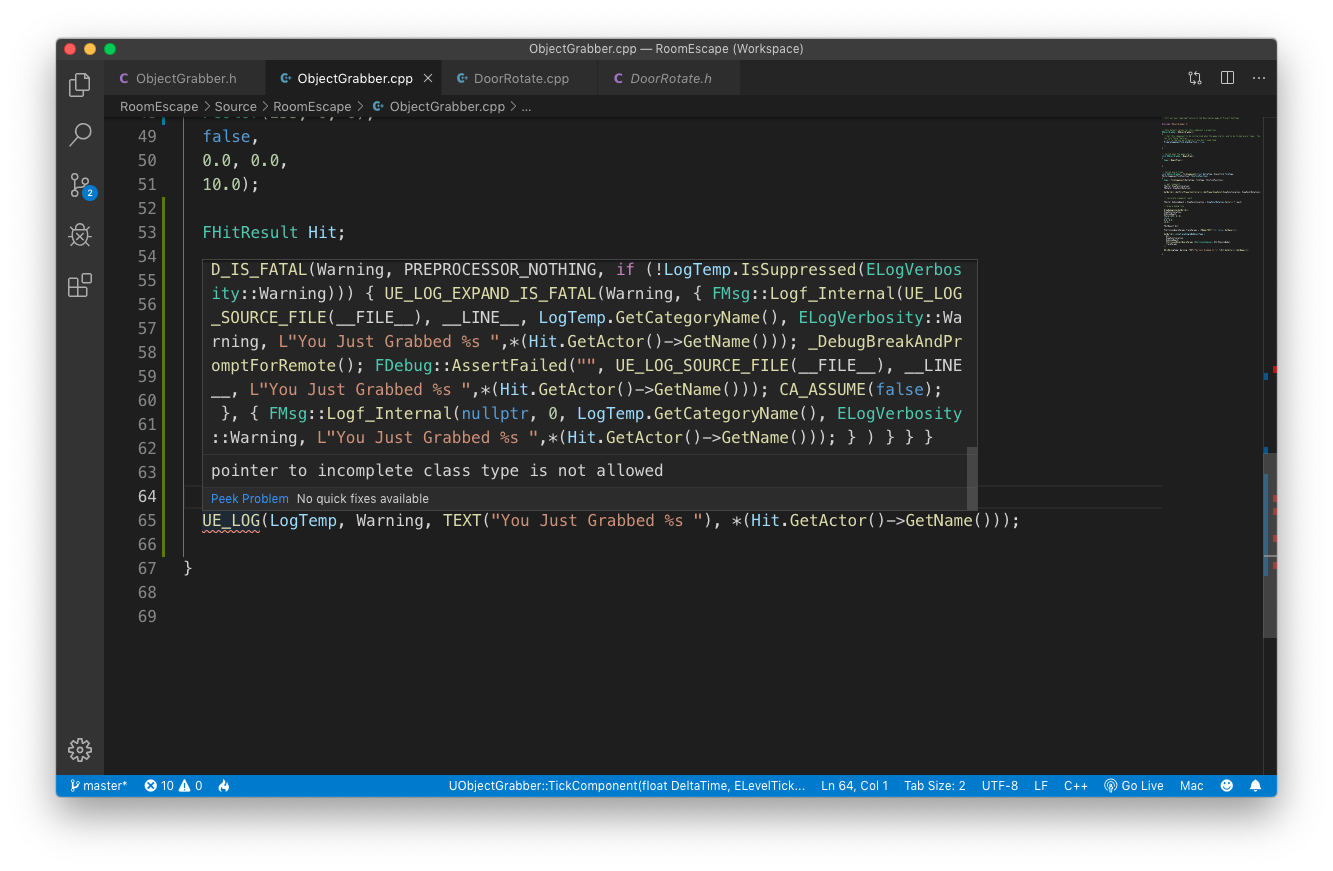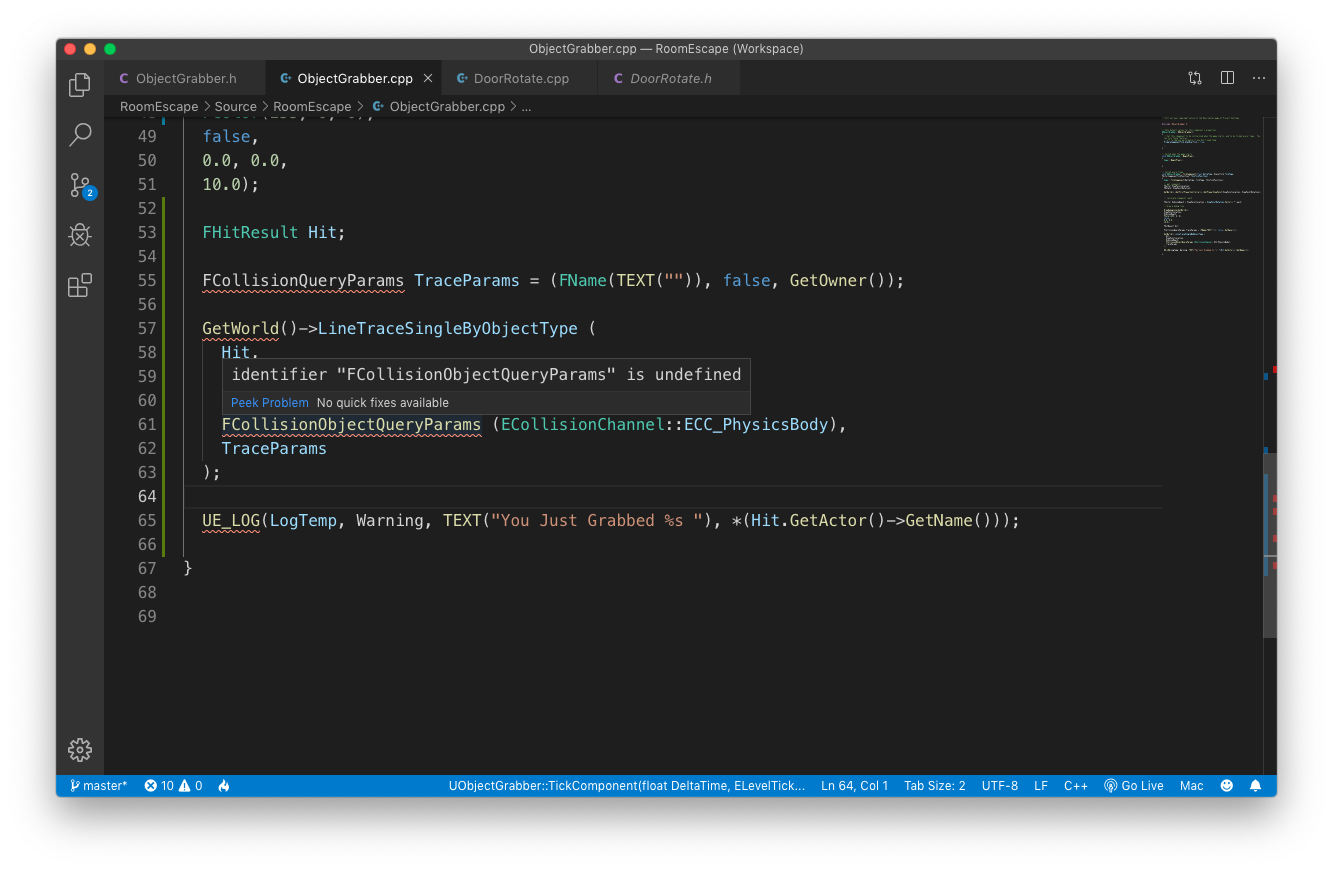
So im at section 3 (building escape) lecture 86 (archived course) where ben is using raycasting to determine the name of what is in front of him. I finished the challenge at the end and was so glad I did the same thing ben did to log the object name to the console.
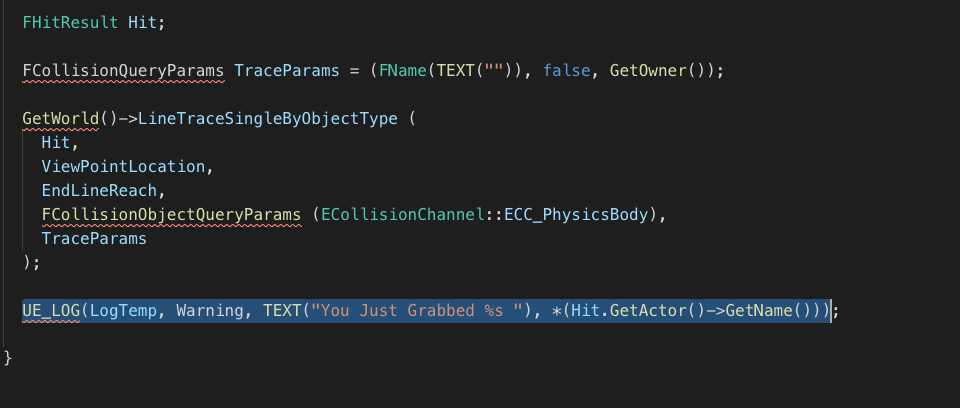
here the thing though, whenever I compile and run Unreal Crashes every time but if I remove the UE_LOG line I highlighted in the screen shot, it works without issue, what’s up with that?
Just going to give a small hint: Those red lines are telling you that there’s something not quite right. While, there are times when it can work fine despite that, the rest of the time will result in crashes or perhaps other problems.
You want to see what the error is for each line but for the context of what you say here, you want to see the one there with UE_LOG. It will tell you what’s wrong. You can try moving the mouse pointer over top of it.
I know that something isn’t right from the red squiggly lines, but visual studio code doesn’t seem to want work properly for me. I even tried asking on the forums just like this question
but no one tried helping me out
anyways I tried hovering over UE_LOG this is what I got,
Both of those problems may stem from missing or incorrect header use or even incorrect code when defining the class in the header or whatever.
If you have the same exact code with 0 errors (differences) as their code on github https://github.com/UnrealCourse then its probably a result of VSC not configured correctly or something with UE.
But, I have a feeling you have something slightly incorrect with the code.
A) You can always create a new project in VS (or use Xcode or whatever) and all the classes then copy/paste the code over and see if it works then or not.