I’m working through the mobile course in Godot and am stuck on the generate level threshold bit. Everything is working pretty good besides a bug I had earlier in the course. It prints 10 for the amount of platforms but doesn’t generate more platforms.
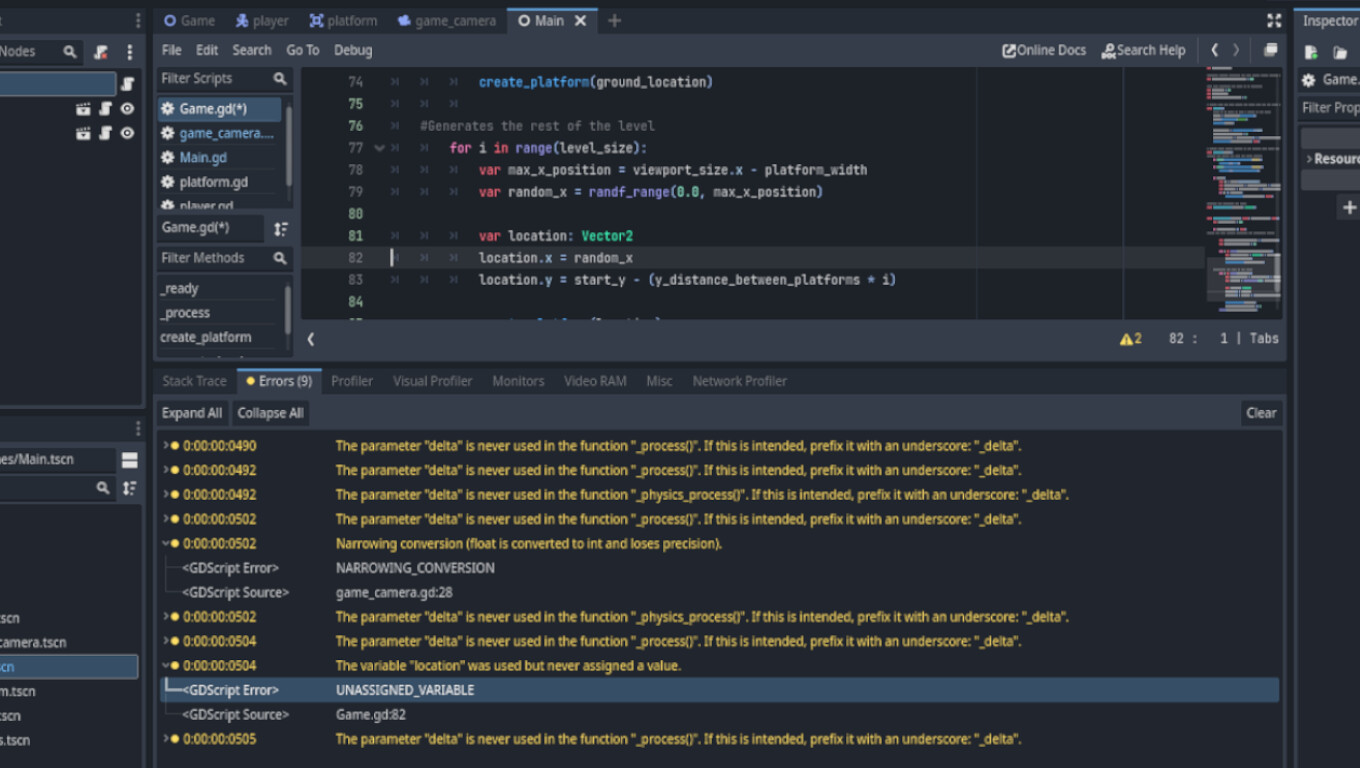
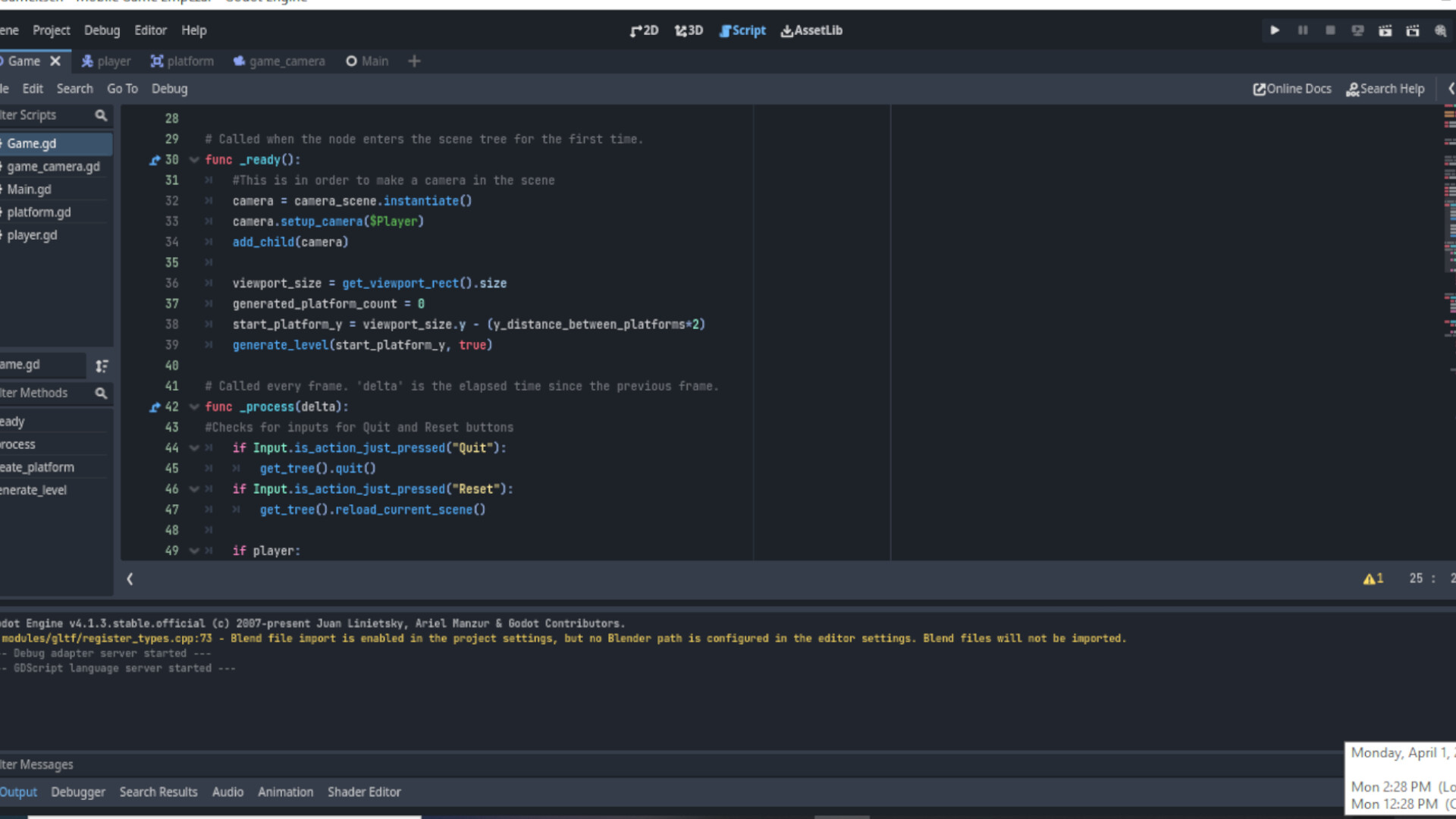
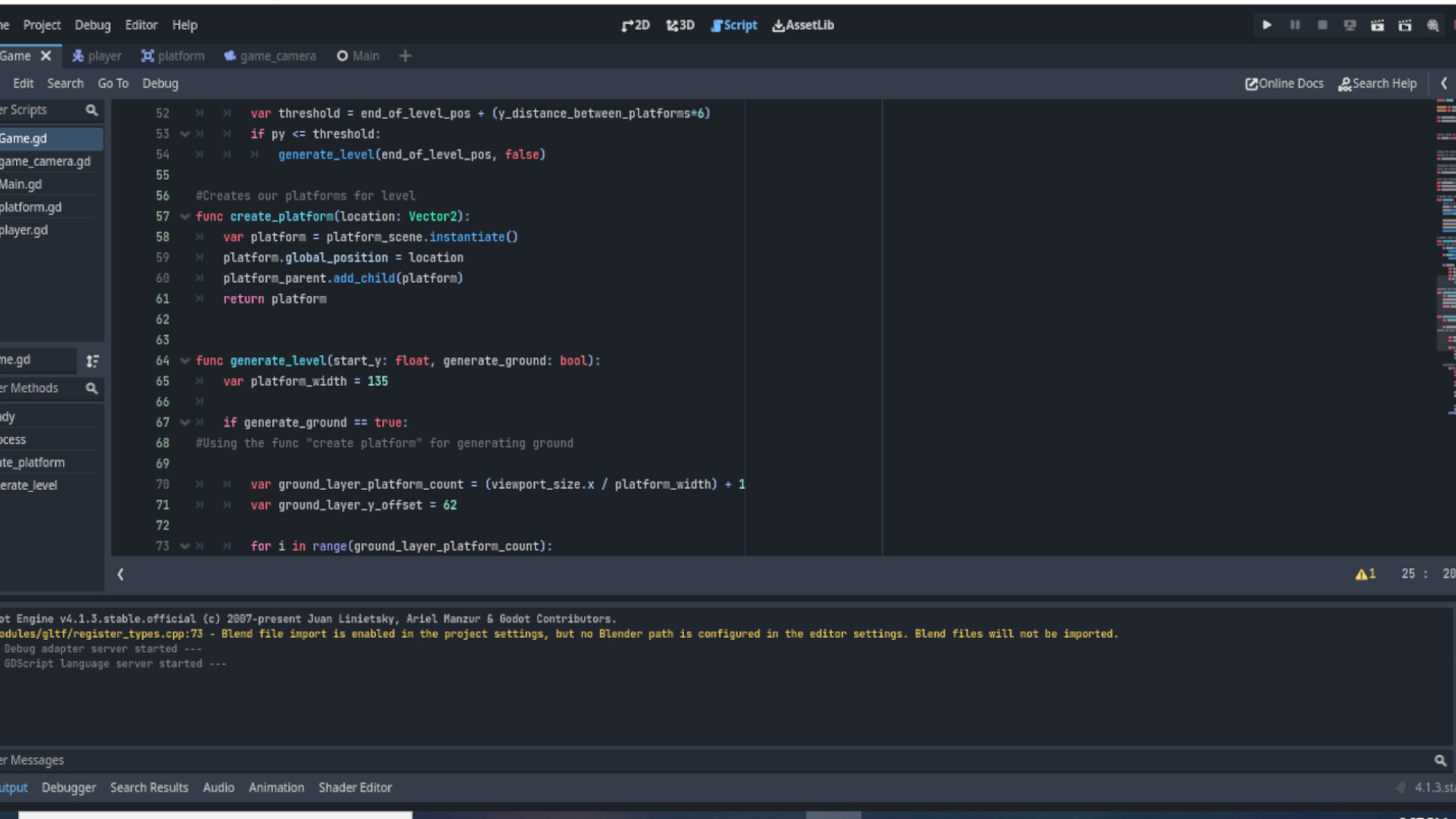
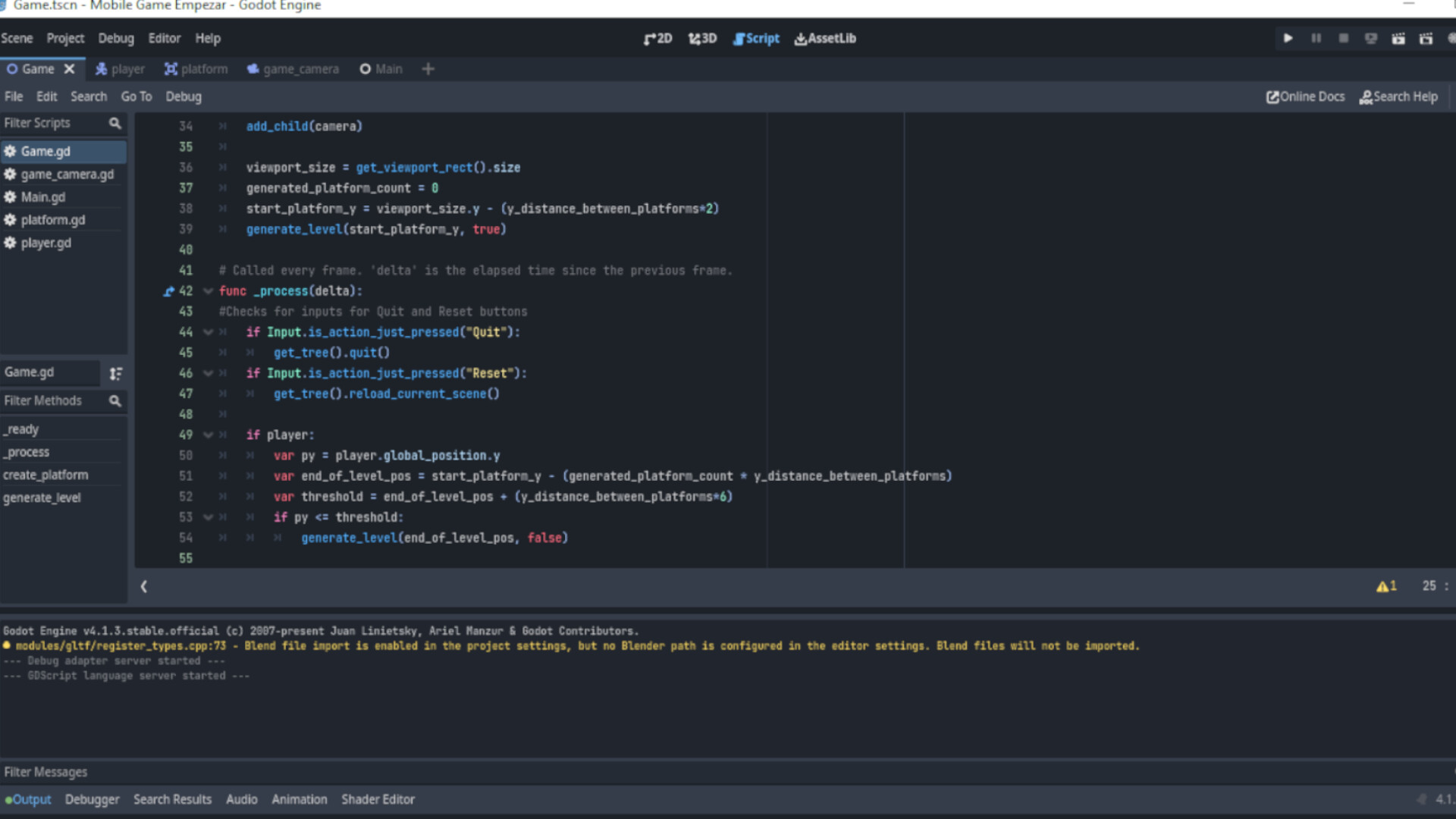
I’ve included a screenshot but not sure if that has anything to do with my problem.
I think that warning does indeed have something to do with the problem.
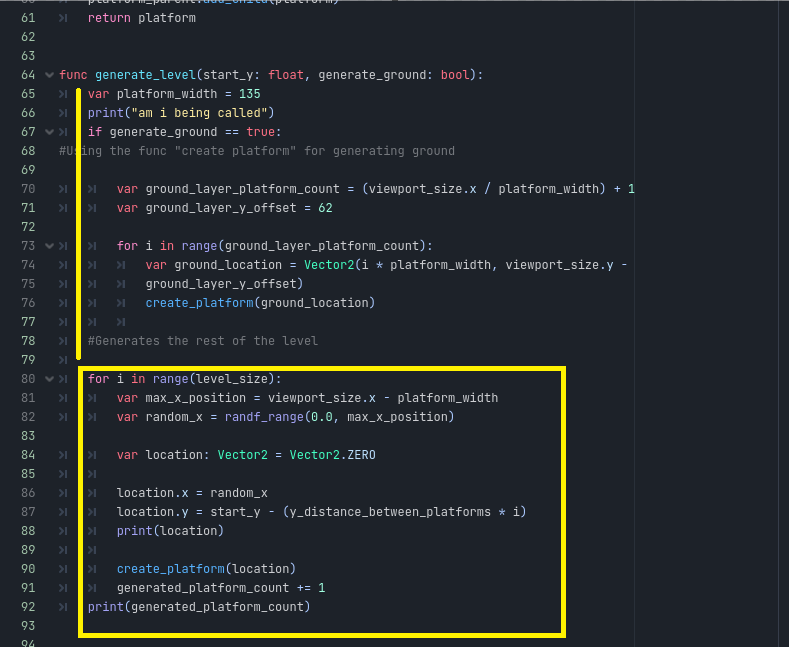
Could you dump the rest of this function in here so we can see it? I suspect it might be because you’re declaring location in the for-loop itself, but I would need to see how it’s being used.
In the meantime, I would also set up a battery of print() statements around this area. I see that you’re printing something already; I would check to see if the value of location is disappearing somehow or not being assigned correctly (what you’re showing so far looks ok from here, hence the need for more testing).
the location one is a sort of uniquely strange one as i was getting this warning coming up as well.
it would appear from my understanding, that although were assigning the X and Y components of the vector2 individually, godot seems to complain if we dont assign the Vector2 variable with a vector2 value directly.
what i did was just to assign it a Zero value, to get rid of the warning.
var location : Vector2 = Vector2.ZERO
for the level not being generated, but still showing the platform count.
think we would have to see more parts of the script as @CoreyKnecht mentioned.like the generate_level and create_platform methods.
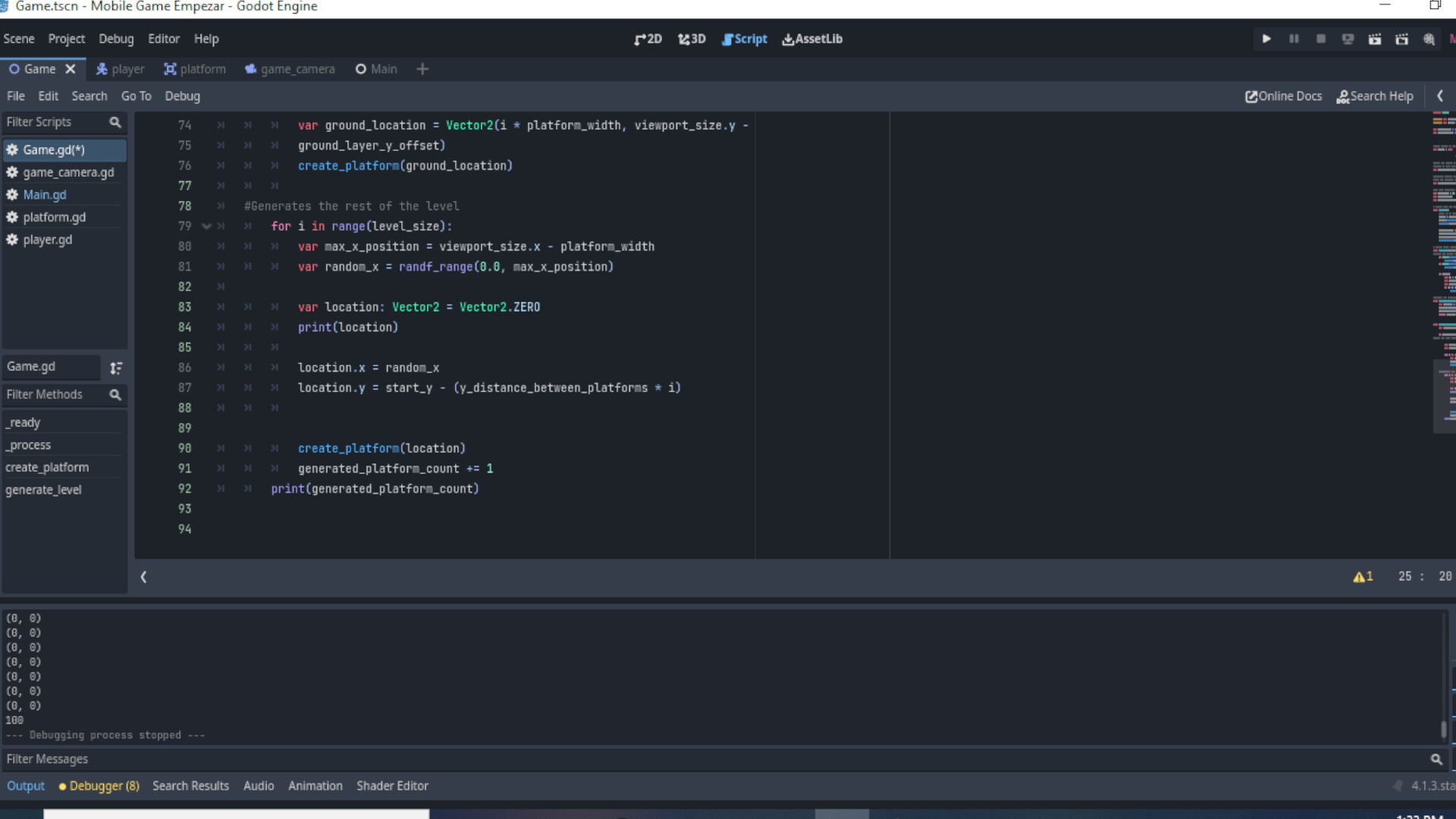
Thank you for your response, here is the screenshot. I got really confused when we copy and pasted code as I was adding the #in order to make notes and that is where I may have messed up the code. I added the print statement as well as your suggestion but not working. @CoreyKnecht Thank you to the both of you for helping get this sorted. I did add more platforms (100) in total in order to see any change but it didn’t generate after the set total.
Just a quick thought before I dig into this any further - you’ve checked the remote tab to see if the platforms are simply being spawned offscreen or something, right? I made that mistake once already, ha!
I wasn’t able to find anything on my own; I even tried making a minimum reproduction project on my end with some Node2Ds and everything worked as expected. I thought it might’ve been because you are returning the platform itself instead of setting this function up as a void, but that actually worked just fine when I tried it.
For this reason, I would still suggest adding additional print statements to try and gather more data about what’s going on under the hood. Each thing you check gives you useful information because you either find the problem, or you find something that isn’t the problem (which means you can narrow your search that much more). For example, I can see from your output that your location is successfully being set to Vector2.ZERO in each iteration of the for-loop; I’d check location after the two lines that follow to see if those values are what you expect. It often helps to pretend that everything is broken until you confirm it isn’t!
Hoping you or Darren manage to spot something I didn’t =)
Hey thank you for your suggestions and help. I didn’t even think to check the remote tab for that. I checked it and my ground I have set to 4 platforms (design choice of mine) but in remote I see 15 area 2d, which I don’t think is right with 10 platforms generated. I also made another print statement where I believe you said on about line #88 just after location_x and location_y. which does seem randomised. I’m a bit new to Godot so can’t troubleshoot the way I would like.
I understand - that’s why I wanted to elaborate a little more on the idea of using print statements in this way. It’s well worth doing a bit of research into basic debugging strategies, as this will pay off drastically and many of them they’re useful for any problem-solving =)
The Remote Tab in Godot is a very nice feature because it’s very similar to breakpoints (which Godot also has), which allow you to see the values of variables in the middle of execution. If you click each node in the Remote Tab, you can look at its Inspector, which includes Transform where you can see exactly where each platform is sitting. The platforms do seem to be spawning (maybe not in the correct number, though that might be a separate issue since you do call generate_level twice with different arguments at different times), so you might want to look at their positions to see if they’re spawning on top of each other somehow.
All a bit moot at this point, but these sorts of things are worth keeping in mind for the next problem you encounter. Good luck!
Thank you so much!!! That made it work great!! I appreciate the help! @CoreyKnecht . I just had one more mistake at the end to correct and it was the print statement at the very end. I couldn’t have done it without your help! Cheers!
it just takes time, with the more you work through it, spotting where some of the more common gotchas rear their heads and their possible fixes will come a bit easier.
that goes for debugging, it sort of goes hand in hand with coding and will start to become a more familiar practice, like popping print statements in at each step as you work through the code just to make sure its doing what its meant to do at periodic steps through the process.
glad its coming together and looking forward to see how you take your game forward, epecially with your own tweaks like the wolf character which is super cool