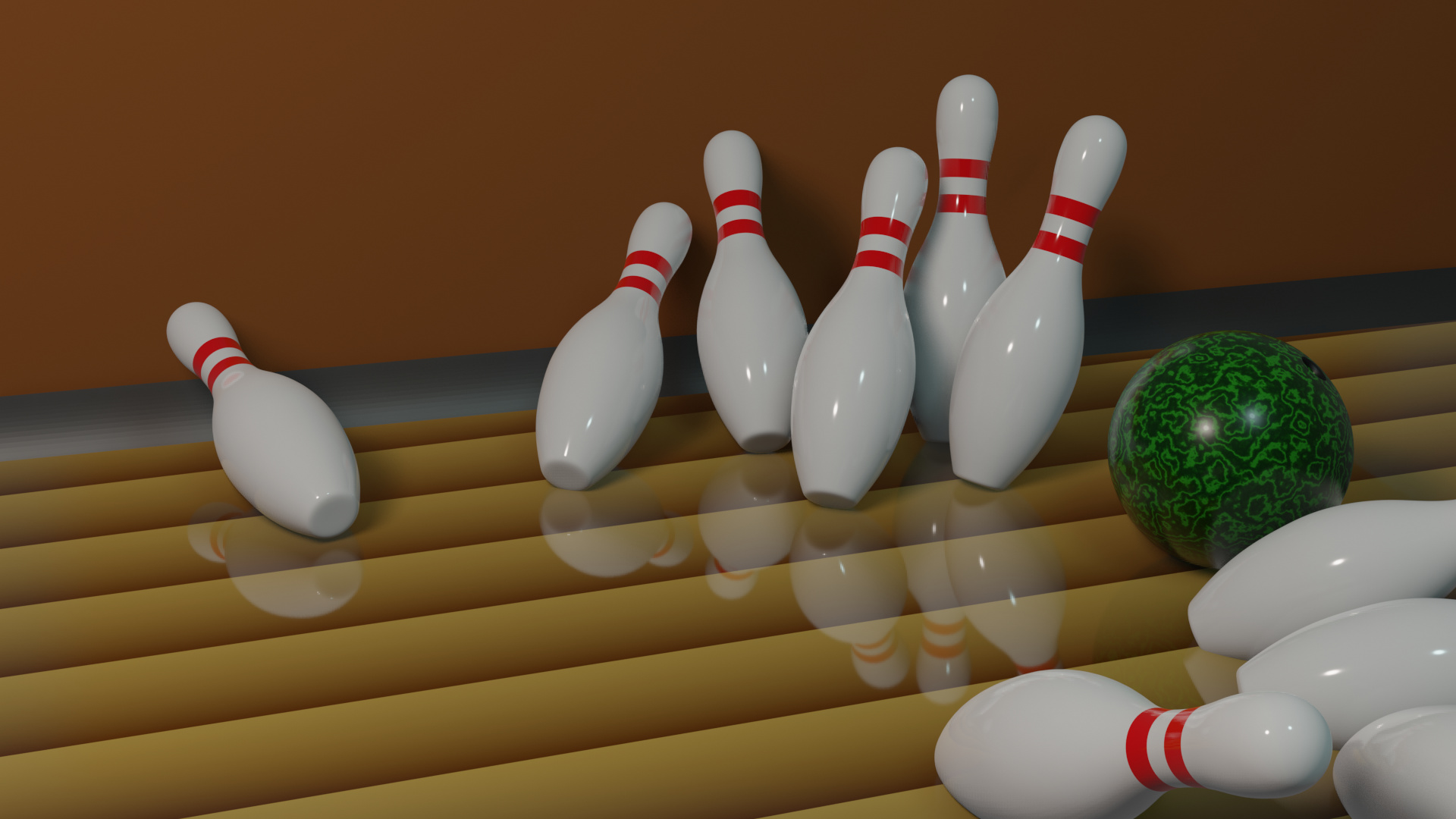
I don’t know if it’s explained on the course, but there is one thing named Reflection Plane which is found under Light Probe. Which may help to improve this behaviour.
What happens is that SSR only calculates what is seen from the camera point, like the back side of the pin is not visible, then it glitches the reflection.
When a Reflection Plane is added, it calculates everything, visible and not visible (like cycles), so you may see correct reflections from the back side of the pins.
This is a very good video explaining these probes. I marked where he added the Reflection Plane, but you may want to watch it all