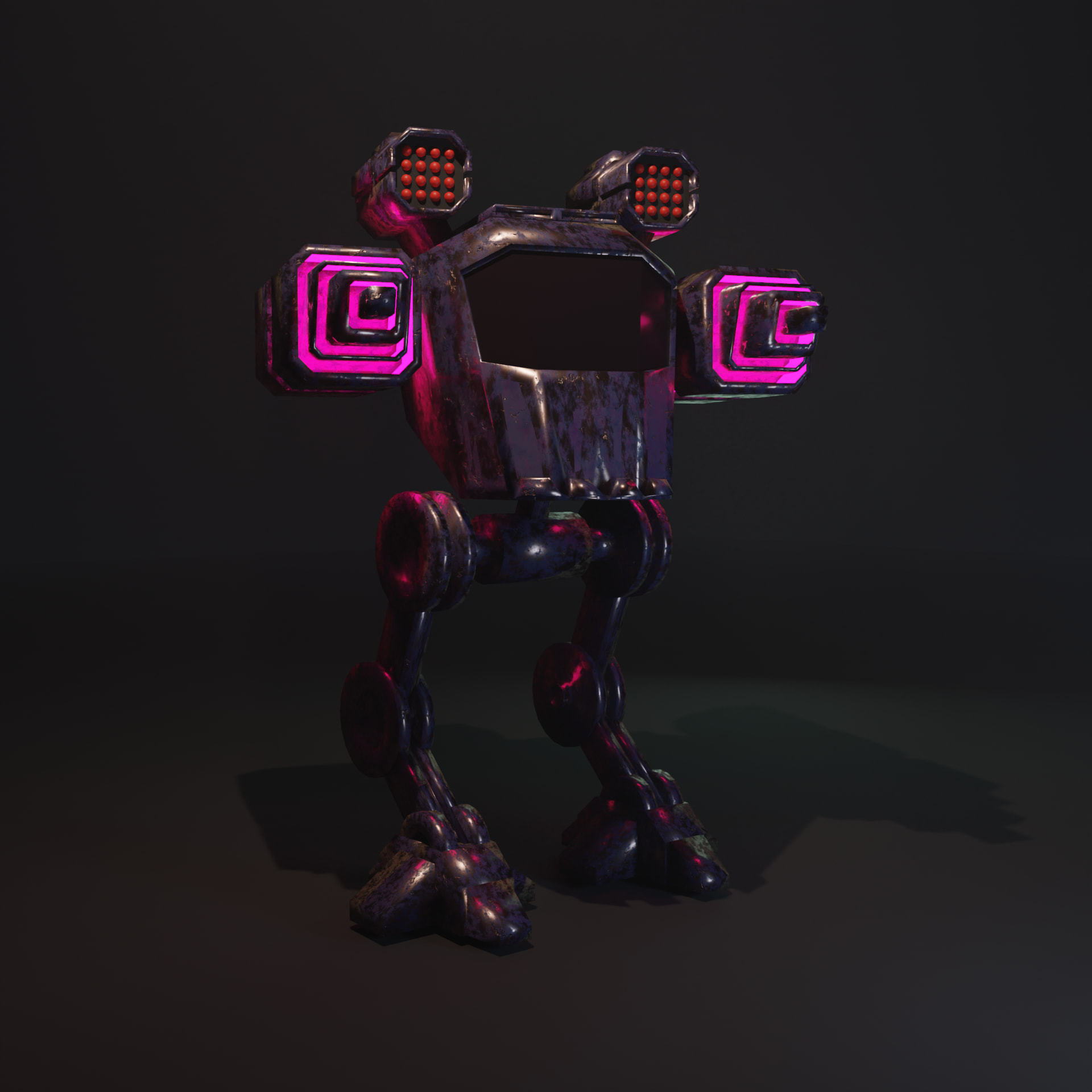
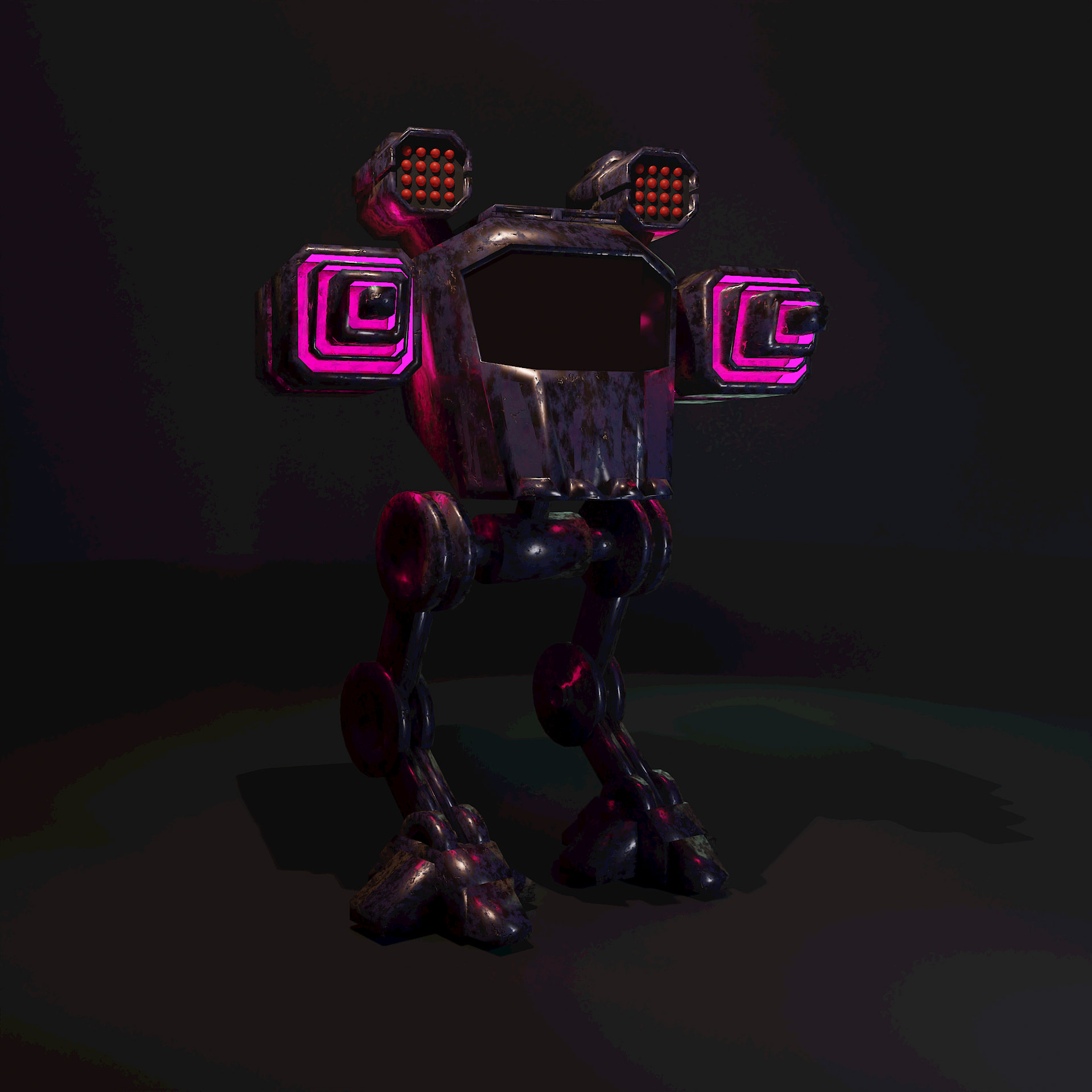
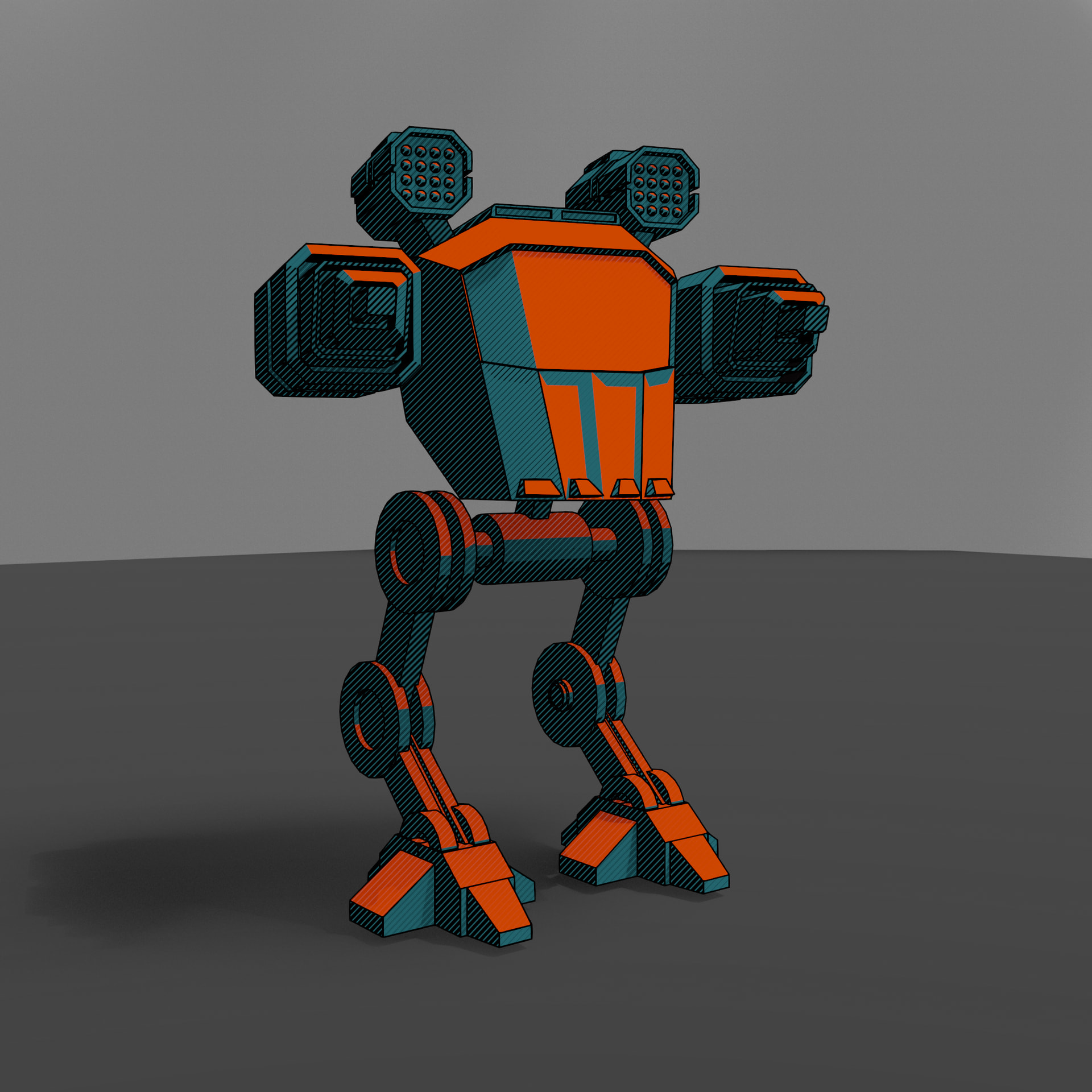
It’s been a while I’ve been focusing on other parts of my artistic journey (Digital painting, drawing, improv) but now I’m diving back into Blender with the Character creator course. Excellent and very educational course as always @Grant_Abbitt
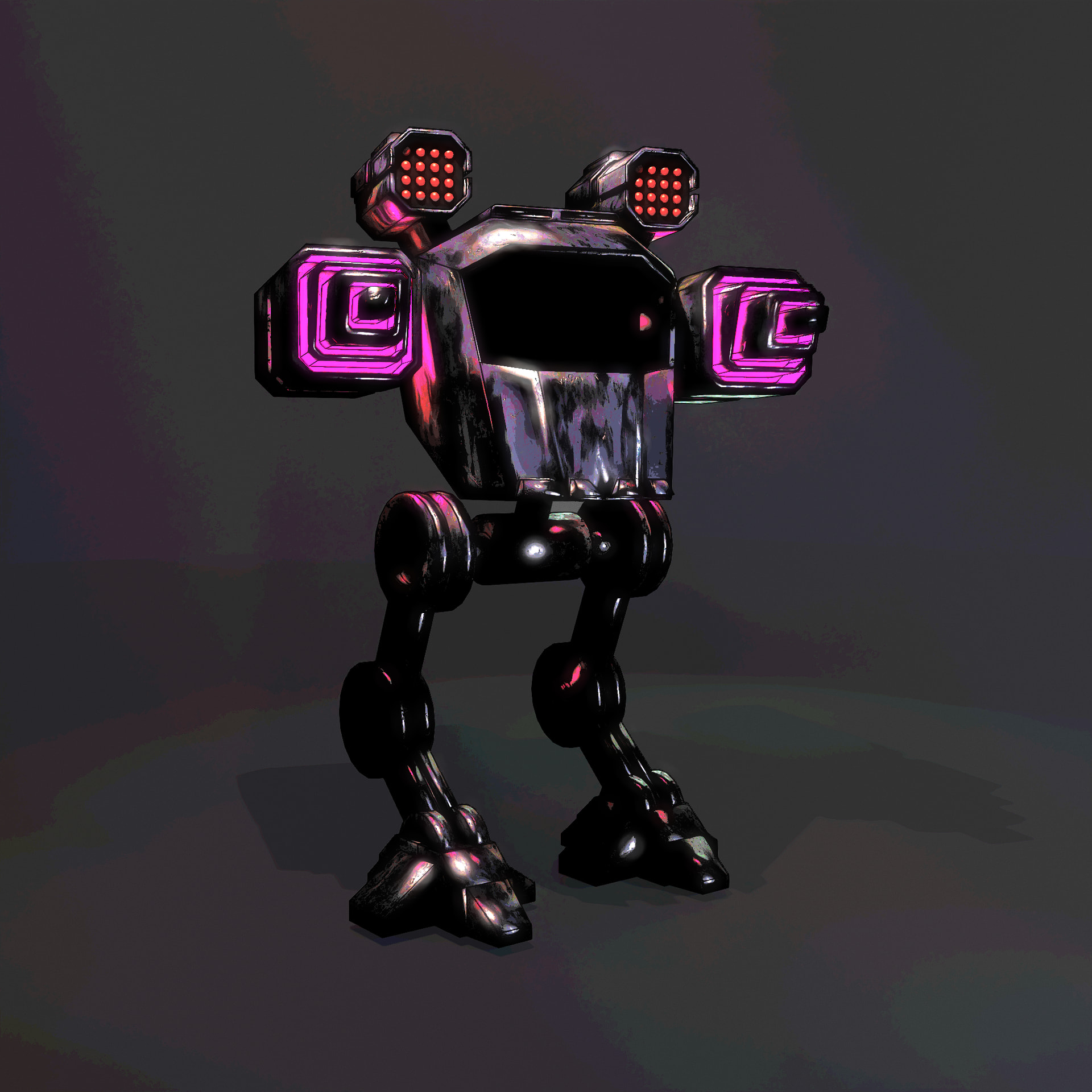
Finally a Photoshop edit to give it more of a comic vibe. It’s a quick and dirty edit because I did not want to setup my tablet this morning so I will be revisiting this version but that one I probably wont upload here because it will be more paint over then pure rendering
Happy to get back into the Blender swing of things
Kind regards
Ilias / Wolfguardian
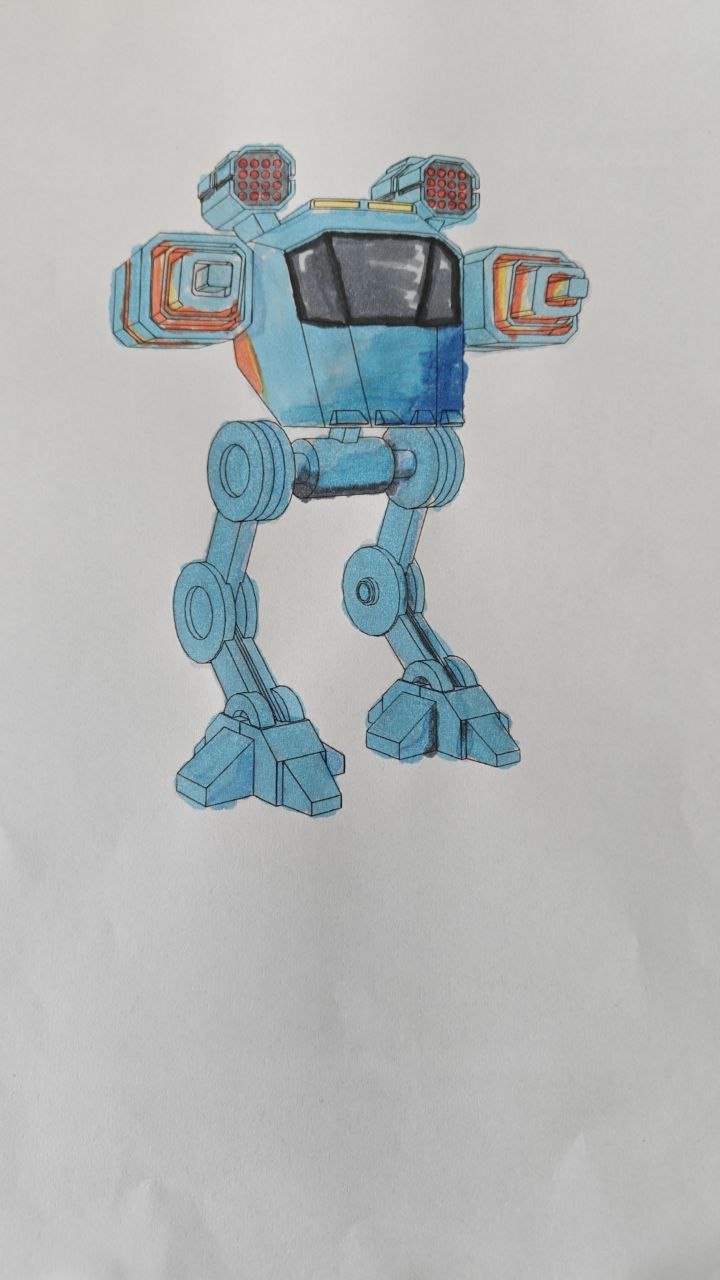
Edit: Made a final iteration using a different shader and also the result of messing around with markers It’s been about 20 years since I last used markers so not the best result but It was fun to do
Thank you it feels good to return to this place ^^
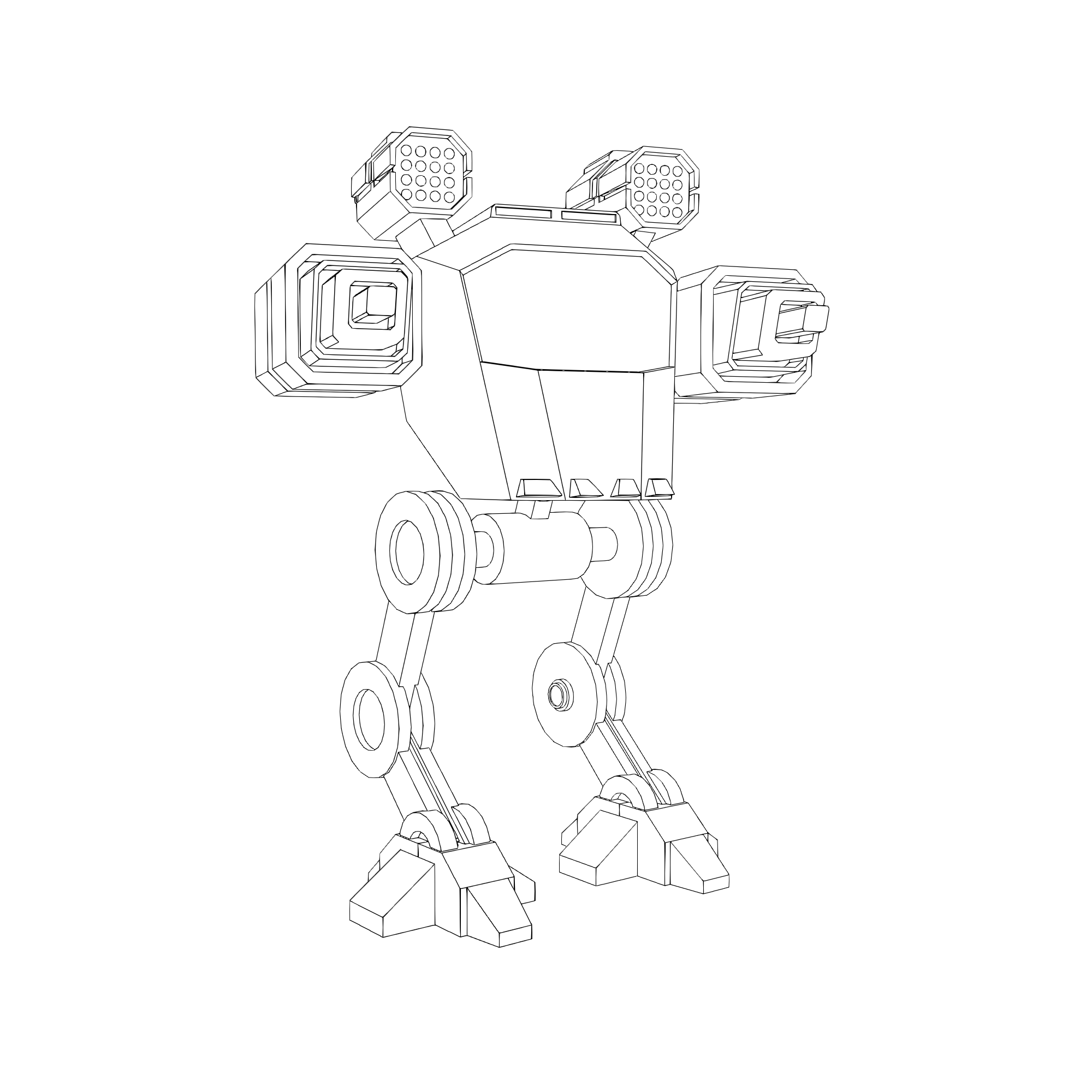
The colouring page is a simple idea I’ve been wanting to try out for a while now and I thought the model would lend itself well for it.
Great mecha, and the colouring plate is a lovely idea to share with your son. How did you control the line thickness with Grease Pencil, did you use Line Art modifiers or draw the outline by hand?
Because I wanted to get quick results I used 1 Lineart modifier to create the outline with Grease pencil. It’s applied to the collection.
I’ve used this technique in the past but forgot how to do it so I had to look it up on youtube and combine a couple of things. I started with adding a Blank but I believe you can skip a few steps by going straight for adding Line art collection in Grease pencil. Then I rendered it out with a grease pencil layer which I saved seperatly.
For the Cycles render, I would try a soft light behind the legs. The pink guns read clearly, but some of the leg shapes get lost against the dark background
 I’ve been focusing on other parts of my artistic journey (Digital painting, drawing, improv) but now I’m diving back into Blender with the Character creator course. Excellent and very educational course as always @Grant_Abbitt